Physical AI Craze: Automation Trends Leaders See
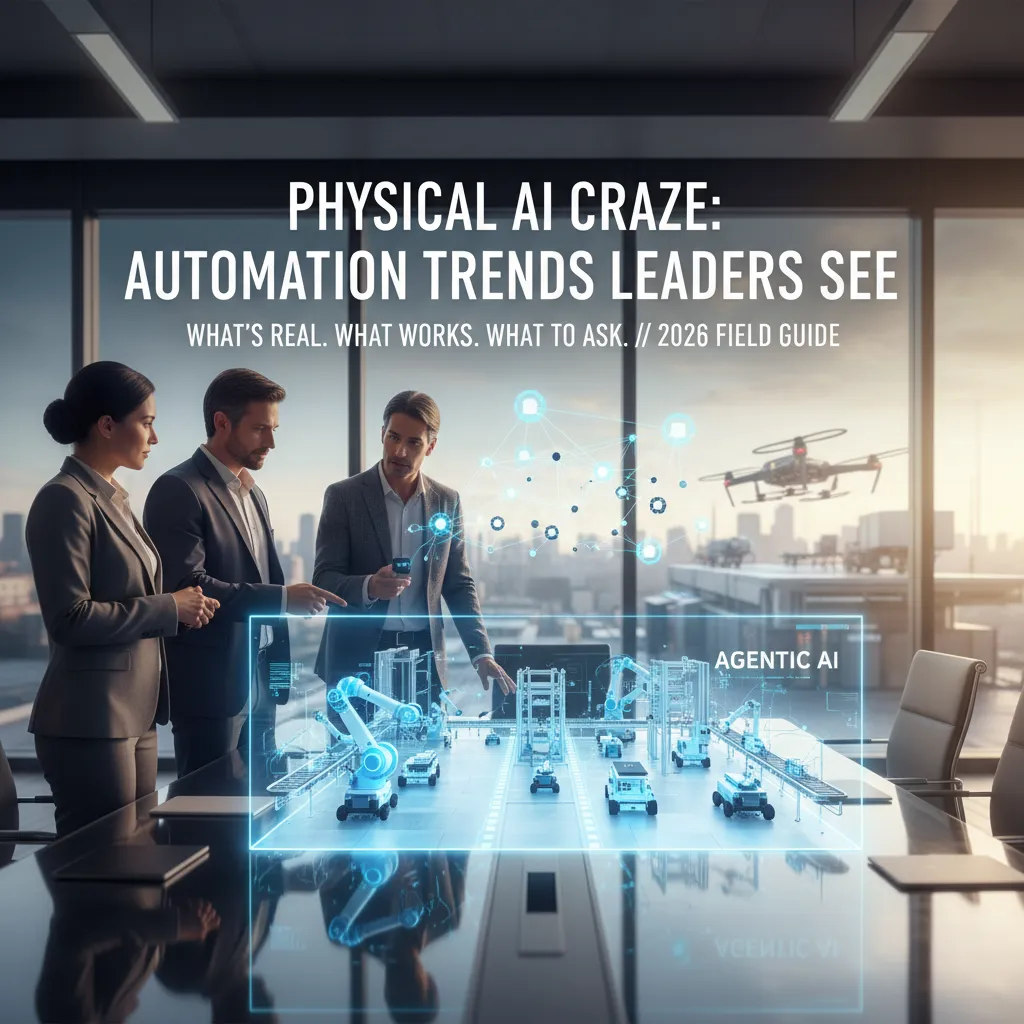
A few months ago, I watched a packaging line stall because one tiny sensor drifted out of spec. Nothing “AI” about it—just a familiar, expensive silence. Later that week I listened to automation leaders talk about physical AI like it was inevitable, almost boring. That contrast—messy reality vs. glossy autonomy—made me want to map what’s actually changing (and what’s still wishful thinking) as agentic AI and AI agents move from demos into industrial automation.
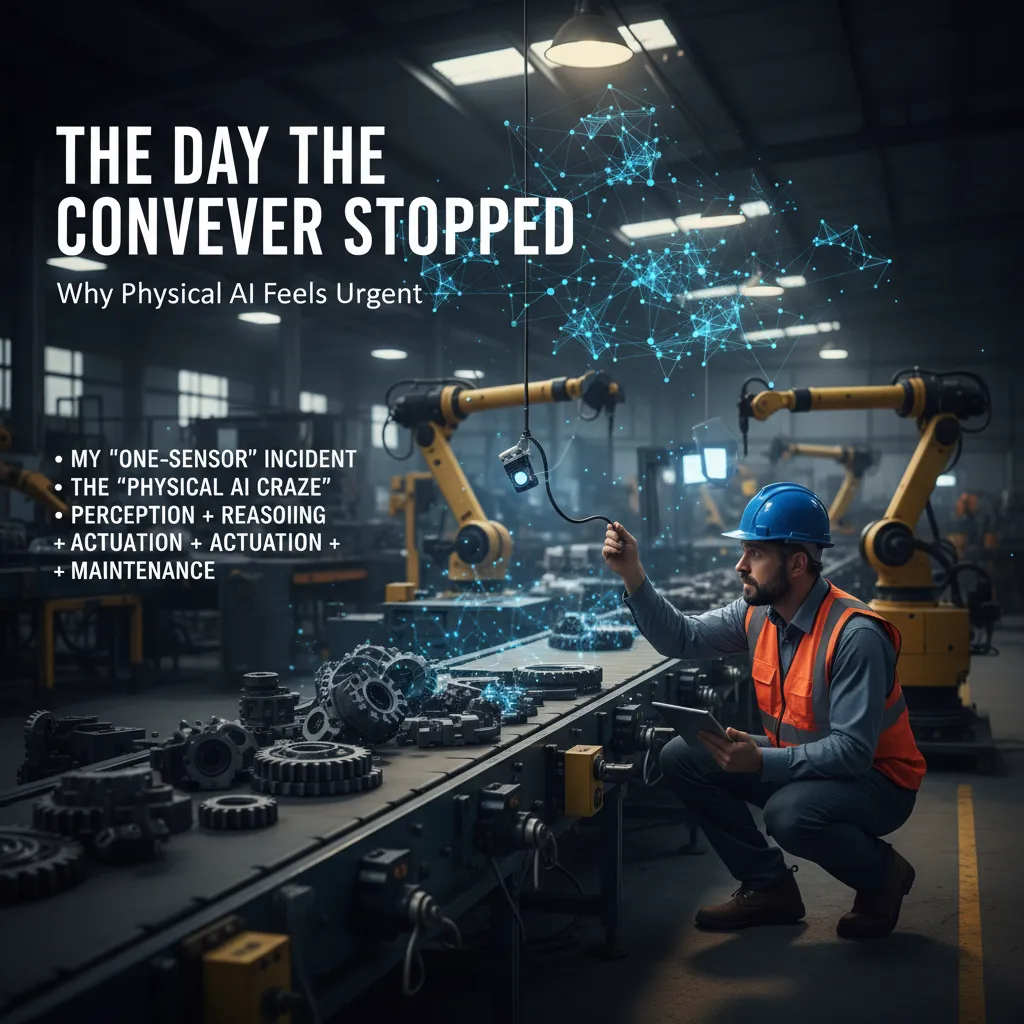
1) The day the conveyor stopped: why physical AI feels urgent
I still remember my “one-sensor” incident. A conveyor line that had been steady all morning suddenly stopped. No dramatic crash—just a quiet halt and a growing pileup upstream. We traced it to a single sensor that was slightly out of alignment. The PLC did exactly what it was told: it saw “no part,” so it stopped the line. In that moment, I felt how fragile “automation” can be when it depends on one tiny signal.
That’s why the phrase physical AI craze from the Expert Interview: Automation Leaders Discuss AI hits home. Leaders aren’t talking about AI as a chatbot. They mean AI that touches the real world—systems that can see, decide, and act inside factories, warehouses, and plants. The word “craze” is fair because the hype is loud and the demos are everywhere. It’s also unfair because the need is real: downtime is expensive, labor is tight, and product mix keeps changing.
What leaders mean by “physical AI” (in plain terms)
In the interview, the most useful framing was that physical AI is not magic. It’s a stack. If any layer is weak, the whole thing feels “smart” right up until it doesn’t.
- Perception: cameras, sensors, vision models, and signal quality
- Reasoning: rules, models, and logic that decide what to do next
- Actuation: robots, conveyors, valves, grippers—anything that moves
- Maintenance: calibration, spares, monitoring, and change control
My sensor story sits in that last bullet. We can add AI vision, anomaly detection, and smarter controls, but we still have to keep hardware aligned, clean, and trusted. Physical AI only works when the physical layer is treated like a first-class citizen.
A quick tangent: the “most advanced” tool is often a group chat
One leader joked (and I agreed) that the most advanced system on many lines is still the maintenance team’s group chat. A blurry photo, a quick “anyone seen this fault?”, and three minutes later someone replies with the fix. That’s not failure—that’s resilience. It’s also a clue: physical AI should support that reality, not pretend it doesn’t exist.
“If you can’t maintain it, you can’t automate it.”
So when I hear “physical AI craze,” I translate it into practical pressure: fewer stops, faster recovery, and better decisions at the edge. My goal in this post is to turn the interview’s energy into clear questions you can use on the floor—about sensors, data, integration, and what it really takes to keep the conveyor moving.
2) Agentic AI in plain clothes: from chatbots to AI agents on the floor
In the expert interview with automation leaders, one theme kept coming up: we’re moving from AI that talks to AI that acts. I like to explain agentic AI as goal-seeking software. It doesn’t just answer questions. It plans steps, calls tools (APIs, databases, scripts), and then checks its own work before it reports back.
Chatbots vs. agents: what changes on the plant floor
A chatbot is great for “tell me” requests. An AI agent is built for “get it done” requests. In plain clothes, that means the agent can move through systems the way a coordinator would—without waiting for someone to copy-paste data between screens.
Generative AI vs. analytical AI in robotics trends
Leaders in the interview separated two kinds of AI that often get mixed together:
- Generative AI: strong at language, instructions, and learning tasks from text (SOPs, manuals, shift notes). It helps people and agents understand “what should happen.”
- Analytical AI: strong at pattern detection (sensor trends, vibration signatures, vision defects). This is the kind of AI that supports robotics and predictive maintenance by spotting “what is happening.”
Agentic AI often sits on top of both: it uses generative AI to reason and communicate, and analytical AI to validate signals and trends.
What AI agents actually do day to day
Here’s where I see immediate value in physical automation environments:
- Triage alarms: group related alarms, suppress duplicates, and highlight the likely root cause.
- Suggest fixes: propose next checks based on history, asset context, and known failure modes.
- Open tickets in CMMS with the right asset, priority, and evidence attached.
- Pull SOPs and show the exact step that matches the current state.
- Run simulations or “what-if” checks before a parameter change is approved.
Wild-card scenario: the “super agent” changeover
Imagine a “super agent” coordinating a line changeover across MES, SCADA, and CMMS: it confirms the schedule in MES, checks interlocks and permissives in SCADA, verifies tooling and parts in CMMS, and then generates a step-by-step plan for the crew—without begging humans for copy-paste.
Where autonomy should stop
Automation leaders were clear: boundaries matter. I’d define “ask a human” moments for anything that changes safety states, bypasses interlocks, alters validated recipes, or impacts quality release. A simple rule is: agents can recommend and prepare, but high-risk actions require explicit approval and full audit trails.
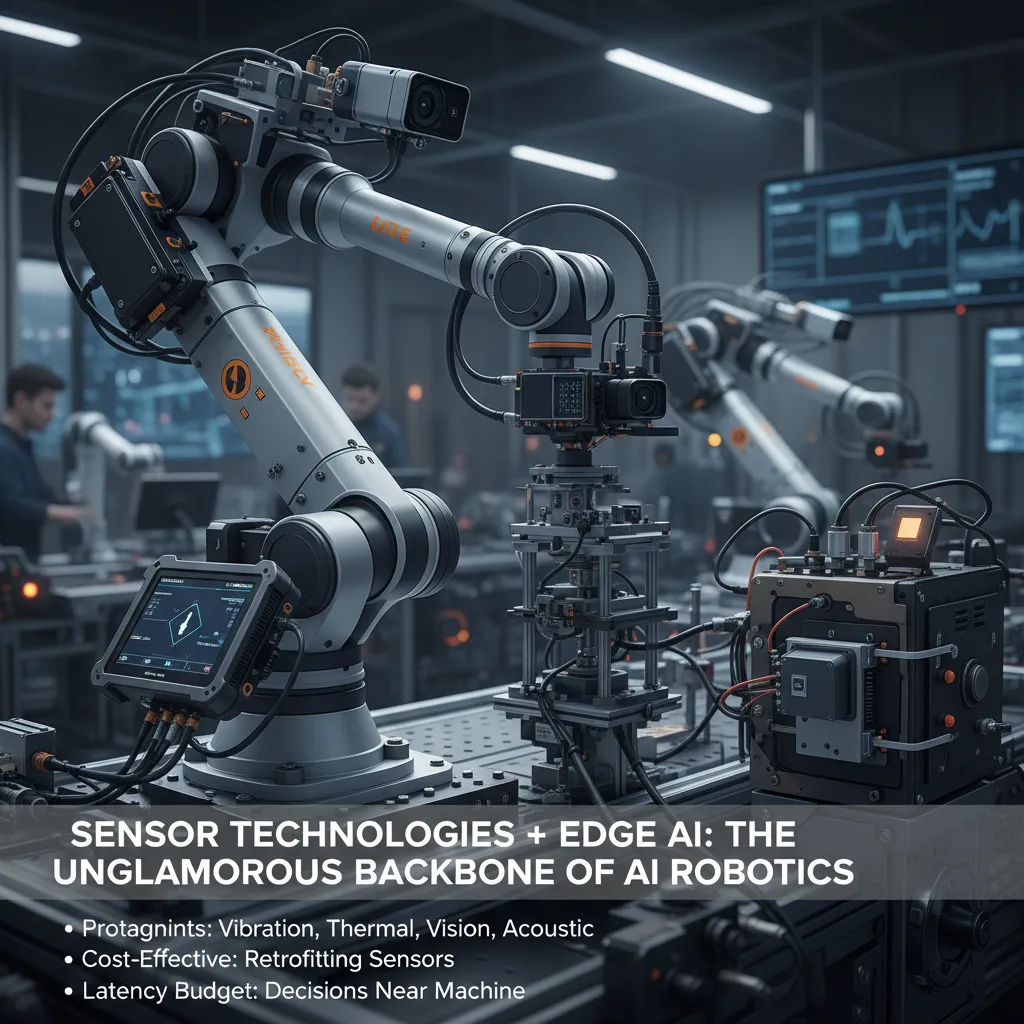
3) Sensor technologies + edge AI: the unglamorous backbone of AI robotics
In the expert interview with automation leaders, one theme came through clearly: the “wow” moments in AI robotics usually sit on top of very unglamorous work. If I had to name the real protagonists of physical AI, it’s sensor technologies and the edge AI stack that turns raw signals into fast, reliable decisions.
Sensors first: pick your pain point
When leaders talk about scaling automation trends, they rarely start with a robot arm. They start with visibility. Different sensors solve different problems, and I like to frame it as “pick your pain point”:
- Vibration: great for rotating assets—bearings, motors, gearboxes—where early fault signs show up as subtle pattern changes.
- Thermal: useful when heat is the symptom—overloaded circuits, friction, blocked airflow, or process drift.
- Vision: the workhorse for inspection, counting, alignment, and safety zones—especially when you need proof, not guesses.
- Acoustic: underrated for leaks, arcing, and abnormal machine sounds where cameras can’t “see” the issue.
Cost-effective automation: retrofit beats rip-and-replace (most days)
One practical takeaway from the interview: leaders are cautious about ripping out equipment just to “be AI-ready.” Retrofitting sensors onto existing machines is often the most cost-effective path to AI robotics because it reduces downtime and lets you target the highest-value failure modes first. I’ve seen teams get real wins by starting small—one line, one asset class, one measurable KPI—then expanding once the data proves itself.
Edge AI is a latency budget solution
Cloud AI is powerful, but robotics lives inside a latency budget. If a decision needs to happen in milliseconds—stop a conveyor, reject a part, slow a motor—you can’t always afford a round-trip to the cloud. Edge AI keeps inference near the machine, which helps with speed, uptime, and even privacy when video or sensitive process data is involved.
“If your data is messy, agentic AI will just confidently automate the mess.”
Practical checklist: avoid “garbage-in autonomy”
- Calibration habits: schedule calibration, log changes, and treat sensor drift like a real failure mode.
- Data modernization: standardize tags, timestamps, and units; fix missing context (asset ID, operating mode, batch).
- Quality gates: flag outliers, drop bad packets, and label known events (maintenance, changeovers).
- Edge deployment hygiene: version models, monitor performance, and keep a rollback plan.

4) The governance turn: AI risk governance, AI cybersecurity, and industrial resilience
In the interview, I noticed a clear mood shift: leaders no longer talk about Physical AI like a cool pilot on the shop floor. They talk about it like a board-level risk. That change makes sense. When AI starts moving machines, routing work, or controlling safety steps, the downside is not “a bad dashboard.” It is downtime, scrap, or injuries. So AI risk governance is no longer a sidebar owned by one team—it is a shared conversation across operations, IT, security, and leadership.
AI risk governance becomes a board topic
What I hear most is a push for clear ownership: who approves a model, who can pause it, and who answers when something goes wrong. Governance is not about slowing teams down. It is about making decisions repeatable, auditable, and calm under pressure.
AI cybersecurity: shield and new attack surface
Leaders also described AI as both a shield and a target. AI can spot anomalies faster than humans, but it also creates new ways to get hurt: poisoned training data, prompt injection into operator tools, model theft, and sensor spoofing. My rule is simple: trust but verify. I assume the model can be wrong, and I assume inputs can be manipulated.
- Verify inputs: sanity checks on sensor ranges, drift alerts, and cross-sensor validation.
- Verify outputs: guardrails, rate limits, and human approval for high-impact actions.
- Verify changes: signed model versions, controlled rollout, and rollback plans.
Industrial resilience: design for degraded mode
Physical AI needs a “degraded mode” plan. Models fail. Cameras get dirty. Networks wobble. The resilient plants I hear about design for graceful fallback: run slower, switch to rules, or hand control to an operator without chaos.
“Assume the model will fail at the worst time—then design the line so you can still run.”
Regulatory compliance: lightweight but real
Compliance came up as a practical discipline, not paperwork theater. The goal is to document just enough to prove you are in control:
- Decision logs: why the model was approved and for what scope.
- Data lineage: where training data came from and how it was cleaned.
- Escalation paths: who gets paged, and who can stop the system.
Small aside: the best control is sometimes a big red button and a boring incident runbook. I like seeing a physical e-stop, a clear “AI off” mode, and a checklist that works at 2 a.m.
5) Making it operable: workflow orchestration, control planes, and enterprise AI that scales
In the expert interview, one theme kept coming up: agentic AI looks impressive in demos, but it breaks in production unless we make it operable. I’ve seen this firsthand. An agent can “decide” the right next step, but the business needs proof it happened, permission to do it, and a record of every action.
Why agentic AI fails quietly without orchestration
Without workflow orchestration, agents fail in ways that are hard to notice. They don’t always crash; they just stall, loop, or skip a handoff. Orchestration is what turns “AI intent” into a reliable process with guardrails.
- Handoffs: routing work between humans, bots, and systems
- Approvals: enforcing sign-off for high-risk actions (like changing a PLC setpoint)
- Retries: handling timeouts, flaky APIs, and partial failures
- Audit logs: capturing who/what did what, when, and why
Agent control planes: my “air traffic control” layer
I think of an agent control plane as air traffic control for AI: it doesn’t fly the plane, but it keeps flights safe, separated, and compliant. In practice, this means:
- Policies: what actions are allowed in which environments
- Permissions: role-based access to tools and data
- Tool access: which connectors the agent can call (CMMS, MES, SCADA, ERP)
- Model routing: sending tasks to the right model for cost, speed, or safety
Multi-agent dashboards: a sanity saver
Leaders in the interview stressed visibility. I agree: I don’t just want to know what an agent said; I need to see what it did. A multi-agent dashboard should show actions, tool calls, approvals, and outcomes—so operations teams can trace issues fast.
Enterprise AI as middleware (bounded autonomy)
At scale, enterprise AI becomes middleware between OT and IT. It connects systems while keeping autonomy bounded: agents can recommend, draft, and execute within limits, but sensitive steps stay gated by policy and approval.
Mini playbook: start small, then expand
- Pick one measurable agentic workload (e.g., “create and route maintenance work orders”).
- Define success metrics: cycle time, error rate, compliance checks.
- Add orchestration: approvals, retries, and audit logs.
- Wrap it in a control plane: permissions, tool access, model routing.
- Scale to adjacent workflows once the dashboard shows stable behavior.
6) Open source AI + AI sovereignty: choosing what you can live with
In the Expert Interview: Automation Leaders Discuss AI, one theme kept coming up in different words: leaders don’t just want “smart” systems—they want systems they can own. That’s why open source AI is now part of serious automation planning. It’s not a hobbyist preference. It’s a way to keep options open when physical AI moves from pilots to plant-wide reality.
Why open source keeps showing up
When I look at physical AI stacks—robots, sensors, orchestration, and agentic workflows—open source matters for three practical reasons: interoperability, governance, and avoiding one-vendor gravity. Interoperability means I can connect models to existing PLCs, MES, and ticketing systems without begging for a special connector. Governance means I can set rules for how agents act, log decisions, and prove what happened after an incident. And one-vendor gravity is real: once your autonomy layer is tied to a single provider’s APIs, pricing, roadmap, and outages become your operational risk.
AI sovereignty is a pragmatic question
“Sovereignty” can sound political, but in automation it becomes simple: where models run, where data lives, and who can audit it. If a vision model runs in the cloud, what happens when connectivity drops? If your maintenance logs and camera feeds leave the site, who has access, and how do you prove compliance? If an agent makes a bad call, can you inspect prompts, tool calls, and model versions to understand why?
My contrarian take: sovereignty is also operational
I think sovereignty isn’t only national—it’s also 2 a.m. sovereignty. Can my team fix it when production is down and the vendor is asleep? Can we patch, roll back, or swap models without rewriting the whole system? If the answer is no, we don’t really control the automation, even if it’s “on-prem.”
How I evaluate open vs. closed for agentic systems
I focus on three filters: the tooling ecosystem (connectors, evals, observability), the security posture (supply chain, sandboxing, permissions), and supportability (docs, SLAs, internal skills). Closed models can be strong on managed security and uptime. Open models can win on auditability and portability. The right choice is the one you can live with during failure, not just demos.
Here’s my thought experiment: if your best engineer quits, does your autonomy strategy survive?
TL;DR: Physical AI is shifting from R&D to real deployments, with adoption in manufacturing at 58% and projected 80% in two years (Deloitte). Agentic AI (mixing analytical + generative AI) plus stronger sensor technologies and edge AI chips are making AI autonomy more practical—but AI risk governance (68% priority) and AI cybersecurity (59% adoption for augmentation) decide whether the gains stick. Build with control planes, workflow orchestration, and open source AI where it improves interoperability—then measure outcomes, not hype.


Comments
Post a Comment