AI in Product Ops: What Changed (and Why)
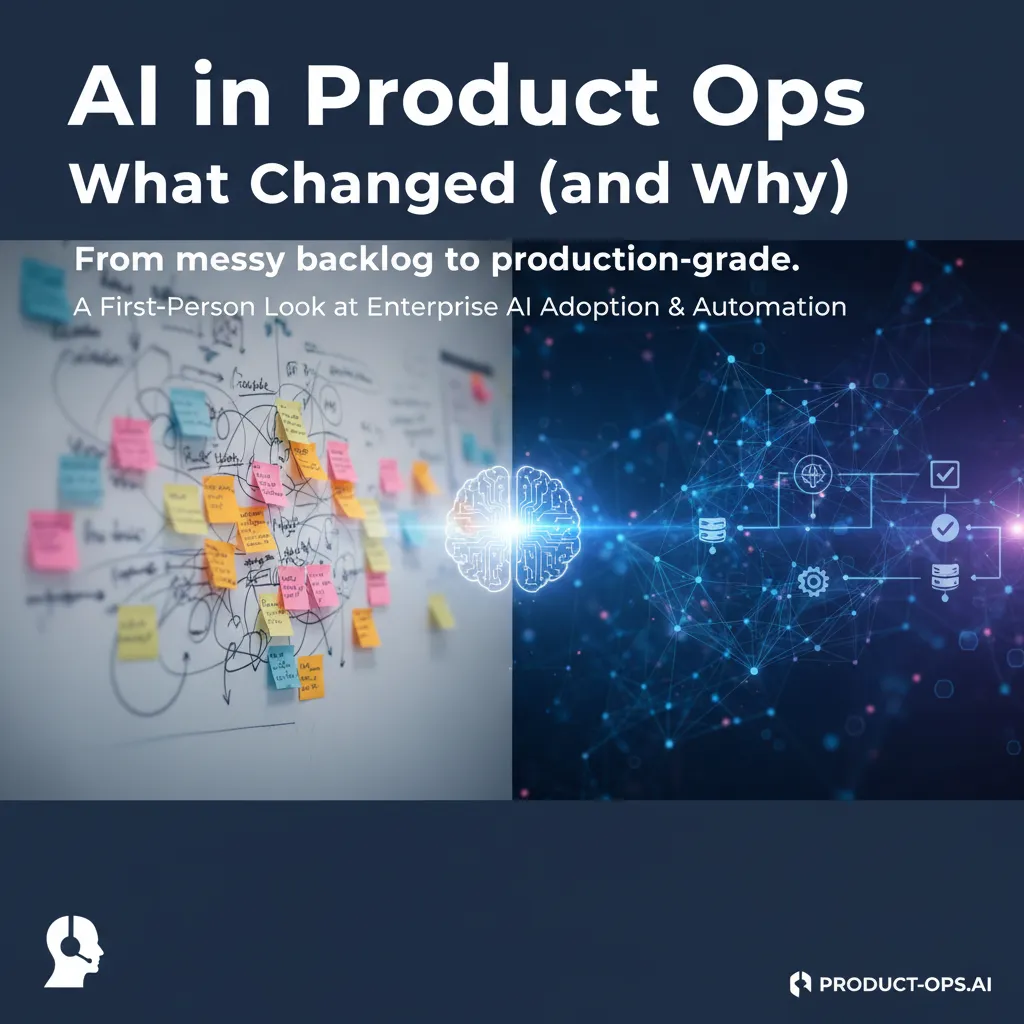
The first time I let an AI assistant “help” with our product ops backlog, it confidently suggested we deprecate the one feature our biggest customer used daily. I laughed, then I didn’t—because the suggestion wasn’t wrong, it was just missing context. That was my wake-up call: AI isn’t magic, it’s leverage. Once we wrapped it in the right guardrails (and, honestly, a few bruising lessons), product operations stopped feeling like a treadmill and started feeling like a system.
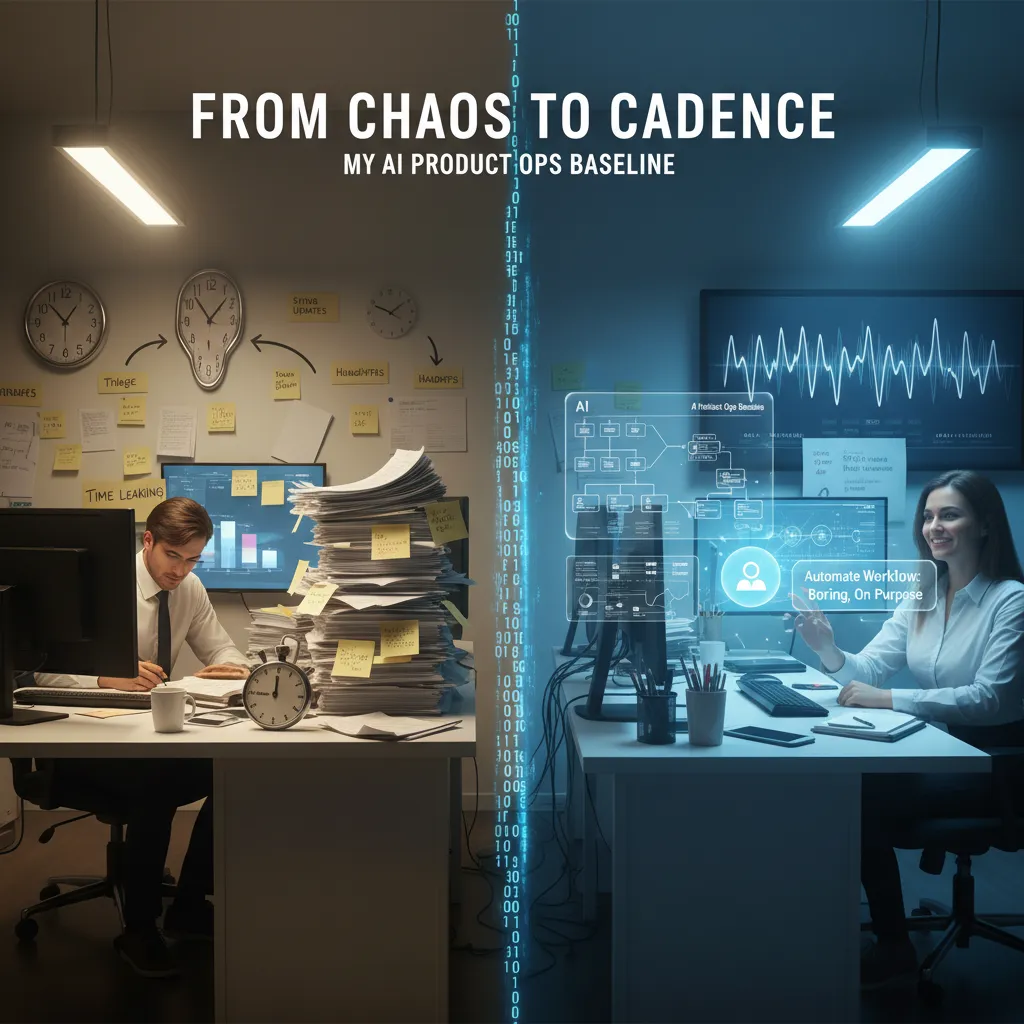
From chaos to cadence: my AI product ops baseline
Before AI: where my time leaked
Before I brought AI into Product Ops, my days felt like a loop: react, patch, repeat. The biggest leaks weren’t “big strategy” work—they were the small, constant drains that kept the team stuck in motion.
- Triage: sorting Slack pings, support notes, and Jira tickets into “urgent” vs “later,” often twice.
- Status updates: rewriting the same progress notes for different audiences (leaders, sales, support).
- Handoffs: translating context between teams, then watching details get lost anyway.
The moment it clicked: our ops issues were pattern issues
I used to think our problems came from “too much work.” But after tracking a few weeks of requests, I saw the same questions and the same blockers showing up in different clothes. Most of our Product Operations pain was pattern pain: repeated inputs, repeated decisions, repeated outputs.
Once I could name the patterns, I could design a baseline—and AI finally had something stable to amplify.
Picking the first workflow to automate (boring on purpose)
From How AI Transformed Product Operations: Real Resultsundefined, the lesson that stuck with me was to start where the work is predictable and measurable. So I chose the most boring workflow I could find: weekly status updates.
I set a simple baseline: one source of truth (tickets + notes), one format, one cadence. Then I used AI to draft updates from structured inputs, not from vibes. My “definition of done” was clear: fewer manual rewrites and fewer follow-up questions.
- Collect updates in a consistent template.
- Let AI summarize by theme (delivery, risks, decisions).
- Human review for accuracy and tone.
A small confession: I tried the hardest thing first
I did make the classic mistake: I tried to automate cross-team prioritization first. It was messy, political, and full of missing data. The AI output looked confident, but it was built on shaky inputs—so I paid for it in rework and trust. That failure pushed me back to basics: stabilize the pattern, then automate it.
Generative AI content creation… but for ops (not marketing)
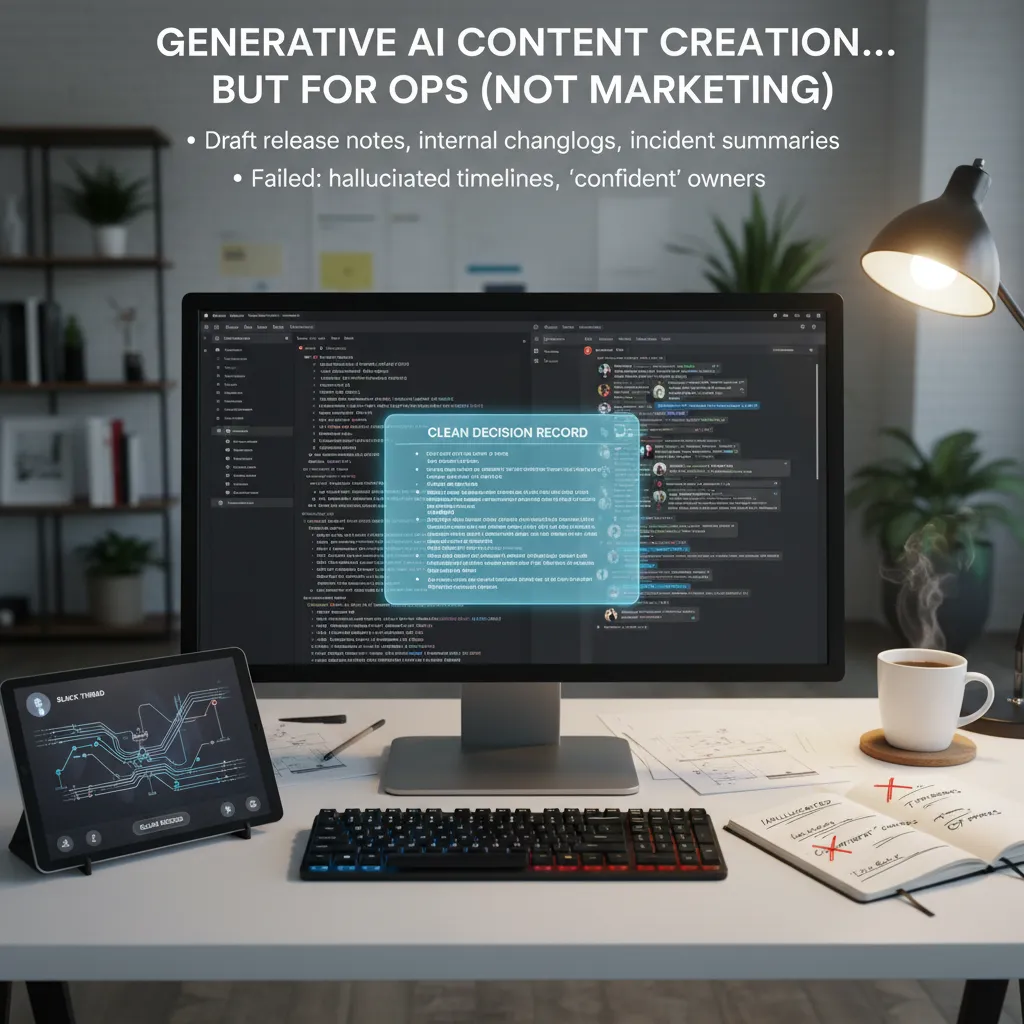
When I say “content creation” in Product Ops, I don’t mean blog posts or ad copy. I mean the unglamorous docs that keep teams aligned: release notes, internal changelogs, and incident summaries. In How AI Transformed Product Operations: Real Results, the biggest shift I felt was speed. Generative AI didn’t replace my judgment, but it removed the blank-page problem and helped me ship clearer updates faster.
Where I used it most
- Release notes: I paste PR titles, Jira tickets, and a few bullets from the PM, then ask for a customer-friendly draft plus an internal version.
- Internal changelogs: I feed a list of merged items and ask for a weekly summary grouped by theme (performance, UX, bug fixes).
- Incident summaries: I provide timestamps, impact, and key Slack messages; it drafts the timeline and “what we’re doing next.”
A real-ish example: Slack thread → decision record
I once had a 70-message Slack thread about whether to delay a feature flag rollout. People debated risk, support load, and a hotfix ETA. I copied the thread (with names removed) and prompted:
Turn this into a decision record: context, options, decision, owners, follow-ups, and open questions.
In seconds, I had a clean doc I could edit and post in our wiki. It also surfaced missing pieces, like “what metric defines safe rollout?” which I then confirmed with the team.
Where it failed (and why I got strict)
It sometimes hallucinated timelines (“deployed at 3:10pm”) and assigned confident owners who were never responsible. That’s dangerous in Product Operations, because people treat docs as truth.
My rule of thumb: AI writes the first draft; humans own the last 10%.
That last 10% is where I verify dates, confirm owners, and add the nuance only the team knows. AI gives me momentum; I keep accountability.
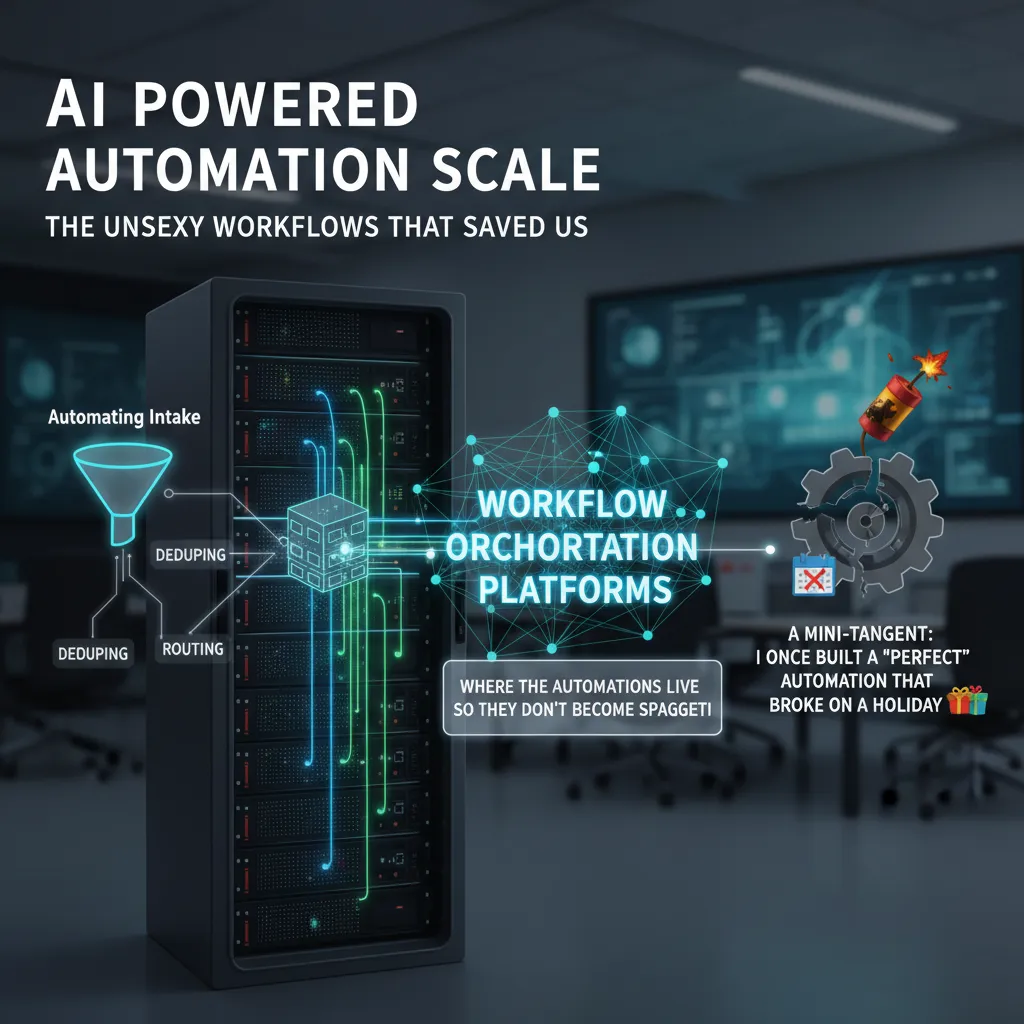
AI powered automation scale: the unsexy workflows that saved us
When we say “AI in Product Ops,” people picture shiny dashboards. What actually changed our day-to-day was automation at scale—the boring workflows that quietly removed friction. In the source story, the biggest wins came from fixing the front door: intake.
Automating intake: tagging, deduping, routing (the stuff nobody brags about)
We used AI to read incoming requests (Slack, email, forms, support tickets) and do three jobs fast and consistently:
- Tagging: auto-apply product area, customer segment, urgency, and theme.
- Deduping: detect “same issue, different wording” and merge threads so we stop counting noise as demand.
- Routing: send items to the right owner and queue, with the right context attached.
This is not glamorous, but it reduced manual triage and made our backlog cleaner, which made planning calmer.
Workflow orchestration platforms: where automations live so they don’t become spaghetti
We learned quickly that scattered scripts become a mess. We moved automations into a workflow orchestration platform so triggers, steps, and owners were visible. That gave us one place to manage:
- inputs (forms, APIs, webhooks)
- logic (rules + AI classification)
- outputs (Jira/Linear tickets, Slack alerts, CRM notes)
A mini-tangent: I once built a “perfect” automation that broke on a holiday
I built an intake flow that routed “urgent” items to an on-call channel. It worked great—until a holiday weekend. The on-call rotation was different, and my automation didn’t know. Requests piled up, and we found out Monday. That failure taught me that automation is operations, not a side project.
Guardrails that kept automation from becoming chaos
To keep AI automation safe and predictable, we added:
- Audit trails: every AI decision logged with the original text and final action.
- Rollbacks: a simple way to undo bulk changes and re-route items.
- SLAs: time-based checks so “urgent” can’t sit silently in a queue.
AI decision intelligence systems: fewer debates, better trade-offs
In Product Ops, the biggest change I felt was moving from loud opinions to decision logs plus lightweight models. Before, we’d debate in circles: “This feature is urgent” vs “No, that bug is urgent.” Now we write down the decision, the inputs, and the expected outcome. That simple habit made our meetings shorter and our follow-through stronger, which matches what I saw in How AI Transformed Product Operations: Real Results.
From opinions to decision logs + lightweight models
Our decision log is not fancy. It’s a shared doc with a few fields: problem, options, data used, owner, date, and what we’ll measure after. The “lightweight model” is often just a scoring sheet and a quick AI summary of the evidence. The win is not perfect math—it’s consistent trade-offs.
A practical scoring rubric (and yes, I still veto sometimes)
We score each option using four signals. I keep it simple so teams actually use it:
- Impact: How much value will this create for users or revenue?
- Effort: How hard is it for engineering, design, and support?
- Risk: What could break (security, compliance, trust, uptime)?
- Confidence: How strong is the evidence (data, tests, past results)?
I still veto when something is unsafe, off-strategy, or violates a promise to customers. AI helps me explain the “why” faster, but it doesn’t replace accountability.
Machine learning in plain English: patterns in escalations and churn
When I say “machine learning,” I mean this: AI looks at past escalations, support tickets, and churn events, then finds patterns humans miss. For example, it might notice that churn spikes after a certain error message appears twice in a week, or that escalations rise when a workflow takes more than three steps.
When AI says “delay the launch” and the CEO says “ship it”
If the model flags high risk—say, rising churn signals and a surge in escalations—I bring the decision log to the exec review. We can still ship, but we do it with clear trade-offs: a smaller scope, a feature flag, or a staged rollout. If the CEO insists, the log records the call and the mitigation plan, so we learn instead of argue.
Agentic AI enterprise workflows: when tools start doing the handoffs
The first time I saw an agentic AI workflow run end-to-end in Product Ops, I felt proud for about five seconds. Then I panicked a little. A customer issue came in, the system triaged it, drafted a response in our support tone, and opened a Jira ticket with tags, priority, and a link to the call transcript. No one asked it to do each step. It just did the handoffs. That was the moment I understood what “AI in Product Ops” really changed: the work moved from doing tasks to designing and supervising workflows.
My mental model: an Agentic Operating System (AOS)
From the source material on How AI Transformed Product Operations: Real Results, the biggest shift was chaining actions across tools without losing control. I started calling this an Agentic Operating System (AOS): not a new app, but a way to think about how agents plan, act, and report back.
- Inputs: tickets, calls, dashboards, docs
- Policies: what the agent can and cannot do
- Actions: draft, route, create, update, notify
- Proof: links, citations, and logs for every step
What I wish I’d had earlier: control planes and multi-agent dashboards
When multiple agents run at once (support triage, roadmap notes, release comms), you need a super-agent control plane. I learned the hard way that “it worked in a demo” is not the same as “it’s safe in production.” A good dashboard shows:
- Which agent acted, on what data, and why
- Confidence signals and escalation rules
- Queue health, failures, and retries
Where production-grade systems really begin
Agentic AI enterprise workflows only scale when you treat them like software:
- Evaluation: test runs against known cases before launch
- Reliability: timeouts, fallbacks, and human-in-the-loop gates
- Permissions: least-privilege access by tool and action
- Rollback: undo changes and restore previous states fast
“The magic isn’t the agent. It’s the guardrails that let you trust the handoffs.”
Industry specific AI solutions & the ‘prototype economy’ twist
In my Product Ops work, I saw a clear pattern from How AI Transformed Product Operations: Real Results: generic AI tools helped fast, then plateaued. At first, “one-size-fits-all” copilots cleaned up notes, drafted docs, and sped up basic analysis. But once the easy wins were done, ROI got fuzzy. The tools didn’t know our domain rules, our data shape, or what “good” looked like in our product.
Why generic tools plateaued (and where ROI became real)
The shift happened when we moved to industry specific AI solutions. In regulated spaces, for example, models that understand policy language and audit trails reduced rework. In B2B SaaS, AI tuned to customer health signals made forecasting and prioritization feel less like guesswork. The ROI felt real because the AI was trained around our workflows, not just language.
The prototype economy: faster cycles, faster regret, faster learning
AI also pushed us into what I call the prototype economy. We can spin up experiments in days, not weeks. The twist is that speed creates faster regret too: we learn sooner when an idea is wrong, and we kill it earlier. That’s not failure—it’s cheaper learning.
“The best teams didn’t just ship faster—they invalidated bad bets faster.”
Supply chain optimization is a Product Ops cousin
Even if you’re “not supply chain,” the mindset transfers. Demand forecasting, inventory planning, and routing are basically prioritization problems with constraints. Product Ops faces similar constraints: engineering capacity, support load, compliance, and customer impact. When I borrowed supply chain-style optimization thinking, roadmap tradeoffs became clearer and less political.
What I’d test next (2026)
- Open source AI models for domain tuning and cost control, plus clearer data boundaries.
- Edge AI hardware for faster, private inference in factories, retail, and field teams.
- AI infrastructure platforms to manage evals, monitoring, and model routing across teams.
Conclusion: the weirdly human part of AI product ops
After seeing How AI Transformed Product Operations: Real Results play out in real teams, my biggest takeaway is simple: the punchline isn’t that AI removed people—it’s that it removed some performative work. The status updates that looked busy but changed nothing. The manual tagging that made dashboards feel “complete” but didn’t improve decisions. When that noise drops, what’s left is the part product ops was always meant to protect: clear priorities, honest trade-offs, and faster learning.
That’s why my first question before adopting any new AI tool in product operations is: “Where’s the feedback loop?” If the tool can’t learn from outcomes—support tickets resolved, churn reduced, cycle time improved, forecast error shrinking—then it’s just a fancy autocomplete. I want systems that can be corrected by humans, measured in production, and improved over time. In AI in product ops, the loop matters more than the demo.
I also keep one wild-card scenario in mind: quantum computing breakthroughs meeting product ops forecasting. If quantum methods make certain optimization and simulation problems cheaper, we could move from “best guess” roadmaps to near-real-time scenario planning. Imagine forecasting demand, infra cost, and staffing with many more variables, then testing hundreds of product bets in minutes. It’s exciting—and a little scary—because it would raise the bar on governance, data quality, and who gets to push the button.
So my personal checklist for 2026 is short and strict: reliability first (does it work the same way on Tuesday as it did in the pilot?), then autonomy (can it take safe actions with clear limits and audit trails?), then scale (can we roll it out without breaking trust?). If we get that order right, AI won’t replace product ops. It will make product ops more human—because we’ll spend less time performing work, and more time improving it.
TL;DR: AI transformed my product operations when I treated it like a workflow partner, not a chatbot: automation for repeatable tasks, decision intelligence for trade-offs, agentic AI systems for end-to-end handoffs, and real evaluation to reach production-grade reliability.


Comments
Post a Comment