AI Automation Tools 2026: A Human Comparison

The first time I tried to “automate my week,” I accidentally built a bot that emailed my teammate the same meeting note three times—because I didn’t understand how retries worked. That small disaster turned into a weird obsession: I now test AI workflow automation tools the way some people test espresso machines—by pushing them until something leaks. In this post, I’m comparing the tools that actually come up in real conversations (and a few that surprised me), with a bias toward what it feels like to use them day-to-day—not just feature checklists.
My messy scoreboard: what I actually compare
When I read “Top Automation Tools Compared: AI-Powered Solutionsundefined,” I noticed most comparisons focus on feature lists. My real-life testing is messier. I keep a simple scoreboard that matches how I actually use AI automation tools in 2026: fast wins, low friction, and safe behavior when things go wrong.
1) Time-to-first-win (30 minutes or it doesn’t count)
My first metric is time-to-first-win: can I automate something useful in 30 minutes? Not a demo flow—something I’d keep. Examples: auto-triage support emails, summarize meeting notes into a task list, or push form leads into a CRM with a clean follow-up message. If setup takes longer than the value, I mark it down, even if the tool is “powerful.”
2) Friction moments I track (the stuff that ruins your day)
I log every moment where I feel stuck. The repeat offenders:
- Auth loops (login, reconnect, permissions, repeat)
- Rate limits that appear only after I ship
- Confusing branching where “if/else” becomes a maze
- Retry chaos (including my email triple-send incident)
If a tool retries without clear controls, I write a big warning in my notes: “This will spam someone.”
3) Workflow automation features under stress
I judge “workflow automation features” by how they behave when the workflow breaks at 2 a.m. I look for:
- Logs that show inputs/outputs clearly
- Replays that don’t duplicate side effects
- Approvals for high-risk steps (send, delete, charge)
- Debugging that points to the exact failed step
4) My bias column (who is this tool really for?)
| Bias label | What I mean |
|---|---|
| Beginner-friendly | Fast setup, safe defaults, guided UI |
| Builder-friendly | Flexible logic, APIs, custom code hooks |
| Enterprise-safe | Permissions, audit trails, governance |
5) Wild card: how calm I feel when it breaks
Yes, I rate my calm level. If I can pause runs, inspect state, and fix one step without fear, the tool scores high. If I’m scared to touch anything because it might resend emails, it scores low.

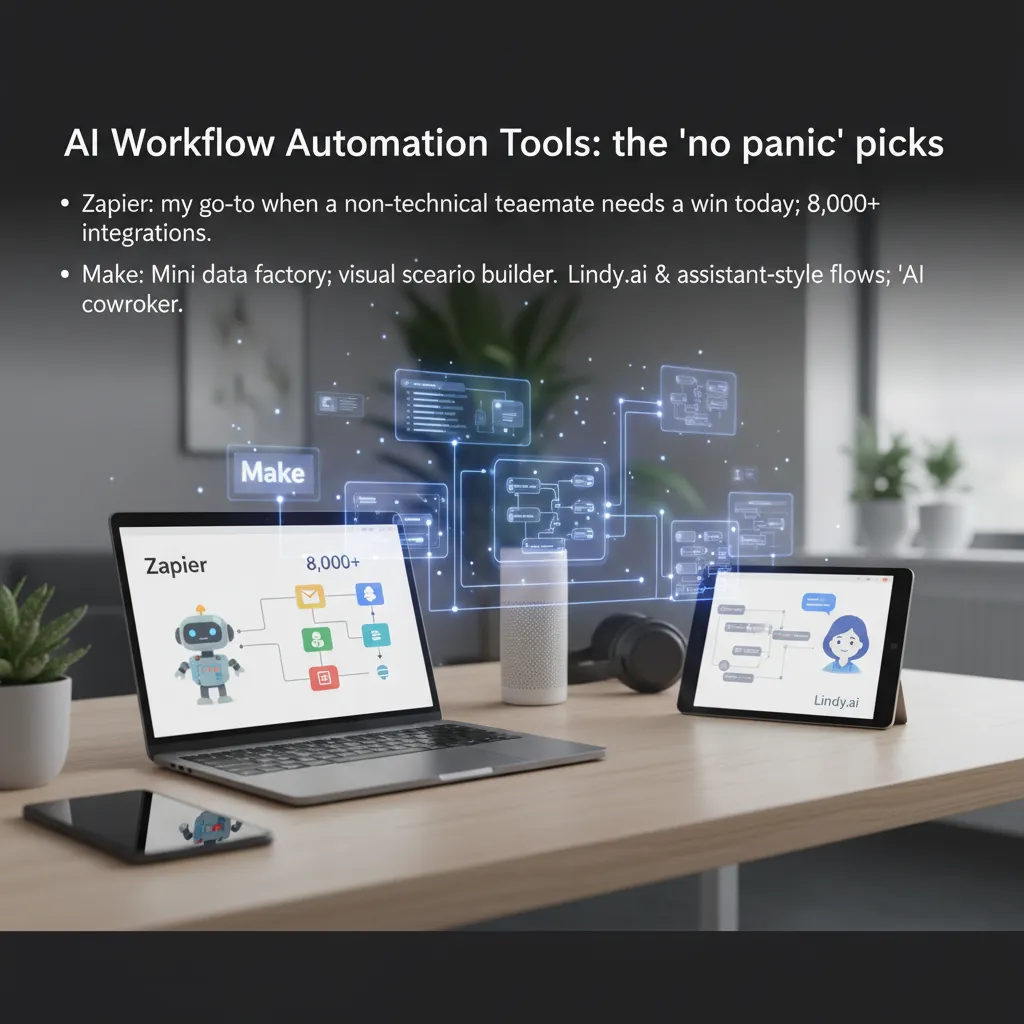
AI Workflow Automation Tools: the “no panic” picks
When I’m comparing AI automation tools in 2026, I always keep a short list for “no panic” moments—when something needs to work today, with minimal setup and minimal stress. Based on the patterns I see in Top Automation Tools Compared: AI-Powered Solutions, these four tools cover most everyday workflow automation needs without forcing you to become an engineer.
Zapier
Zapier is my go-to when a non-technical teammate needs a win today. The 8,000+ integrations are the headline for a reason: it’s usually the fastest way to connect the apps you already use (email, CRM, forms, spreadsheets) and get a simple workflow running. If the goal is “when X happens, do Y,” Zapier is often the cleanest path.
Make
I use Make when the workflow is basically a mini data factory. It shines when you need multiple steps, branching logic, and data shaping—without writing code. The visual scenario builder helps me see the mess before it happens, which matters when a workflow touches lots of fields, filters, and edge cases. It’s the tool I pick when I want control and visibility, not just speed.
Lindy.ai
Lindy.ai is interesting when voice and assistant-style flows matter. It feels like it’s aiming at AI coworker territory—more like delegating tasks to an assistant than wiring apps together. I pay attention to it for workflows that start with natural language, calls, or “handle this for me” requests, where the automation needs to feel human-friendly.
Gumloop
I treat Gumloop like a template-driven launchpad when I’m moving fast and don’t want to architect anything. When I’m under time pressure, starting from templates can be the difference between shipping and stalling. It’s a practical pick for quick experiments, campaign ops, and repeatable internal tasks.
- Zapier: best for quick wins and broad integrations
- Make: best for complex, multi-step “data factory” workflows
- Lindy.ai: best when assistant and voice-style automation matters
- Gumloop: best when templates help you move fast
Top Low-Code AI Workflow: where builders get picky
When I compare AI automation tools in 2026, this is the aisle I walk into when I want more control than “drag-and-drop,” but I still don’t want to build everything from scratch. Low-code AI workflow builders are where details matter: how data moves, how errors are handled, and how easy it is to add a small custom step when the template doesn’t fit.
n8n: the tinkerer's dream
I like n8n when I need a workflow that feels like my own system. The big win is self-hosting (great for privacy, cost control, and internal tools). And when the prebuilt nodes aren’t enough, I can drop in custom logic with JavaScript or Python steps to transform payloads, call an AI model, or clean data before it hits my CRM.
Pipedream: best when the workflow is “glue code”
Pipedream is my choice when the automation is basically webhooks + APIs + a little code. If I’m stitching together events from Stripe, Slack, and a custom backend, it’s fast to stand up. I can treat each step like a small function, test quickly, and keep the workflow readable even when it gets technical.
Relay.app: when approvals and audit trails matter
I reach for Relay.app when I need human-in-the-loop approvals. If an AI step drafts an email, updates a record, or generates a document, I often want a person to review before it ships. Relay makes that approval flow feel native, and the process stays auditable, which helps when teams ask, “Who approved this, and when?”
- n8n: self-hosting + custom
JavaScript/Pythonwhen nodes fall short - Pipedream: ideal for webhook-driven automations and API “glue code”
- Relay.app: strong for approvals, handoffs, and audit-ready workflows
Quick gut-check: if your brain thinks in functions and payloads, this is your aisle.
Enterprise automation tools & governance (the unsexy stuff)
When I compare AI automation tools for real companies, I always end up in the same place: governance. It’s not exciting, but it’s the difference between “cool demo” and “safe in production.” In the source comparison of top automation tools, the enterprise-ready options stand out less for flashy AI and more for control: who can build, who can run, and who can approve.
Workato: built for the “who approved this automation?” meeting
Workato is what I reach for when the conversation turns to RBAC (role-based access control), audit trails, and change management. If your team needs to answer questions like “Who edited this recipe?” or “Why did this workflow run?”, Workato’s governance features are the point—not an add-on.
- RBAC so builders, reviewers, and operators have clear boundaries
- Audit trails for tracking edits, runs, and failures
- Approval-style controls that reduce “shadow automation”
Agentforce: best when Salesforce is already your operating system
Agentforce makes the most sense if your world is already Salesforce. Instead of stitching tools together with duct tape, you get more native leverage: identity, permissions, data access, and workflows that fit the same admin model your org already trusts.
- Less integration glue, more in-platform automation
- Cleaner governance if Salesforce is your source of truth
Vellum AI: the adult in the room for AI-first workflows
For AI-first automation, Vellum AI feels like the “grown-up” option. I care a lot about evaluations and traces because AI outputs drift. Vellum’s focus on versioning and environments helps me ship changes without guessing.
- Evaluations to test prompts and models before release
- Traces to debug what the agent actually did
- Versioning and environments for safer rollouts
My honest take: enterprise automation solutions are rarely fun, but they prevent 3 a.m. incidents.
Pricing and Features: what the sticker tag hides
When I compare automation software pricing, I don’t start with the shiny “from $X/month” badge. I start with what I actually pay after a month of messy iteration: broken scenarios, extra tests, duplicate runs, and the “why did it trigger twice?” moments. That real usage is where the sticker tag hides the truth.
What I measure after 30 days (not day one)
- Total runs/operations I burned while testing and fixing
- Paid add-ons (premium connectors, voice minutes, extra seats)
- Feature gaps that force me to buy another tool anyway
- Time cost: if setup takes hours, the “cheap” plan isn’t cheap
Make: $9/month looks friendly… until you count runs like calories
Make’s $9/month Core tier is a great entry point, and it matches what many “Top Automation Tools Compared” lists highlight: fast building, lots of integrations, and clear visual flows. But once my automations go from “a few tests” to “daily production,” I start watching operations like calories. Every router, filter, and retry can add up. The price doesn’t jump because the plan is bad; it jumps because my workflow finally works.
Lindy: the free → $39.99 Pro jump can be fair
Lindy’s free tier is useful for trying the product, but the real question is whether $39.99/month Pro replaces a human task (or two). If voice features handle inbound calls, scheduling, or follow-ups that I’d otherwise do manually, the jump feels reasonable. If I’m only using it for light reminders, I feel the cost faster.
ChatGPT Plus: $20/month is the sleeper deal (if you’ll use Agent Builder)
ChatGPT Plus at $20/month is the sleeper deal when I actually use the Agent Builder as part of my automation stack. I treat it less like “a chatbot subscription” and more like a flexible layer for drafting, classifying, and routing work. If I’m not building agents, it’s easy to underuse. If I am, it can replace multiple small tools.
I price tools by the month I really lived in them—not the month the landing page promised.

Best for Use Cases: my ‘if-this-then-that’ cheat sheet
When I compare AI automation tools, I don’t start with feature lists—I start with the use case. Below is my simple “if-this-then-that” cheat sheet, based on the same patterns I see in top automation tool comparisons: ease first, then flexibility, then governance.
- If you’re a workflow automation beginner: start with Zapier and its templates. You’ll get quick wins (forms → spreadsheets → email) without thinking too hard.
Then graduate to Make when you need better data shaping—like parsing messy text, mapping fields, or branching logic. - If you’re a dev team: pick n8n for control or Pipedream for API-first speed. I choose based on hosting preference:
- n8n when I want self-hosting, deeper workflow control, and reusable nodes.
- Pipedream when I want to move fast with APIs, write small bits of code, and ship integrations quickly.
- If you’re enterprise: shortlist Workato when governance matters—think roles, approvals, audit trails, and standard connectors at scale. If your workflows include lots of LLM steps, I’d add Vellum AI when AI evaluations, prompt testing, and traces matter for reliability and review.
- If you’re SEO/content heavy: AirOps is purpose-built for content operations and SEO workflows (briefs, outlines, refreshes, and structured content tasks). For notes and meetings, Fireflies is the quiet MVP I keep seeing teams adopt because it just captures, summarizes, and makes conversations searchable.
- If you want AI voice + assistant flows: Lindy.ai is worth a weekend experiment. I treat it like a sandbox for voice-driven tasks, assistant-style routing, and “do this for me” workflows that feel closer to a real agent.
My rule: start where you’ll actually ship automations this week, then upgrade tools only when your workflows demand it.
Automation Tools FAQs (the stuff I get DM’d)
Do I need no-code automation solutions if I can code?
Sometimes, yes. I can code, but I still reach for no-code automation when I’m trying to ship fast. In the “Top Automation Tools Compared: AI-Powered Solutionsundefined” roundup, the pattern is clear: visual builders help you test an idea in hours, not days. Then, if the automation proves value, I’ll replace the fragile parts with code or move key steps into a more controlled environment. Speed beats purity when deadlines are real.
What’s the difference between low-code AI workflow tools and AI agent builders?
I explain it like this: workflows coordinate, agents think. A low-code AI workflow tool is great for “when X happens, do Y, then Z,” with clear steps and logs. An AI agent builder is better when the system needs to decide what to do next—like reading a request, choosing tools, and iterating until it reaches a goal. In practice, I often use both: the workflow handles triggers, approvals, and routing, while the agent handles messy reasoning inside one step.
Can I self-host and still be “enterprise-safe”?
Yes, but you inherit the chores. Self-hosting can help with data control, internal network access, and custom security rules. But “enterprise-safe” also means patching, monitoring, backups, access reviews, audit logs, and compliance paperwork. If you self-host, plan for ownership: who updates it, who responds to incidents, and how you prove controls during audits.
How do I avoid the “spaghetti workflow” problem?
This is the DM I get most. My fix is boring but effective: I name every step clearly, I version changes (even in no-code), and I keep a rollback plan. When I edit a live automation, I duplicate it first, test on sample data, and only then switch traffic. If a tool supports environments, I use dev/staging/prod. That’s how you keep your AI automation tools in 2026 flexible without becoming unmaintainable.
If you take one thing from my human comparison, it’s this: pick tools that match how you work today, but design like you’ll scale tomorrow.
TL;DR: If you want the easiest on-ramp, Zapier’s 8,000+ integrations still make it the best beginner-friendly automation platform. For visual scenario building and data wrangling, Make’s Core plan ($9/month) is hard to beat. For deep customization and self-hosting, n8n is the most flexible. For AI-first, production-grade automations, Vellum AI shines with evaluations, traces, and versioning. Devs who live in APIs often prefer Pipedream; enterprises typically need governance/RBAC like Workato. If you already pay for ChatGPT Plus ($20/month), the Agent Builder can be a surprisingly good “good enough” start.


Comments
Post a Comment