Operations Priority: AI Trends for Ops Teams
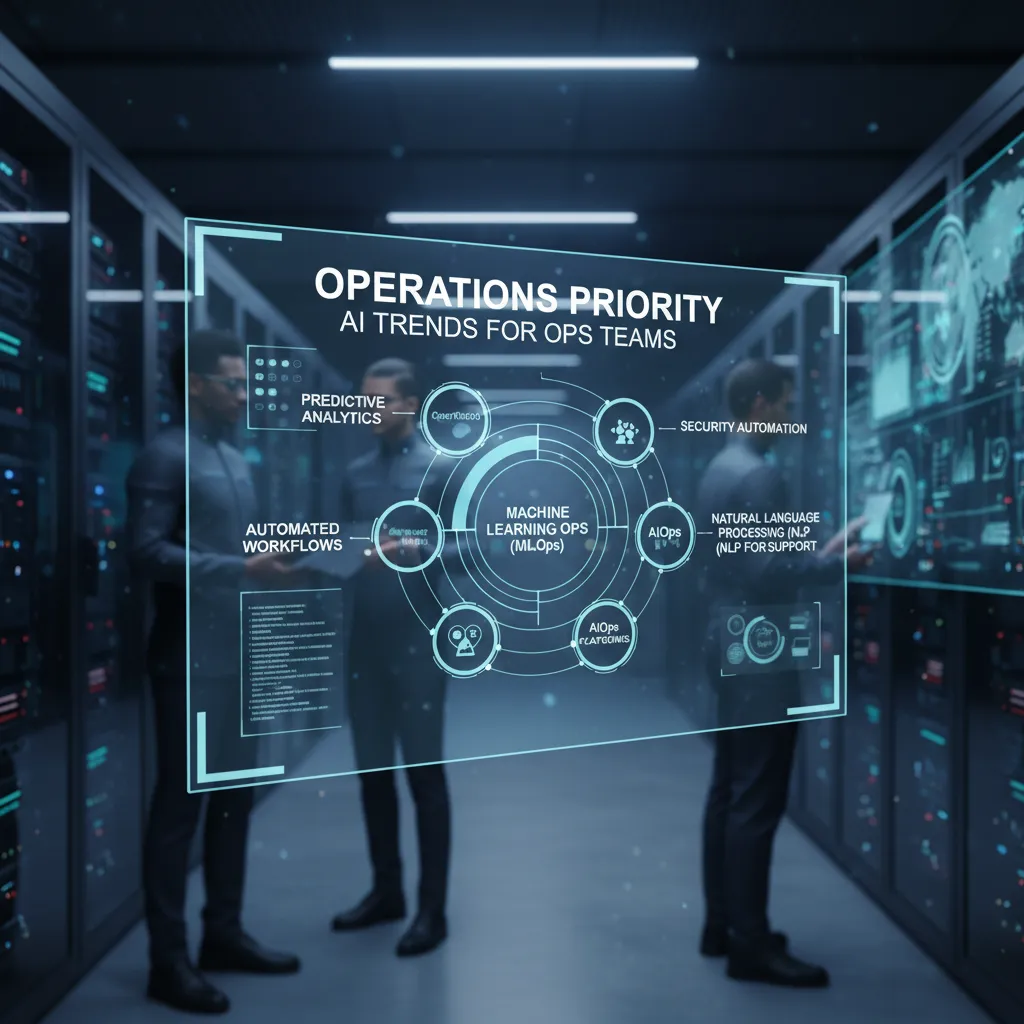
Last month I watched a perfectly reasonable “quick automation” request turn into a three-week scavenger hunt for the right data owner. That little saga reminded me why Operations AI news hits differently: it’s not about flashy demos—it’s about whether my operations teams can ship cleaner workflows, faster decisions, and fewer handoffs. In this post, I’m collecting the updates and releases I keep bookmarking (and the ones I keep side-eyeing), then translating them into what I’d actually do next Monday morning—especially as AI adoption growth in operations accelerates into 2026.
AI Adoption in Ops: Why 2026 Feels Different
When I scan Operations AI News: Latest Updates and Releases, I use a simple filter before I get excited: does this reduce cycle time, errors, or handoffs for operations teams? If the answer is “maybe someday,” I keep scrolling. If the answer is “yes, and we can measure it,” it goes on my shortlist for AI adoption in ops.
My “news scan” filter for operations AI
Most AI headlines sound big, but ops teams live in the small details: queues, approvals, rework, and status updates. So I look for changes that show up in daily work, not just demos.
- Cycle time: fewer steps from request to completion (intake → triage → execution).
- Errors: fewer mismatches, missed fields, wrong routing, or duplicate work.
- Handoffs: fewer “can you send that again?” moments between teams and tools.
Why operations priority is rising
In the updates I track, the clearest AI wins are no longer “cool” features—they’re measurable operational efficiency and workforce productivity. That’s why ops is getting more attention in 2026 planning. Leaders can argue about creativity gains, but they can’t ignore metrics like throughput, backlog size, SLA performance, and cost per ticket.
In ops, the best AI is the kind you can see in the dashboard the next morning.
From isolated copilots to enterprise workflows (and yes, politics)
Another shift I’m seeing in the operations AI news cycle: adoption is moving from isolated copilots (one person, one tool) to enterprise workflows that span teams. That means AI is getting embedded into intake forms, routing rules, knowledge bases, and approval paths—where work actually moves.
But cross-team workflows bring politics. Ownership questions show up fast: Who approves the automation? Which team “loses” a step? Who is accountable when AI suggests the wrong action? In 2026, the winners will be the ops teams that treat AI like process design, not a plugin.
A tiny tangent: data quality is my supply closet
I now treat data quality like a supply closet. If it’s messy, every “urgent” request takes twice as long. Missing fields, inconsistent naming, and outdated SOPs don’t just slow humans down—they confuse automation and increase rework.
My practical rule: before I greenlight an AI workflow, I ask for one boring thing—clean inputs. Even a simple checklist helps:
- Required fields are truly required.
- Definitions match across teams.
- One source of truth for status and ownership.

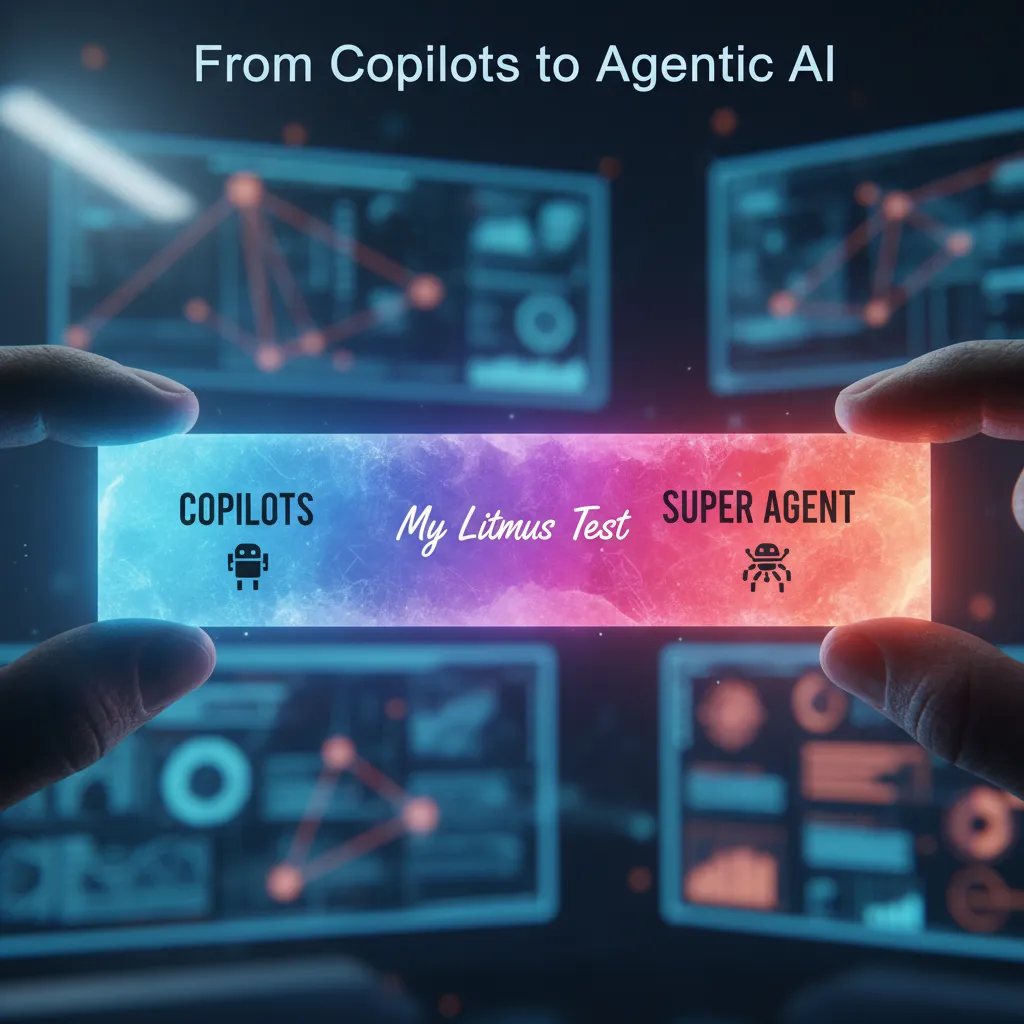
From Copilots to Agentic AI: My ‘Super Agent’ Litmus Test
In the latest Operations AI News updates, I keep seeing the same shift: vendors are moving from “copilots” (helpful chat in one app) to agentic AI—systems that can plan, delegate, and execute work across tools. To me, an agent is less like a chatbot and more like a coordinator that can open tickets, pull reports, message suppliers, and update ERP fields with the right checks.
What I mean by Agentic AI (not just a smarter chat box)
My definition is simple: an agentic system can take a goal, break it into steps, and run those steps across real systems. It should also show its work. If it only drafts text or answers questions, that’s still a copilot.
My rule: if it can’t act across tools with traceable steps, it’s not agentic—it’s assisted chat.
Super agent hype vs reality: my copy-paste test
When someone says “super agent,” I run one litmus test: can it complete an end-to-end workflow without me copy-pasting between tabs? If I’m still moving data from email to spreadsheet to ticketing system, the “agent” is really just a UI shortcut.
- Pass: it pulls the right data, updates the right system, and logs what changed.
- Fail: it gives me a plan, but I still do the clicking, pasting, and confirming.
Multi-agent dashboards are the sleeper release
One trend I’m watching in Operations AI News is the rise of multi-agent dashboards. These are not flashy, but they matter. They make agentic systems visible enough to trust—or pause. I want to see which sub-agent did what (procurement, inventory, transport), what tool it touched, and what it’s waiting on.
| Dashboard signal I look for | Why it matters for ops |
|---|---|
| Step-by-step timeline | Auditability when something goes wrong |
| Tool access + permissions view | Prevents “agent did something weird” surprises |
| Pause / approve controls | Lets humans gate high-risk actions |
Hypothetical: a super agent runs a week of supply chain exception handling
Before I let an agent touch production, I’d require:
- Clear guardrails: what it can change, and what needs approval.
- System-of-record discipline: it writes back to ERP/TMS, not just a chat log.
- Evidence: links to POs, ASN data, carrier updates, and supplier emails.
- Safe actions first: start with
draftmode (recommendations), thenexecutewith approvals. - Rollback plan: easy undo for allocations, dates, and ticket states.
Small Models, Big Wins: SLMs in Enterprise AI
My contrarian take: “bigger” isn’t the headline—small language models (SLMs) are the operational efficiency headline. In the latest Operations AI News updates and releases, I keep seeing the same pattern: teams are getting real value not by chasing the largest model, but by picking the smallest model that reliably does the job. For ops teams, that mindset shift matters more than any benchmark chart.
Where SLMs shine in day-to-day operations
SLMs do best when the work is repetitive, high-volume, and follows stable patterns. That’s most of operations. If the inputs look similar and the output format is consistent, smaller models can be surprisingly strong—and easier to control.
- Routing: send tickets, emails, or alerts to the right queue based on intent and urgency.
- Classification: tag requests (billing, access, outage, vendor) and apply policy rules.
- Summarization: turn long threads into short handoffs for the next shift or escalation team.
I also like SLMs for “ops glue” tasks: cleaning notes, extracting key fields, and generating consistent updates. When the goal is speed and consistency, a smaller model is often the safer bet.
The cost reality changes how pilots scale
Here’s the part ops leaders care about: if SLMs cut costs up to 50%, that changes resource allocation. Lower inference cost means we can run more automations, cover more workflows, and keep pilots running long enough to learn. It also makes it easier to justify moving from a proof of concept to production—because the burn rate doesn’t spike the moment usage grows.
| Ops need | Why SLMs fit |
|---|---|
| High-volume triage | Fast responses with predictable outputs |
| Standard summaries | Lower cost per run enables broad rollout |
| Consistent tagging | Stable patterns reduce model complexity |
A small confession (and why I changed my mind)
A small confession: I used to equate “enterprise AI” with enterprise-sized bills. Bigger models felt like the default, and cost felt like the tax. SLMs are changing that math. Now, when I look at an ops workflow, I start with: What’s the smallest model that can hit our accuracy target with guardrails?
“Operational wins come from reliability and cost control, not model size.”
AI Robotics + Physical AI: When the Warehouse Becomes Software
In the latest Operations AI News updates, AI robotics is the most un-virtual kind of Operations AI—and it’s where productivity gains feel tangible. When a robot changes how pallets move, how picks get confirmed, or how inventory gets counted, I can see the impact in cycle time and labor hours, not just in dashboards.
Why “Physical AI” feels different for ops teams
Software AI can optimize plans, but robotics changes the work itself. In logistics and manufacturing, the AI-robotics convergence can boost productivity by 25%—but only if processes are standardized. In my experience, robots don’t “figure it out” when every aisle is labeled differently, every shift uses a new shortcut, or every SKU has a special case.
- Standard work (clear steps, consistent labels, stable locations) is the real enabler.
- Clean master data (dimensions, weights, pack rules) prevents bad robot decisions.
- Simple exception paths keep humans from fighting the system.
The boring requirements that make robotics succeed
Physical AI still needs boring things: safety checks, maintenance windows, and exception playbooks. If I treat robots like “set and forget,” I end up with downtime that looks like a staffing crisis. I plan for robotics the way I plan for any critical equipment—because that’s what it is.
- Safety checks: clear zones, signage, speed limits, and incident reporting.
- Maintenance windows: battery health, sensors, wheels, calibration, and spares.
- Exception playbooks: what to do when a tote is damaged, a barcode won’t scan, or a lane is blocked.
Wild card analogy: training robots is like onboarding temps—great on day three, unpredictable on day one.
How I think about “warehouse as software”
Once robots and AI are in the building, the warehouse starts behaving like software: small changes in rules can create big changes on the floor. I try to manage it with clear configuration ownership and controlled releases—almost like a product team.
| Ops reality | “Warehouse as software” mindset |
|---|---|
| Layout, labels, and flow | System design that needs version control |
| Shift handoffs | Runbooks and repeatable procedures |
| Robot behavior changes | Test, deploy, monitor, rollback |
Enterprise AI Strategy: Governance, Change Fitness, and Execution Discipline
In the latest Operations AI News updates, I keep seeing the same pattern: new models, new agent features, faster runtimes. But the awkward truth is that the best releases still fail in messy orgs. I’ve watched strong pilots stall because the handoffs were unclear, the data owner was missing, or the frontline team didn’t trust the output. So when I build an enterprise AI strategy, I plan for change fitness, not just model accuracy.
The awkward truth: change fitness beats “perfect” accuracy
For ops teams, success is less about a benchmark score and more about whether the work actually changes. I ask simple questions early:
- Who will use this every day, and what will they stop doing?
- What data will drift, and who fixes it when it does?
- What happens when the AI is wrong at 2 a.m.?
Execution discipline before “go live”
Before any deployment, I force three decisions. This is where operations teams win, because we already think in runbooks and controls.
- Define the owner: one accountable person for outcomes, not a shared mailbox.
- Set the workflow boundary: where the AI starts/ends, and where humans must approve.
- Write the rollback plan: how we revert safely if quality drops or costs spike.
“If we can’t roll it back, we’re not ready to roll it out.”
AI governance is a steering wheel, not a brake
As agentic runtimes and “scaling agents” show up in product releases, governance becomes more important, not less. I treat AI governance as the steering wheel that keeps speed under control. That means clear policies for:
- Access (who can call which tools and systems)
- Audit logs (what the agent did, and why)
- Risk tiers (low-risk drafting vs. high-risk actions like refunds or inventory moves)
How I split the portfolio: predictive vs. generative
I separate investments so ops teams don’t mix goals:
| AI type | Best for | Ops example |
|---|---|---|
| Predictive AI | Sustaining innovation | Demand forecasting, ETA risk flags |
| Generative AI | R&D + knowledge workflows | Procedure drafts, ticket summaries, SOP search |

My Monthly Ops AI News Ritual (and a Weird Prediction)
I don’t try to keep up with every AI headline. For ops work, that’s a fast way to feel busy and learn nothing. Instead, I run a simple monthly ritual based on what I see in Operations AI News: Latest Updates and Releasesundefined: one hour, one cup of coffee, and three bookmark folders.
My one-hour ritual: three folders that keep me honest
- Releases: product updates that could change how my team runs workflows
- Risks: security, compliance, and reliability notes that could create new work (or new failures)
- Steal This Workflow: real examples I can copy, test, and adapt
This structure helps me filter “AI trends” into something operational. I’m not asking, “Is this model smarter?” I’m asking, “Will this reduce cycle time, cut rework, or make handoffs cleaner?”
The signals I look for (the ones ops teams actually feel)
Most of my time goes to three areas that show up again and again in operations AI updates:
- Workflow orchestration upgrades: better routing, retries, human-in-the-loop steps, and clearer run histories
- Agent tooling: safer permissions, scoped actions, and tools that don’t break when one system changes
- Data quality features: validation, lineage, monitoring, and “why did the output change?” answers
When I see releases in these categories, I tag them with a simple note: Where would this live in our process? If I can’t name a real workflow—invoice exceptions, ticket triage, vendor onboarding—I don’t save it.
My weird prediction for 2026
Here’s my odd bet: the most important 2026 release won’t be a new model. It’ll be an approval log UI everyone actually uses. Not a dashboard that looks nice in a demo—an interface that makes it easy to review, approve, reject, and explain decisions in plain language.
Why? Because ops adoption grows when people trust the system. Trust comes from visibility: who approved what, when, based on which data, and what happened next. The “approval log” is where AI stops being magic and starts being accountable.
That’s why I treat AI news as a habit, not a hype feed. If operations is the new frontier for AI adoption growth, the real story isn’t headlines—it’s better operational efficiency habits, repeated every month, until they stick.
TL;DR: In 2026, operations becomes the center of AI adoption growth. The practical winners: workflow orchestration, agentic systems (including “super agent” setups), small language models that cut costs, and AI-robotics for physical work—backed by governance and change fitness.


Comments
Post a Comment