Marketing Leaders on AI: Tools, Plans, and Truths
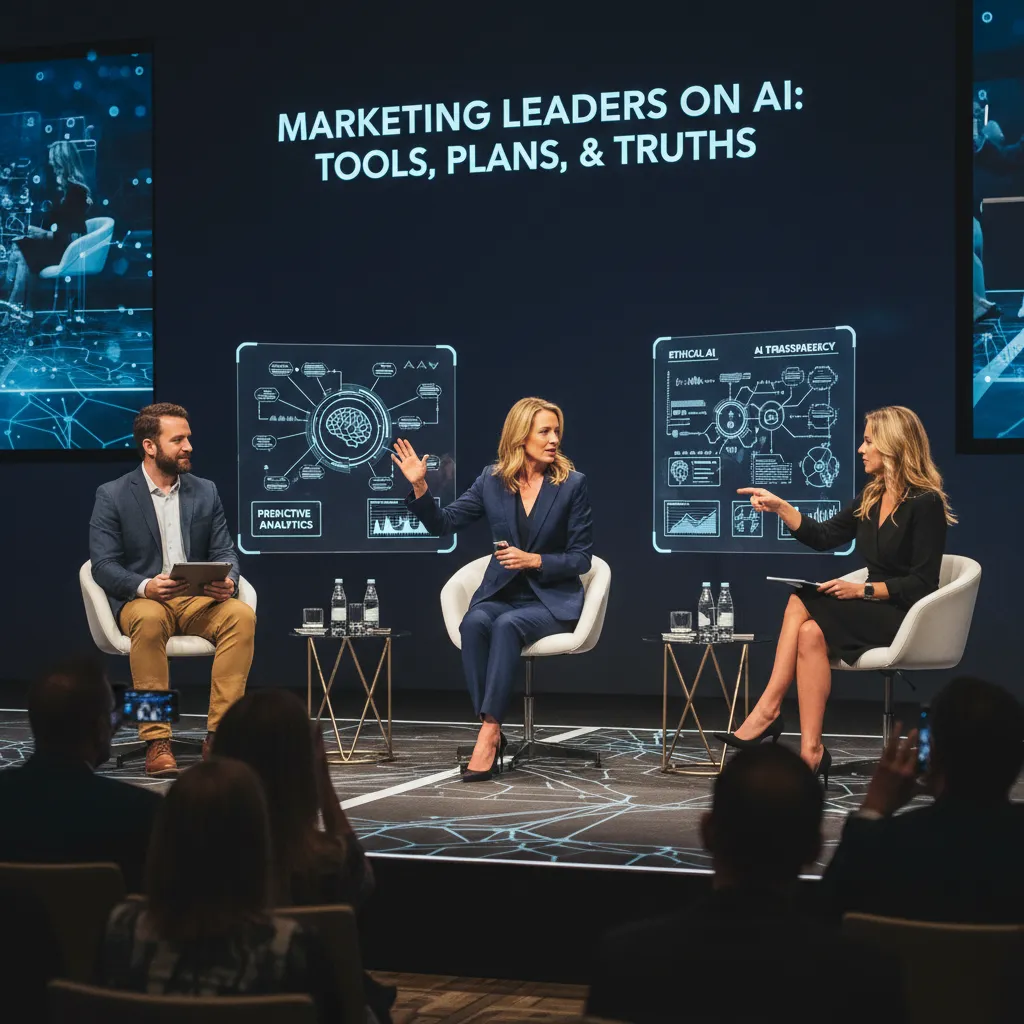
I walked into a “quick coffee” with two marketing leaders and walked out with a page of messy notes, three new tabs open to AI software reviews, and a slightly bruised ego. One of them casually said, “If your AI can’t explain why it made a recommendation, it’s basically a horoscope with a dashboard.” That sentence became the spine of this post. Below is my stitched-together ‘expert interview’ recap—equal parts tool list, pricing reality check, and the human stuff nobody puts in the slide deck.
1) The interview moment that changed my AI shopping list
I went into my “Expert Interview: Marketing Leaders Discuss AI” call with a neat list titled Best AI Marketing Tools. I left with a messy napkin, two strong opinions, and a totally different way to shop for AI.
My accidental “panel”: two leaders, one napkin, and a brutally honest tool rant
After the interview, we kept talking while everyone packed up. Two marketing leaders stayed on, and the conversation turned into a fast, blunt review of what actually works in day-to-day marketing. One of them started listing tools they had cut in the last quarter. The other pushed back, not because the tools were “bad,” but because the team’s process was broken first.
I grabbed a napkin and started drawing boxes: content, email, paid, reporting. That napkin became my new AI shopping list.
Why “Best AI Marketing” is the wrong question
They both agreed on one thing: asking “What’s the best AI for marketing?” is a trap. It leads to shiny demos and unused subscriptions.
“Don’t ask what’s best,” one leader told me. “Ask: Which workflow breaks first? That’s where AI earns its keep.”
That changed everything. Instead of comparing tools by features, I started mapping where work slows down, where errors show up, and where approvals get stuck.
A quick gut-check framework I now use
On that napkin, we landed on four checks. I still use them when I test any AI marketing tool:
- Speed: Does it remove steps, or does it add new ones (prompts, rewrites, exports)?
- Accuracy: Can it stay true to the product, pricing, and claims without “creative guessing”?
- Brand voice: Can it sound like us, not like a generic blog post?
- Accountability: When it’s wrong, can we trace why (sources, version history, owner)?
Wild card: the “espresso test”
Then came the rule I didn’t expect: the espresso test. If a tool can’t produce a usable first draft before my coffee cools, it’s out. Not a perfect draft—just something a marketer can edit, approve, and ship.
Now, when I evaluate AI for marketing, I don’t start with tool names. I start with the workflow that breaks first, and I time it—espresso in hand.

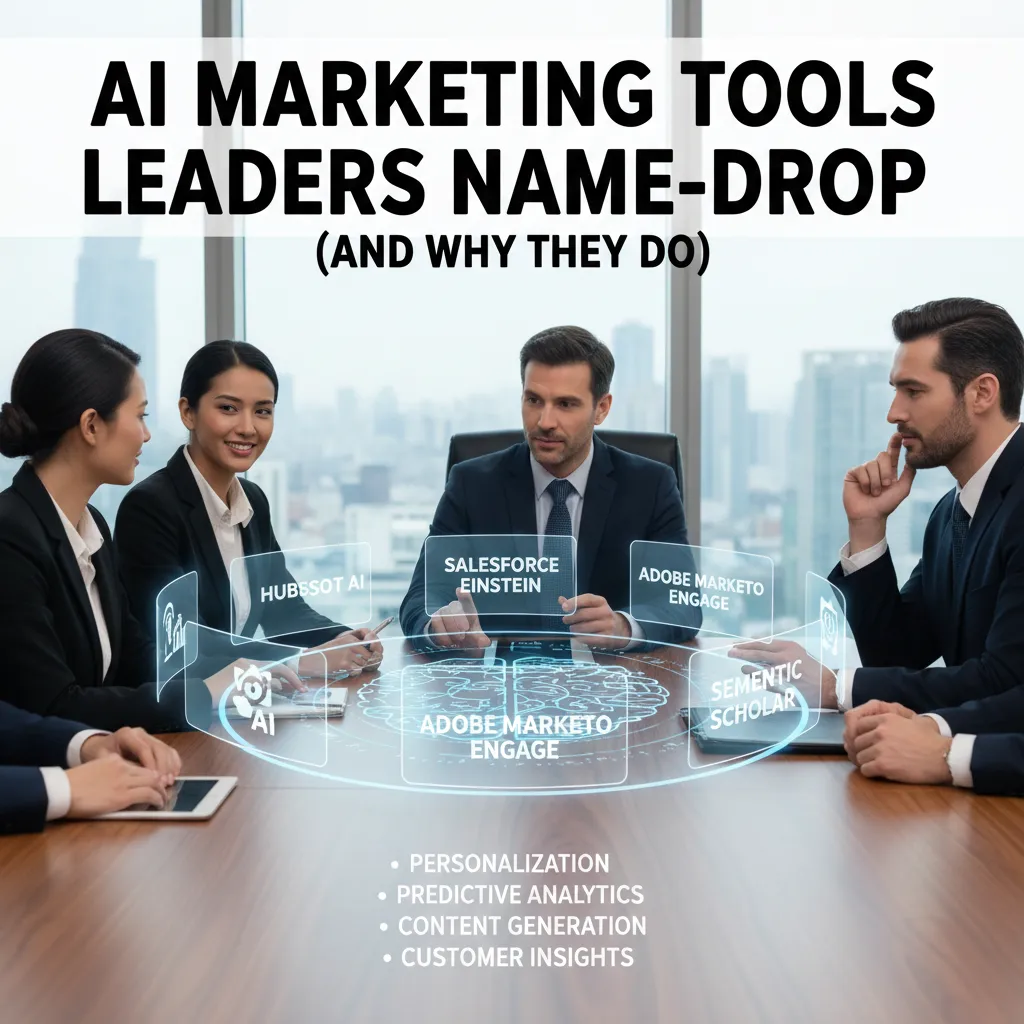
2) AI Marketing Tools I keep hearing about (and why leaders name-drop them)
In the interviews, I noticed a pattern: marketing leaders don’t just say “we use AI.” They name-drop specific tools. It’s partly credibility (it signals they’ve tested real workflows), and partly clarity (it tells the team what “AI” actually means day to day). The three tools I keep hearing about are ChatGPT Plus, Jasper, and Grammarly Business—each for a different kind of marketing problem.
The ‘baseline’ pick: ChatGPT Plus for everyday marketing tasks and quick ideation
When leaders mention ChatGPT Plus, they usually mean it as the default assistant for fast thinking. I use it the same way: to break through blank-page moments and speed up routine work.
- Drafting subject lines, ad variations, and social captions
- Turning rough notes into a cleaner outline
- Brainstorming angles for a campaign or webinar
- Summarizing long docs into key points for stakeholders
It’s not magic, but it’s consistent. And consistency is what leaders want when timelines are tight.
When templates beat improvisation: Jasper for repeatable content generation
Jasper comes up when the goal is repeatable output. Leaders like it because templates reduce guesswork, especially across teams. If you’re producing lots of similar assets—product pages, landing page sections, weekly newsletters—templates beat improvisation.
I’ve found Jasper works best when your brand voice is already defined. Without that, you just get “fine” copy that sounds like everyone else.
The grammar tool that quietly saves budget: Grammarly Business for teams
Grammarly Business is the tool leaders mention when they’re talking about scale. It’s not flashy, but it prevents small mistakes that create big costs—extra review cycles, rework, and brand trust issues.
“AI doesn’t replace editors. It reduces the number of times editors have to fix the same basic issues.”
For teams, the real win is shared standards: tone, clarity, and correctness across emails, decks, and customer-facing copy.
My wild card analogy: tools are like interns
I keep this mental model: AI tools are like interns—great at drafts, terrible at final approvals. They can move fast and produce options, but they don’t own the risk. I still require human checks for:
- Claims, numbers, and legal language
- Brand voice and positioning
- Context (what not to say to a specific audience)
3) Pricing Plans reality: per user, per contact, or per ad spend
My “pricing hangover”: why the cheapest tool can become the most expensive at scale
In the interview, one theme kept coming up: AI tools rarely stay “cheap” once your team and data grow. I’ve felt this pricing hangover myself. A low monthly fee looks great in month one, then you add more users, connect more channels, and suddenly you’re paying for every small step forward. The leaders I spoke with said the real cost is not the sticker price—it’s how pricing scales with your success.
“The tool didn’t get worse. We just grew, and the pricing model punished growth.”
Email Automation math: Klaviyo’s active contacts pricing and what it means for a growing list
Email automation is where pricing can quietly snowball. Klaviyo is a common example because pricing is tied to active contacts. That sounds fair until your list grows fast, or you run lead-gen campaigns that add thousands of new subscribers in a week. In practice, your “AI-powered segmentation” budget can jump simply because your audience is expanding.
I like to do simple math before I commit:
- How many contacts do we add per month?
- What percent becomes inactive, and how often do we clean the list?
- What happens to cost if we double the list in 6–12 months?
If you don’t plan for list hygiene, you can end up paying for contacts you never email. One leader described it as paying rent on an empty room.
Paid Media + Ad Optimization: Optmyzr pricing tied to ad spend thresholds (and the hidden pressure)
For paid media, tools like Optmyzr often price based on ad spend thresholds. The interview highlighted a hidden pressure here: when pricing rises with spend, the tool can feel like a “tax” on scaling. If performance is strong and you increase budget, your software cost climbs too—right when leadership expects efficiency.
I now ask one direct question: Does the tool’s value increase faster than its cost as spend grows? If not, the pricing model can work against you.
No free trial, no thanks? The leaders’ take on tools with custom pricing
Several leaders were blunt about custom pricing and “book a demo” gates. Without a free trial or clear tiers, it’s hard to validate fit. I’m not against enterprise plans, but I want transparency: what’s included, what’s extra, and what triggers a price jump.
- Ask for a sandbox or limited trial access.
- Request pricing in writing, including overage rules.
- Confirm the scaling unit: per user, per contact, or per ad spend.
4) AI Features that matter in real life (not just feature pages)
Predictive insights vs. plain dashboards: what I trust (and what I ignore)
In the interview, leaders kept coming back to one idea: dashboards don’t change outcomes—decisions do. I’ve learned to trust AI features that answer a clear question like, “What will happen if we do nothing?” or “Which segment is most likely to convert next week?” Predictive insights are useful when they are tied to action, not when they are just a prettier chart.
What I ignore: “AI-powered” dashboards that only re-label the same metrics. If the tool can’t explain why it predicts a lift (or what data it used), I treat it like a normal report.
- Trust: churn risk, next-best offer, send-time optimization with clear inputs
- Ignore: vague “performance score” widgets with no drivers
Customer segmentation and the “unified view” obsession (and how it backfires)
Marketing leaders love the promise of a unified customer view. I get it—one profile, one truth, fewer arguments. But in real life, forcing every data source into one perfect record can slow teams down and create false confidence. In the interview, the most grounded voices focused on useful segmentation, not perfect identity graphs.
“If the profile is ‘unified’ but wrong, you just scale the wrong message faster.”
What works for me is “good enough” segments tied to a job: onboarding, retention, upsell. I’d rather have three reliable segments than 30 fragile ones built on shaky joins.
Workflow Builder dreams: where automation helps, and where it becomes spaghetti
Workflow builders look great on feature pages. In practice, they help most when they replace repeated manual steps and keep handoffs clean.
- Helps: lead routing, nurture sequences, basic suppression rules
- Gets messy: branching logic that no one can explain six months later
I now document workflows like simple rules. If I can’t summarize a flow in one sentence, it’s probably “spaghetti.” Example:
IF trial_started AND no_activation_in_3_days THEN send_activation_email
Mini-tangent: my worst campaign optimization mistake
I once let an AI campaign optimizer “learn” on bad data—wrong conversion events, duplicated leads, and a promo code that tracked inconsistently. The tool did exactly what it was trained to do: it optimized toward noise. Spend shifted to the wrong audiences, and I lost a week before I admitted the inputs were broken. Now I treat AI features like junior analysts: fast, helpful, and dangerous without clean definitions.
5) Content Generation without losing your brand voice (my scrappy method)
In the interview, one theme kept coming up: AI can speed up content, but it can also flatten it. I’ve felt that firsthand. So I use a simple process I call my brand voice sandwich—it keeps the output fast and still sounds like us.
My “brand voice sandwich”
Here’s the structure I feed into AI:
- Examples on top: I paste 2–3 short samples of our best-performing copy (emails, landing page sections, LinkedIn posts). I also add “what we would never say.”
- Constraints in the middle: I give rules like reading level, sentence length, banned buzzwords, and our point of view.
- Human edit at the end: I rewrite the first and last paragraph myself, then tighten the middle.
My go-to constraint block looks like this:
Voice: direct, helpful, slightly scrappy. Avoid: “revolutionary,” “game-changing,” “unlock.” Use short sentences. Prefer concrete examples over claims.
SEO Mode + Competitor Research (without beige content)
I do use AI for SEO content, but mostly for outlining. I’ll skim the top 5–8 ranking pages, then ask AI to extract:
- Common subtopics (so I don’t miss basics)
- Gaps (what competitors don’t explain well)
- Questions people keep asking
Then I add one “non-beige” rule: we must include a real opinion, a real example, or a real tradeoff in every major section. That’s how I keep AI-generated marketing content from sounding like everyone else.
Video editing cameo: where AI helps more
Honestly, AI often helps me more with a 30-second edit than a 1,500-word essay. Captions, jump-cut suggestions, hook variations, and trimming dead air—those are high-leverage. Long-form writing still needs more human judgment to stay sharp and on-brand.
If I had to launch a product in 48 hours
Here’s what I’d automate vs. keep human:
- Automate: first-draft outlines, ad variations, subject line options, FAQ drafts, caption versions, competitor angle summaries.
- Keep human: positioning, the core promise, pricing language, the main landing page narrative, and final edits.
“AI is a great assistant, but it can’t be the owner of your voice.”

6) The messy endgame: picking tools, running a Free Trial, and not regretting it
My “Marketing Tools List” rule: fewer tools, better setup
In the interview, a few leaders kept coming back to the same pain: teams buy too many AI tools, then wonder why results feel random. My rule is simple: I keep a short Marketing Tools List and I only add a tool if I can instrument it properly. That means it must connect to the places where work happens (CRM, analytics, ad accounts, CMS), and it must produce outputs I can track. If a tool is “cool” but can’t be measured, it doesn’t make the list.
Free Plans vs Free Trial: my 7-day test with real campaigns
I treat Free Plans and Free Trials very differently. Free plans are for learning the interface and limits. Free trials are for decision-making. When I run a 7-day AI tool trial, I don’t play with toy prompts. I run one real campaign workflow end-to-end: one landing page update, one email sequence, and one paid ad refresh. I use the same brand voice, the same audience, and the same deadlines I’d use in production.
Day 1 is setup and access. Days 2–5 are execution with real assets. Day 6 is review with stakeholders. Day 7 is the decision. If I can’t get to a shippable output in a week, I assume adoption will fail later.
My scorecard: Pro plan vs Business plan
Leaders in the interview talked about “hidden costs” more than sticker price, so my comparison scorecard is practical. Here’s what I actually track when choosing between a Pro plan and a Business plan:
| Category | What I check |
|---|---|
| Security & access | SSO, roles, audit logs, data retention |
| Workflow fit | Integrations, approvals, templates, collaboration |
| Quality & control | Brand voice tools, citations, version history |
| Cost to scale | Seat pricing, usage limits, overage fees |
| Support | SLA, onboarding, admin help |
Closing reflection: courage, not convenience
The strongest line I took from these marketing leaders was that AI strategy needs courage, not convenience. Convenience buys speed for a week. Courage means choosing fewer tools, setting clear measurement, and being honest when a tool doesn’t improve real marketing performance. I agree—because the messy endgame isn’t picking the “best” AI tool. It’s picking the one your team will actually use, measure, and trust.
TL;DR: Marketing leaders aren’t anti-AI—they’re anti-mystery. Start with a clear job-to-be-done, pressure-test AI marketing tools via free trial or free plans, compare pricing plans honestly (per user, per contact, or per ad spend), and protect brand voice with guardrails like custom GPTs and review workflows.


Comments
Post a Comment