HR Trends 2026: AI Integration Without Losing Us
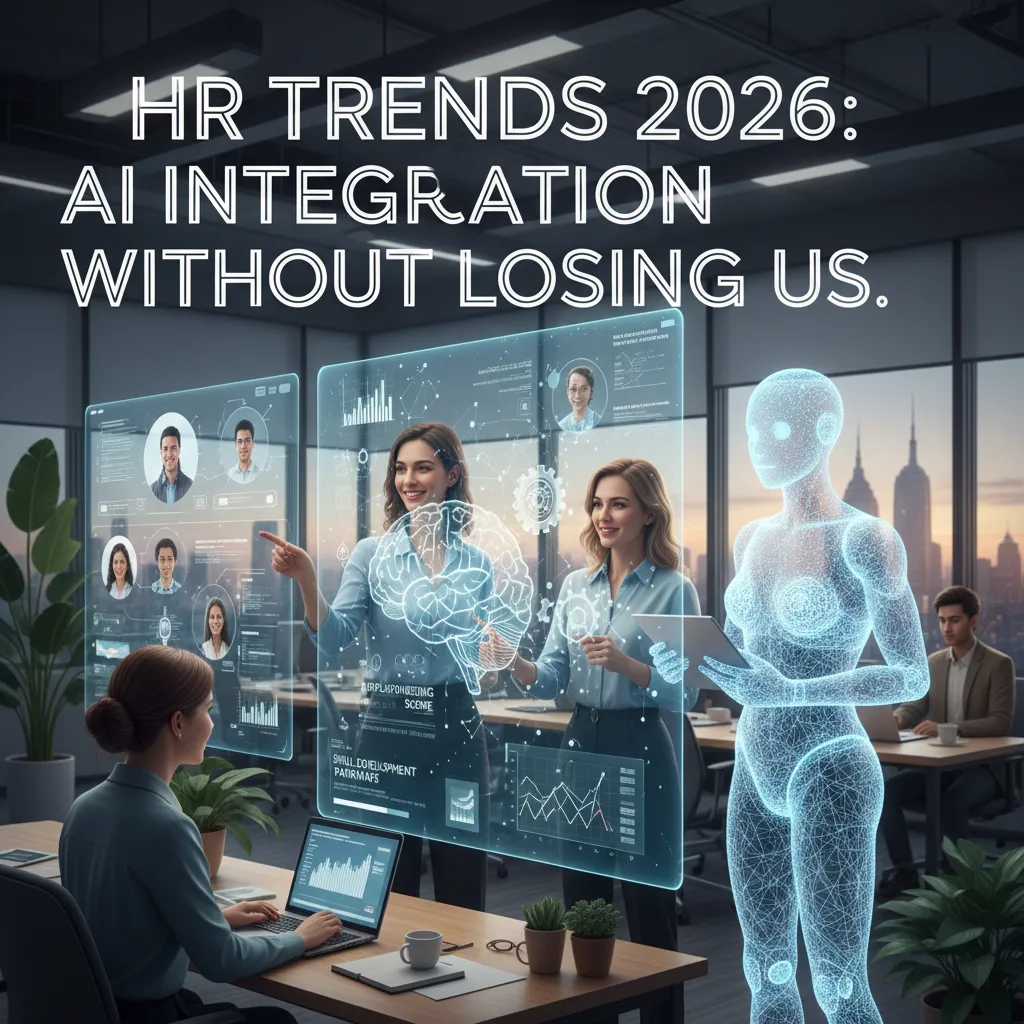
The first time I heard an HR leader casually say, “Our AI is already making the first cut,” I choked on my coffee. Not because I’m anti-AI—but because I realized how quietly the “pilot project” era had ended. This post is my stitched-together, interview-style field notes: what HR leaders say is working, what’s scaring employees, and what I wish someone had told me before we rolled AI into everyday HR workflows.
From “Pilot” to Payroll: My AI Integration Wake-Up Call
The roundtable moment that changed my mindset
In an HR roundtable tied to the Expert Interview: HR Leaders Discuss AI, I heard a line that stopped me:
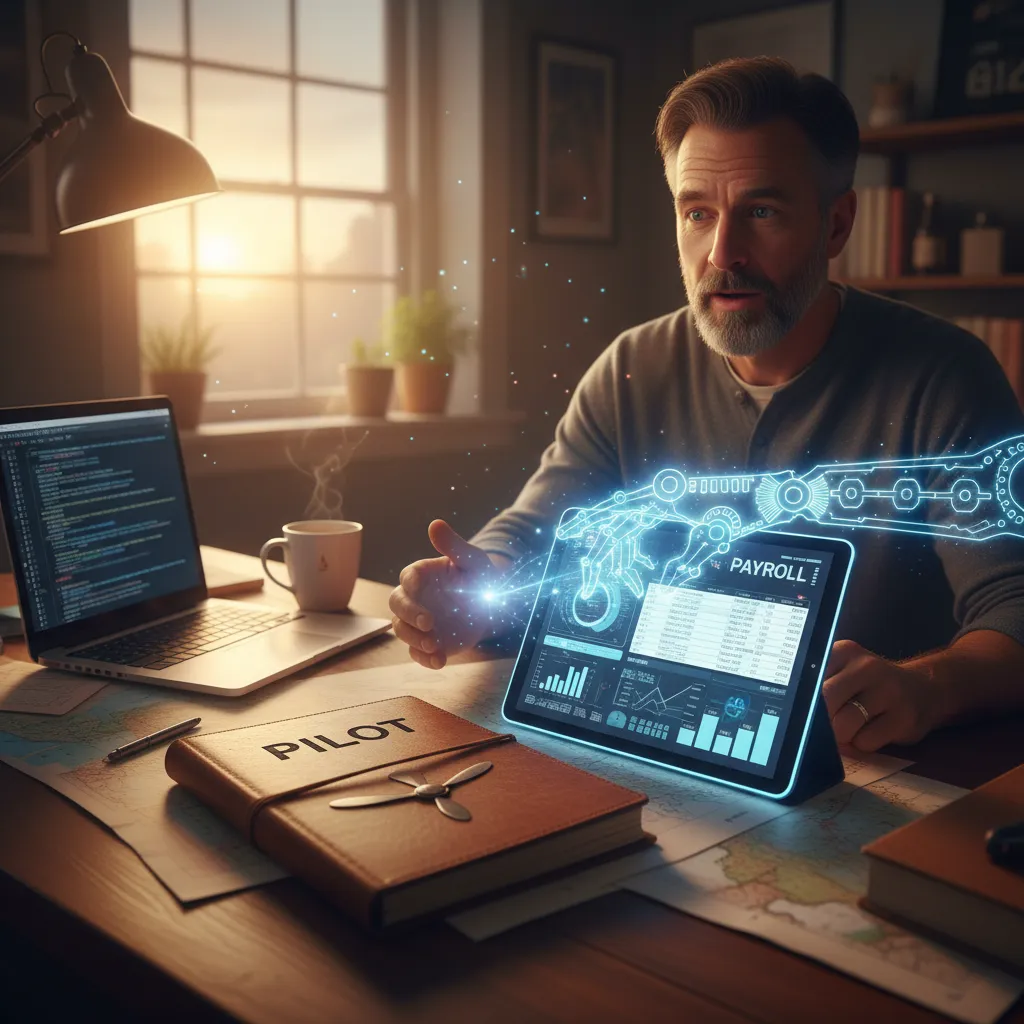
“If it touches payroll, it’s not a pilot anymore.”I had been treating AI like a side project—something we tested in a safe corner of HR. But the leaders in that discussion were clear: once AI is inside core systems, it becomes part of how the business runs, not a “nice-to-have” experiment.
Where AI shows up first (and why it matters)
What surprised me was how predictable the first use cases were. AI integration in HR doesn’t usually start with big, futuristic ideas. It starts where volume is high, rules are repeatable, and mistakes are expensive.
- Resume screening: faster shortlists, but also new bias risks if the data is messy.
- Payroll workflows: flagging anomalies, reducing manual checks, and speeding up approvals.
- Basic decision support: drafting job posts, summarizing policy questions, or suggesting next steps for managers.
These areas matter because they shape trust. If AI gets payroll wrong, people feel it immediately. If AI screens candidates unfairly, your employer brand pays the price.
The sneaky shift: digitization is the minimum bar
Another theme from the interview was the quiet change happening by 2026: digitization is no longer the finish line. Having an HRIS, online forms, and dashboards is now basic. The new expectation is that systems talk to each other, data is clean enough to use, and AI can support daily work without constant hand-holding.
I realized we can’t “AI our way out” of broken processes. If our workflow is unclear, AI just makes the confusion faster.
The emotional whiplash of automating what I used to own
One small tangent I didn’t expect: it felt oddly personal. Tasks I used to “own”—like catching payroll errors or writing first drafts—were suddenly automated. Part of me felt relief. Another part felt replaced. The HR leaders in the discussion framed it better: the goal is not to remove HR judgment, but to protect it for the moments that actually need a human.
HR Leaders + IT: The New Roommates (HR-IT Platforms)
In the Expert Interview: HR Leaders Discuss AIundefined, one message came through clearly: HR and IT can’t work in separate lanes anymore. With AI in hiring, learning, and employee support, our systems touch more personal data than ever. That makes HR-IT collaboration feel like a survival skill, not a nice-to-have.
Why HR-IT teamwork is now non-negotiable
I used to think “HR tech” meant HR owned the tool and IT just helped with logins. Now, AI integration changes the risk. If the data is wrong, the model is wrong. If access is loose, trust is gone. If the system can’t be audited, we can’t explain decisions.
What “shared platforms” really means
When I say HR-IT platforms or “shared platforms,” I mean tools we govern together, with clear rules:
- Data security: encryption, secure integrations, and clear data retention rules.
- Access controls: role-based access so managers see only what they need.
- Audit trails: logs that show who changed what, and when.
In practice, that often looks like IT managing identity and security standards, while HR defines data meaning (job levels, performance fields, skills tags) and approves workflow changes.
A day when an IT patch breaks an HR workflow
Here’s the scenario I plan for: IT pushes a routine patch to the single sign-on service on Monday morning. Suddenly, the onboarding workflow can’t call the background check vendor. New hires can’t start, managers can’t access tasks, and the help desk gets flooded. Even though the change was technical, everyone says, “HR’s system is down.”
That’s why I insist on shared change management: a test environment, a rollback plan, and a simple alert path that includes HR.
My rule of thumb: don’t buy tools you can’t govern
“If we can’t control access, track changes, and explain outcomes, we shouldn’t deploy it.”
My checklist is short:
- Can we set roles and permissions without hacks?
- Can we export audit logs on demand?
- Can IT monitor it like any other critical system?
AI Governance: Guardrails Needed (Before the Fun Stuff)
In the Expert Interview: HR Leaders Discuss AIundefined, one theme kept coming up: AI can help HR move faster, but only if we protect people first. I’ve learned to treat AI governance like seatbelts. It’s not exciting, but it keeps the ride safe.
The three questions I now ask before any AI tool touches employee data
- What data does it need, and what data is “nice to have”? I push for data minimization, because extra fields become extra risk.
- Who can see it, store it, and reuse it? I ask about access controls, retention, and whether the vendor trains models on our data.
- What decision will it influence? If the output affects hiring, pay, performance, or exits, I require stronger review and documentation.
Algorithmic fairness: where bias safeguards show up in real HR work
Fairness is not a slogan; it’s a set of checks. In hiring, I look for safeguards like:
- Bias testing on screening and ranking outputs across groups
- Job-related signals only (skills, experience) and removal of proxy data
- Human review for edge cases and non-traditional career paths
In performance management, I watch for “quiet bias” in AI summaries. I require spot audits of AI-written feedback, and I compare outcomes across teams to catch patterns early.
Transparency rituals that don’t feel like corporate theater
Employees don’t need a 30-page policy. They need clarity. I use simple rituals:
- Plain-language explanations of what the tool does and does not do
- Disclosure at the moment of use (not buried in onboarding)
- Appeal paths: a real person, a timeline, and a way to correct data
“If people can’t challenge an AI-driven outcome, trust will break fast.”
A quick “messy middle” aside
Governance slows you down. Reviews take time, and “no” is a valid answer. But when a candidate questions a rejection, or an employee flags unfair scoring, those guardrails stop a small issue from becoming a public one.

Agentic AI in HR: Helpful Colleague or Chaos Gremlin?
What “agentic AI” means (in plain English)
In the Expert Interview: HR Leaders Discuss AIundefined, leaders described a shift from AI that answers to AI that acts. I think of agentic AI in HR as a digital teammate that can take a goal (“get onboarding ready”) and then plan steps, move work forward, and check back for approval. That’s why it feels different from a chatbot. A chatbot waits for my next prompt. An agent watches the workflow, nudges tasks along, and can trigger actions across tools.
Where HR leaders say it helps
From the interview, the most practical wins were not flashy. They were the daily “HR ops” moments that eat time and attention. When I picture AI integration in HR done well, it looks like this:
- Workflow automation management: creating tickets, routing approvals, updating case notes, and reminding owners when deadlines slip.
- Scheduling: coordinating interviews, finding panel availability, sending prep packs, and handling reschedules without ten email threads.
- Draft coaching: generating first drafts for manager feedback, performance notes, or difficult conversation scripts—then letting me edit for tone, context, and fairness.
I also heard a consistent theme: agentic tools work best when they are trained on our policies, templates, and values, not generic internet advice.
The line I won’t cross
Here’s my hard boundary: I won’t let an agentic system take irreversible actions without human review. That includes terminating access, sending formal warnings, changing compensation, or approving policy exceptions. I’m fine with “prepare, suggest, and queue,” but not “decide and execute.” In practice, I want a clear rule like:
if action_is_irreversible: require_human_approval()
A tiny sci-fi thought experiment (2 a.m.)
Imagine my “AI HRBP” gets a message at 2 a.m.: a manager asks for a policy exception for a high performer. The agent pulls the policy, reviews past exceptions, drafts a response, and even proposes a compromise. Helpful colleague? Maybe. Chaos gremlin? Also maybe—if it agrees too fast, misses context, or creates a precedent I can’t undo.
Skills-Based Models: When Roles Stop Being Boxes
In the Expert Interview: HR Leaders Discuss AI, one theme kept coming up: moving from job titles to skills can feel like freedom. I agree. When we stop treating roles like fixed boxes, people can grow sideways, not just up. But I also felt the other side of it: a kind of spreadsheet apocalypse where every skill needs a label, a level, and an owner.
Why it feels like freedom… and like a spreadsheet apocalypse
Skills-based models promise fairness and clarity: “Show me what you can do, not what your title says.” Yet the work behind it is heavy. HR leaders in the interview warned that skills libraries can explode fast, and teams get stuck debating wording instead of enabling movement.
- Freedom: more paths, more project-based work, less “you’re not in that department.”
- Apocalypse: endless skill lists, messy data, and constant updates.
How AI infers skills (and where it gets it wrong)
AI can scan resumes, performance notes, learning history, and project tools to infer skills for a skills inventory. It’s fast, but not always right. It often overweights what is written down and underweights what is done quietly.
“AI can surface patterns, but humans still need to validate what matters.”
I’ve seen AI confuse exposure with expertise. If I joined one data meeting, it may tag me as “analytics.” If I mentor new hires weekly, it might miss “coaching” because it’s not in a formal system.
Internal mobility as the quiet retention strategy
The interview framed internal mobility as a practical retention move: move people before they quit. When skills are visible, managers can match people to short-term gigs, stretch projects, or new roles without waiting for a resignation.
A quick micro-story from my own profile
When our system generated my skills profile, the surprise skill was change management. I didn’t list it anywhere. The AI inferred it from project updates and feedback notes where I kept translating “why we’re changing” into simple steps. It was a good reminder: skills-based HR can reveal value I didn’t know how to name—if I also get a chance to correct the record.
Workforce Planning + HR Analytics: The Part That Made Me a Believer
In the Expert Interview: HR Leaders Discuss AIundefined, one leader said the biggest shift was not the tool—it was the quality of the planning conversation. That landed with me. I used to hear workforce planning framed as “what do we feel is coming?” Now, with predictive analytics, I walk into meetings with scenarios, not guesses.
Less Gut, More Scenarios
Predictive analytics changes the tone fast. Instead of debating opinions, we test assumptions: “If attrition rises 2% in customer support, what happens to service levels?” or “If hiring slows for 60 days, where do we break first?” It turns workforce planning into a set of if/then choices, which makes leaders calmer and faster.
My Monthly HR Analytics Dashboard Questions (Template)
Here’s the simple checklist I run every month. I keep it in a note titled Workforce Planning Questions:
- Where are we over/under headcount vs. plan (by team and role)?
- What is our predicted attrition for the next 90 days, and why?
- Which roles have the longest time-to-fill, and what is the impact?
- Are internal moves increasing, or are people stuck?
- What skills are rising in demand in our projects, and do we have them?
- Which managers show unusual patterns (turnover, absence, low engagement)?
- What does “cost of vacancy” look like in our top 5 critical roles?
Technostress + Engagement Signals I Watch
AI integration can raise technostress, even when productivity looks fine. I track:
- After-hours activity spikes (messages, tickets, logins)
- Tool-switching overload (too many apps for one workflow)
- Training drop-off (people avoiding new systems)
- Engagement dips in pulse surveys: clarity, workload, manager support
A Small Warning About “Clean” Numbers
Data can make you confident, but it can’t tell you the whole story.
When a dashboard says “risk is low,” I still ask what changed on the ground—new manager, new AI workflow, or a quiet burnout wave. HR analytics should guide questions, not replace listening.
The Human Side: AI Fluency, Reskilling Paths, and Employee Value
In the expert interview with HR leaders, one message landed hard for me: AI fluency is becoming baseline for HR. Not because we all need to code, but because we’re now asked to judge tools that touch hiring, pay, performance, and employee experience. My honest learning curve has been real. I had to stop pretending I “got it” and start asking simple questions: What data is used? What does the model predict? Where can it be wrong? That shift—curiosity over confidence—has made me a better HR partner.
How I’d Explain AI Tools to Employees in One Meeting
If I had one meeting to introduce AI integration in HR, I’d keep it human and direct. First: job security. I’d say AI is here to remove repetitive work, not remove people, and we will measure success by time returned to meaningful work. Second: fairness. I’d explain that AI can scale decisions, but it can also scale bias, so we will use clear rules, audits, and human review—especially for high-impact decisions. Third: the plan. I’d share what’s changing, what’s not changing, and how employees can influence the rollout. As one leader put it in the interview,
“Trust doesn’t come from the tool—it comes from the process around it.”
Reskilling Paths That Don’t Insult Adults
Reskilling only works when it respects adult workers. That means time during work hours, not “learn on your weekend.” It means autonomy—choices based on role goals, not one forced course for everyone. And it means visible internal mobility: real projects, stretch roles, and postings that show skills lead somewhere. If AI changes tasks, we should show the next step, not just assign training.
To close the loop: employee value isn’t a slogan. In 2026, it’s whether AI makes work feel more humane—clearer expectations, fewer busy tasks, fairer decisions, and more room to grow. If we can’t feel that improvement, we’re not integrating AI; we’re just adding noise.
TL;DR: AI Integration in HR is moving beyond pilots into core workflows (talent acquisition, performance management, and workforce planning). HR-IT collaboration and AI governance are now non-negotiable, especially with agentic AI. Skills-based models and AI fluency are reshaping jobs, but employee engagement hinges on transparency, data security, and bias safeguards.


Comments
Post a Comment