HR Trends 2026: AI in Human Resources, Up Close
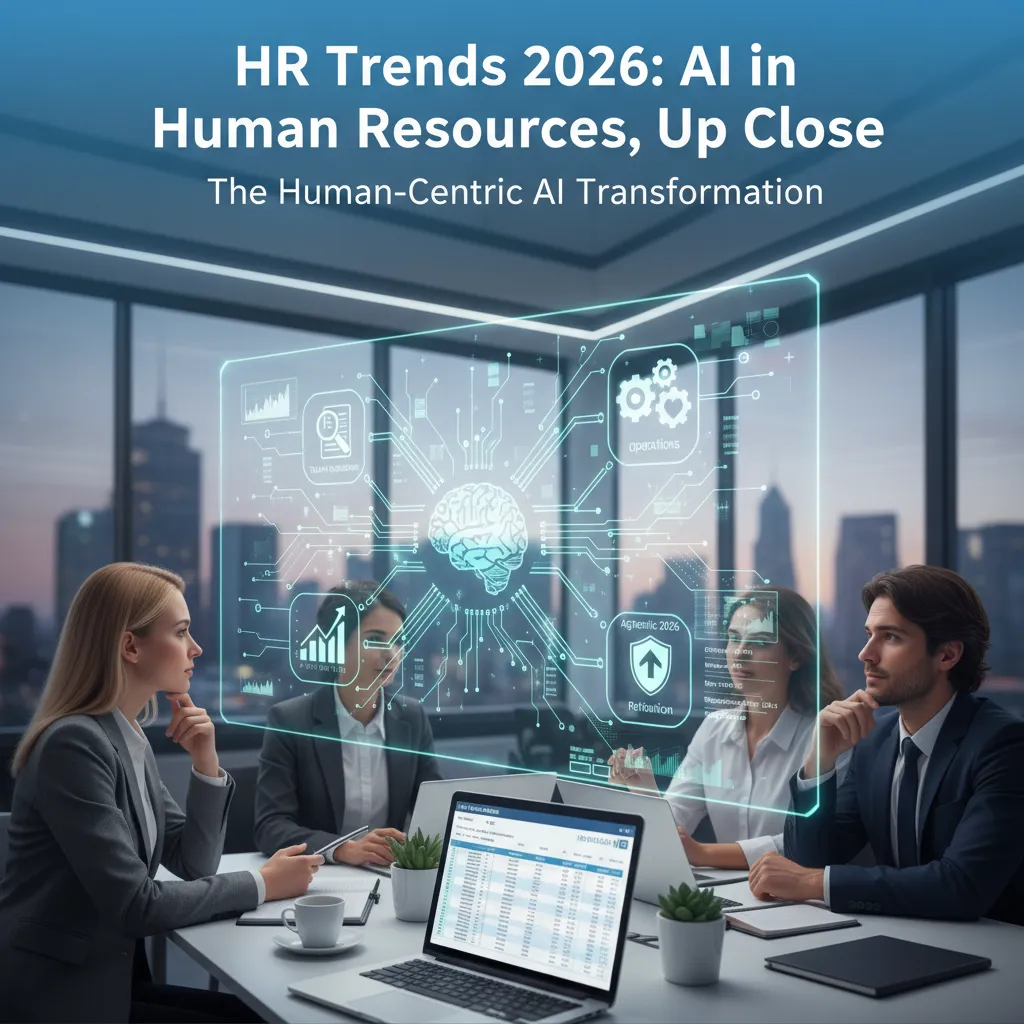
The first time I saw an “AI-powered” HR chatbot go live, it answered a new hire’s benefits question with the confidence of a seasoned specialist… and the accuracy of a Magic 8 Ball. We fixed it (with a boring spreadsheet and a lot of HR–IT humility), but that moment stuck with me: AI in HR isn’t magic—it’s operations. In this post I’m walking through the real results I’ve watched teams get when they treat AI like a new teammate: you train it, give it guardrails, and you don’t let it run payroll unsupervised on day one.
1) The “HR 2026 AI impact” I felt in my calendar
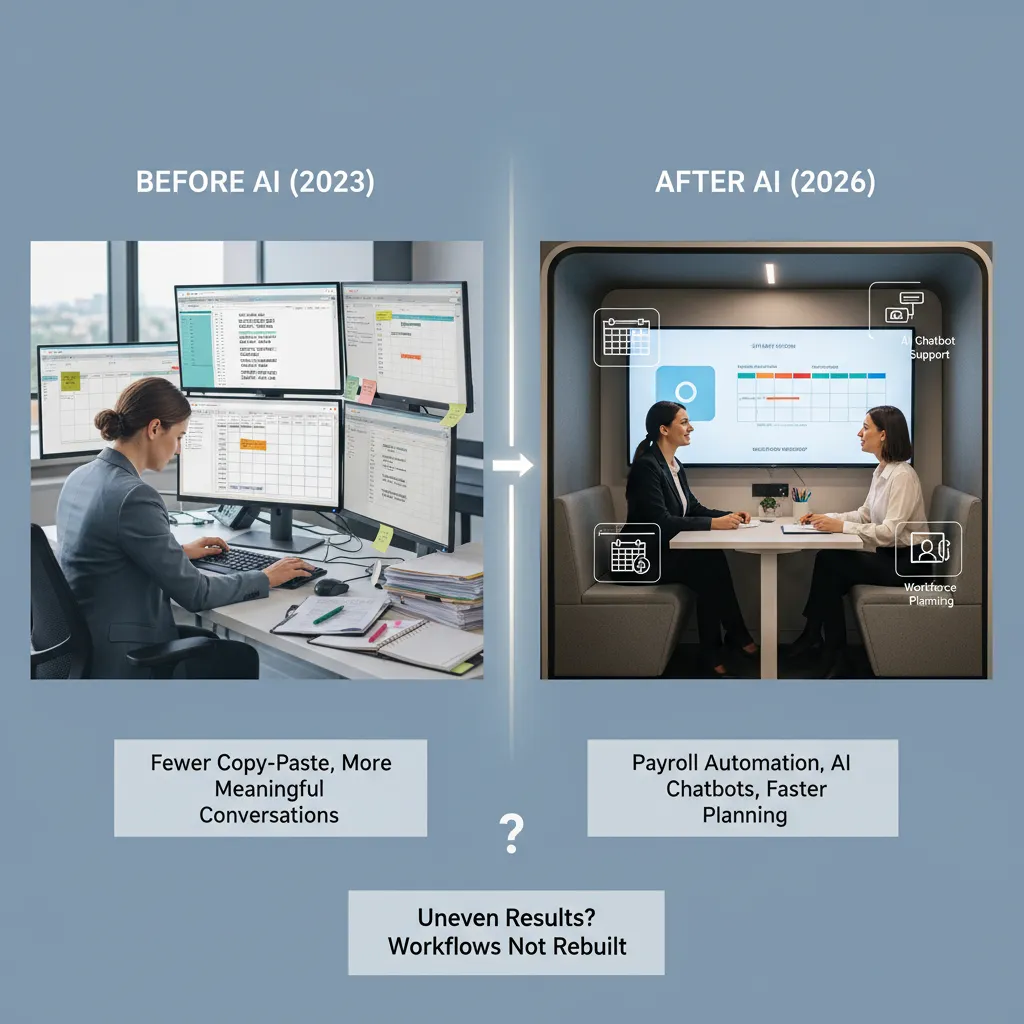
I didn’t measure this with a stopwatch, but I felt it in my calendar. Before AI showed up in our HR operations, my days were packed with small tasks that looked harmless on their own: copying data between systems, answering the same questions, and chasing approvals. After we applied AI in a few key places, those blocks started to shrink. The biggest change wasn’t “working faster.” It was having more time for conversations that actually matter—career check-ins, manager coaching, and sensitive employee issues that can’t be solved with a template.
My not-so-scientific before/after
Here’s the simple before/after I noticed:
- Before: lots of copy‑paste, follow-ups, and “just confirming…” emails.
- After: fewer repetitive tasks, more time in live discussions and problem-solving.
Where the time came from
Based on what I saw (and what “How AI Transformed HR Operations: Real Resultsundefined” describes), the time savings didn’t come from one magic tool. It came from three practical shifts:
- Payroll automation processes: AI-supported checks reduced manual review loops. Fewer exceptions landed in my inbox, and payroll prep stopped eating whole mornings.
- Ticket deflection via AI-powered chatbot support: A chatbot handled common HR questions (policy, PTO, benefits basics). That meant fewer “quick questions” turning into 20-minute threads.
- Faster workforce planning optimization: Planning cycles moved quicker because AI helped pull data, flag gaps, and draft scenarios. Instead of building spreadsheets from scratch, I spent time validating assumptions with leaders.
Why results looked uneven across teams
The impact wasn’t equal everywhere. Some teams saw big calendar changes; others barely noticed. The difference was workflow rebuilds. Teams that simply added AI on top of old steps still had the same bottlenecks—just with a new tool in the middle. Teams that redesigned the process (who owns what, when approvals happen, what “done” means) got the real lift.
A quick tangent: the emotional relief of not chasing signatures
One unexpected benefit was emotional. When AI helped route forms, remind approvers, and reduce back-and-forth, I stopped spending afternoons hunting for signatures. It sounds small, but it removed a constant background stress. I had more patience for people, because I wasn’t stuck playing document detective all day.
2) Agentic AI core capability: when AI stops “suggesting” and starts doing
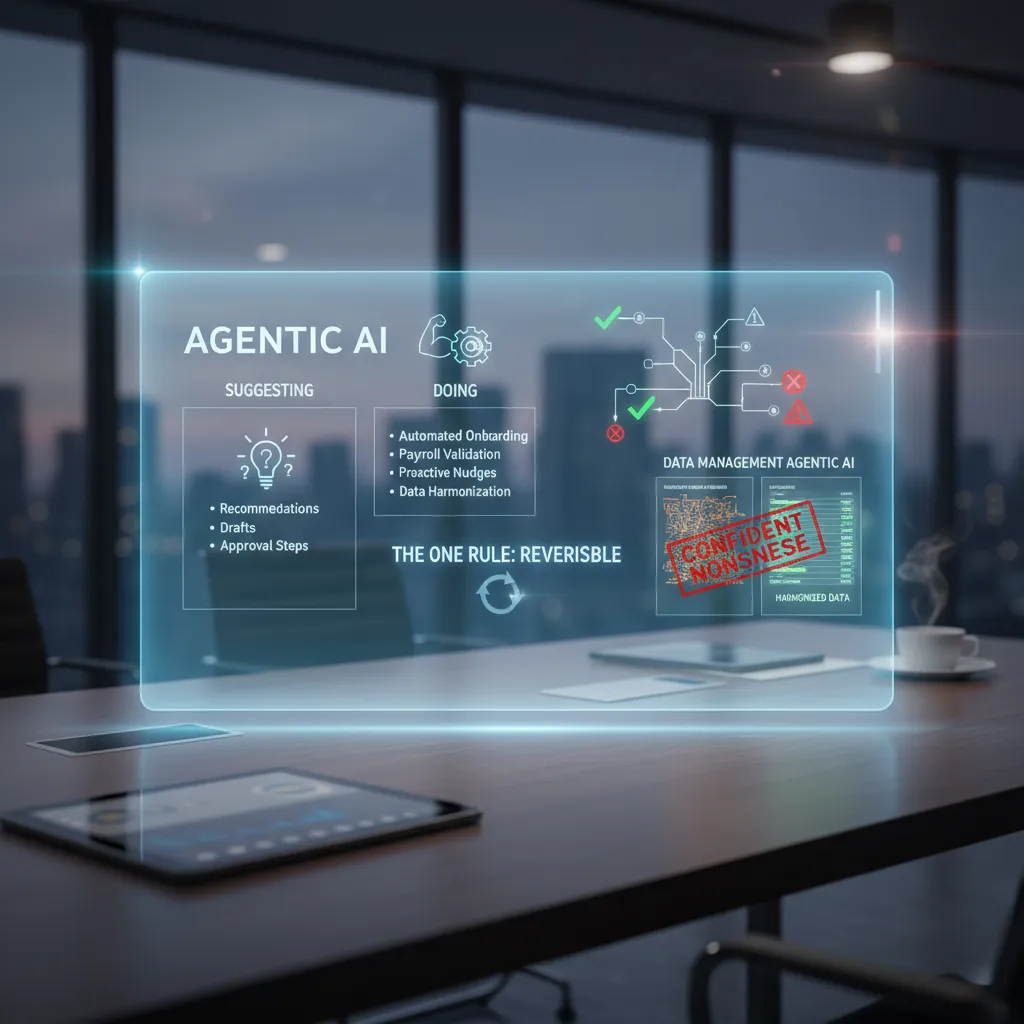
In most HR teams, we’re used to AI that suggests: draft this email, summarize that policy, recommend a candidate. Agentic AI is different. It takes action inside our systems. Based on what I’ve seen in “How AI Transformed HR Operations: Real Results,” this shift is where HR gets real speed gains—but also where we need the most control.
My working definition (and one rule)
My working definition of agentic AI automation is: an AI agent that can trigger steps across HR tools (HRIS, ATS, payroll, IT ticketing) to complete a task end-to-end, with minimal human input.
My one rule: it must be reversible. If an agent creates a record, changes a status, sends a message, or approves something, I need a clear “undo” path, a full audit trail, and a human override.
Examples I’ve seen pay off in HR operations
- Onboarding streamlining: An agent can create the employee profile, open IT and facilities tickets, assign required training, and send day-one instructions—without HR copying data between systems.
- Payroll validations: Before payroll runs, an agent can flag missing bank details, unusual overtime spikes, or mismatched job codes. This is where AI in HR reduces rework and last-minute fixes.
- Proactive nudges from HR data: Agents can remind managers about overdue reviews, expiring certifications, or incomplete timecards—based on real HRIS signals, not calendar guesses.
The “data management agentic AI” moment
Here’s the hard lesson: agentic AI is only as good as the HR data it touches. If your HRIS has messy fields—duplicate employee IDs, inconsistent job titles, outdated manager links—the agent can produce confident nonsense. It won’t hesitate; it will act.
When automation is fast, bad data becomes a fast problem.
Mini-hypothetical: the AI agent approves a leave request—what could go wrong?
Imagine an autonomous agent approves PTO because the policy rules look satisfied. Risks show up quickly:
- Policy edge cases: The employee is in a country with different statutory leave rules.
- Coverage impact: The team drops below minimum staffing, triggering service risk.
- Data errors: The manager field is wrong, so approval routing is incorrect.
- Equity concerns: Similar requests get different outcomes due to inconsistent historical data.
That’s why I treat agentic AI in human resources like a junior operator: powerful, fast, and always supervised—with reversibility built in.
3) Talent acquisition recruitment: faster hiring, fewer bad surprises
What improved immediately: the unglamorous wins
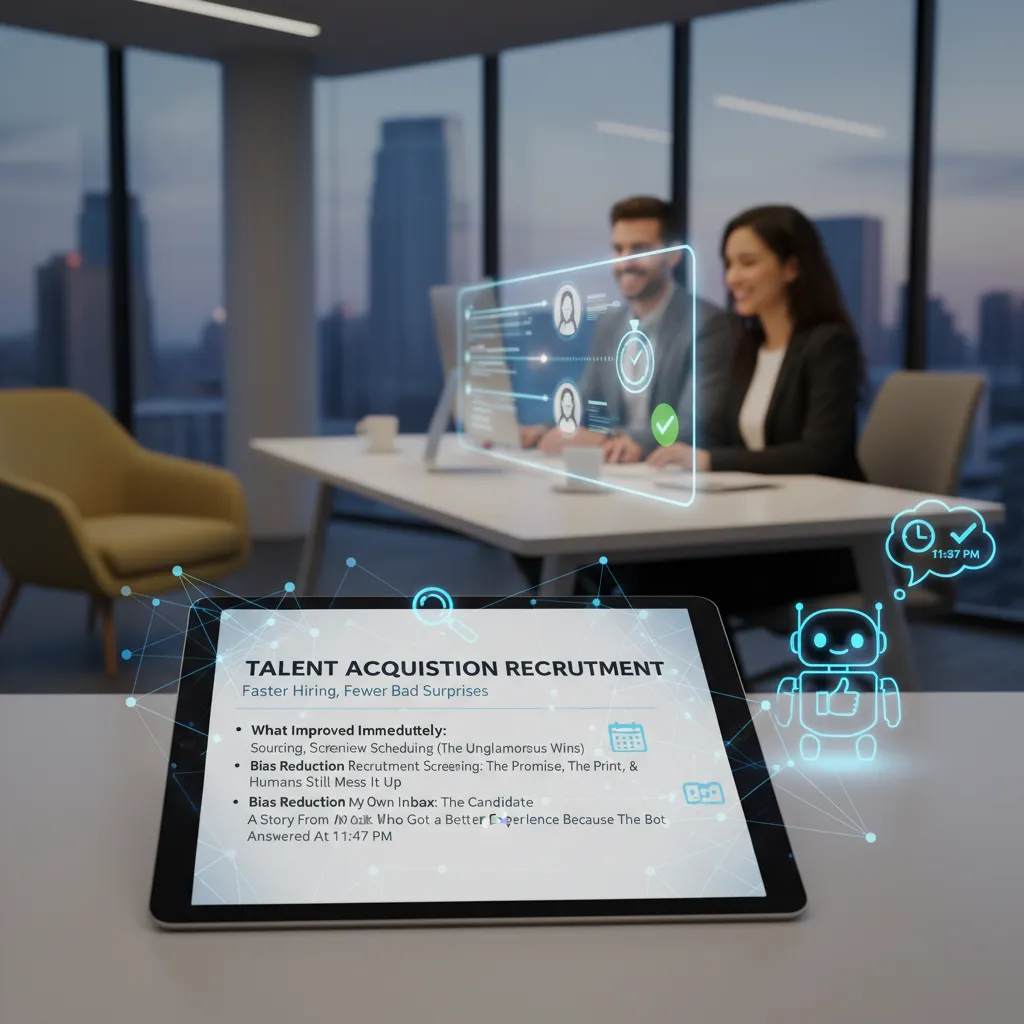
When I look back at the most practical AI in HR wins, they weren’t flashy. They were the “boring” steps that slow hiring down: sourcing, screening, and interview scheduling. AI tools helped me search wider talent pools faster, spot matching skills in resumes more consistently, and keep candidates moving without endless back-and-forth emails. In the source material, the biggest impact came from automating repeatable tasks so recruiters could spend more time on real conversations.
- Sourcing: faster shortlists by scanning profiles and past applicants for relevant skills.
- Screening: structured questions and scoring that reduce random gut-feel decisions.
- Scheduling: instant calendar matching and reminders that cut no-shows.
Bias reduction in recruitment screening: promise vs. fine print
AI in talent acquisition is often sold as “bias-free.” The promise is real: consistent criteria, fewer snap judgments, and less reliance on pedigree signals like school names. But the fine print matters. If the model learns from biased hiring history, it can repeat those patterns. And humans still mess it up when we:
- feed the system vague job requirements (“culture fit,” “polished”) that hide bias
- override AI recommendations only when a candidate “feels different”
- use biased interview scorecards, then blame the tool for the outcome
What works best for me is treating AI screening as a decision support layer, not a final judge, and auditing outcomes by role, stage, and demographic signals where legally allowed.
A story from my inbox: 11:47 p.m. changed the experience
One of the clearest “human” benefits showed up in my email. A candidate replied late at night—11:47 p.m.—with a simple question about the role and the interview format. Our recruiting bot answered right away with the correct details and a link to reschedule if needed. The next morning, the candidate wrote back:
“Thanks for responding so fast. I’m juggling shifts, and this made it easier to stay in the process.”That’s not just speed; it’s respect for people’s time.
What I measure now (not just volume)
AI makes it easy to brag about “more applicants.” I care more about fewer bad surprises after hire. So I track:
- Time-to-shortlist (not time-to-post)
- Offer acceptance rate (a signal of fit and clarity)
- Quality-of-hire signals like early performance check-ins, ramp time, and 90-day retention
4) Employee retention engagement: the part I didn’t expect AI to touch
I used to think AI in HR would stay in the “back office”: faster tickets, cleaner data, fewer manual tasks. But the biggest shift I saw (and didn’t expect) was in employee retention and engagement. Not because AI “motivated” people, but because it helped us remove friction in the employee experience.
Employee experience: AI for support, not surveillance
I draw a clear line here: AI should support employees, not watch them. In our HR operations work, the best results came from using AI to answer questions, guide people to the right policy, and speed up help. It reduced the “HR runaround” that quietly drives people away.
- Faster answers to common questions (leave, benefits, payroll timing)
- Better routing when a case needed a human specialist
- Consistent guidance across locations and teams
My rule: if an AI feature feels like it’s measuring people instead of helping them, it doesn’t ship.
AI-powered wellness programs: what changed when we made it opt-in
We tested AI-supported wellness nudges and resources, and the turning point was making it opt-in. Once employees had control, trust went up and participation followed. The AI didn’t diagnose anyone; it simply offered options like stress resources, coaching links, and reminders to use existing benefits.
What changed with opt-in:
- Higher engagement because people chose it, not because it was “assigned”
- Cleaner feedback since users were more honest about what helped
- Less fear that wellness data would affect performance reviews
Career pathing as a retention lever: the skills-based approach I wish I’d used earlier
Retention improved most when we treated growth like a product. AI helped us move from job titles to skills-based talent. Instead of telling someone, “Wait for a promotion,” we could show skill gaps, learning steps, and internal roles that matched their strengths.
- Skills profiles built from projects, training, and self-input
- Role matching based on skills, not just past titles
- Personal learning plans tied to real internal openings
Small aside: why managers suddenly started caring about internal mobility dashboards
When internal mobility became visible, managers paid attention. A simple dashboard showing who might be ready, what skills were missing, and which roles were open made retention feel measurable. It also made it harder to ignore great internal candidates.
5) Responsible AI governance: the boring stuff that saved us
When we rolled out AI in HR, the flashy wins got the attention: faster ticket handling, cleaner workflows, fewer manual steps. But the part that kept us safe—and kept trust intact—was responsible AI governance. It felt like paperwork at first. Later, it felt like insurance.
Privacy, access controls, audit logs (and the awkward question)
Our first governance meeting started with four basics: privacy, access controls, audit logs, and the question nobody wanted to answer: “Who owns the model’s mistakes?”
We decided early that AI outputs are HR decisions-in-progress, not final decisions. That means a human owner is always named for each use case (recruiting, employee support, learning). If the model gets it wrong, the owner fixes it, reports it, and updates the process.
“If we can’t explain who is accountable, we shouldn’t automate it.”
What HR data is too sensitive to “just test with”
In practice, the biggest risk wasn’t the model—it was our temptation to feed it everything. We created a “no casual testing” rule for sensitive HR data. Here’s what we treated as high-risk:
- Medical or leave details (even partial notes)
- Performance reviews and manager comments
- Compensation, bonuses, and equity data
- Employee relations cases and investigation notes
- Any ID numbers or documents (passports, SSNs, bank info)
We used masked or synthetic data for experiments, and we limited access by role. If you didn’t need it to do your job, you didn’t get it.
Fairness, transparency, and plain-English documentation
We learned that “the model said so” is not a compliance strategy. For each AI workflow, we wrote a one-page note in plain English: what data it uses, what it does not use, how results are checked, and when a human must step in. We also logged prompts, outputs, and edits so we could audit decisions later.
The checklist taped near my monitor (yes, really)
- Purpose: What problem are we solving?
- Data: Is any sensitive HR data involved?
- Access: Who can run it, view it, export it?
- Logs: Are prompts/outputs stored and reviewable?
- Fairness: Did we test for uneven outcomes?
- Accountability: Who owns mistakes and fixes?
6) HR IT collaboration: my favorite unlikely friendship
If 2026 has taught me anything about AI in Human Resources, it’s that the real magic doesn’t happen inside a model—it happens between HR and IT. In the early days of our AI rollout (inspired by the real results I saw in How AI Transformed HR Operations), we treated each other like separate departments with separate problems. Then we realized we were both trying to fix the same thing: friction in the employee experience.
Turning “people pain” into tech requirements (without a ticket war)
My biggest shift as an HR leader was learning to translate “people pain” into clear, testable requirements. Instead of saying, “Managers hate performance reviews,” I started bringing specifics: where they drop off, what questions confuse them, how long it takes, and what “better” looks like. That stopped the endless loop of IT asking for details and HR feeling ignored. We moved from blame to shared problem-solving, and our AI tools got smarter because the inputs got clearer.
When meetings stopped being pointless
We also changed how we met. The weekly HR-IT sync used to be a status parade. Now it’s a working session with one shared dashboard: adoption, accuracy, time saved, and employee feedback. We review what the AI assistant handled, what it escalated, and where it failed. That simple rhythm made integration feel real—less “handoff,” more “co-own.”
Budget talks that got real (and slightly uncomfortable)
AI integration forced honest budget conversations. IT asked about security, data retention, and system load. HR asked about change management, training time, and what happens when automation shifts roles. We stopped pretending AI was “free” once licensed. We priced in governance, prompt testing, and ongoing tuning. It was uncomfortable, but it prevented the classic pattern: buying a tool and then starving it.
Fast forward to 2036: HRIS as a co-pilot
Here’s my playful 2036 vision: I open our HRIS and it doesn’t feel like a filing cabinet. It feels like a co-pilot. It warns me when a policy change will spike tickets, suggests a better onboarding flow based on real behavior, and drafts manager coaching notes using approved language. IT doesn’t “support HR systems” anymore—we run a shared people platform. And honestly, that unlikely friendship is the best trend I’m betting on.
TL;DR: AI in HR is no longer a pilot toy: it’s cutting hours, sharpening recruiting, and improving retention—if you rebuild workflows, lock down data, and run responsible AI governance with HR–IT collaboration.


Comments
Post a Comment