AI Tools for HR in 2026: My Noisy Comparison
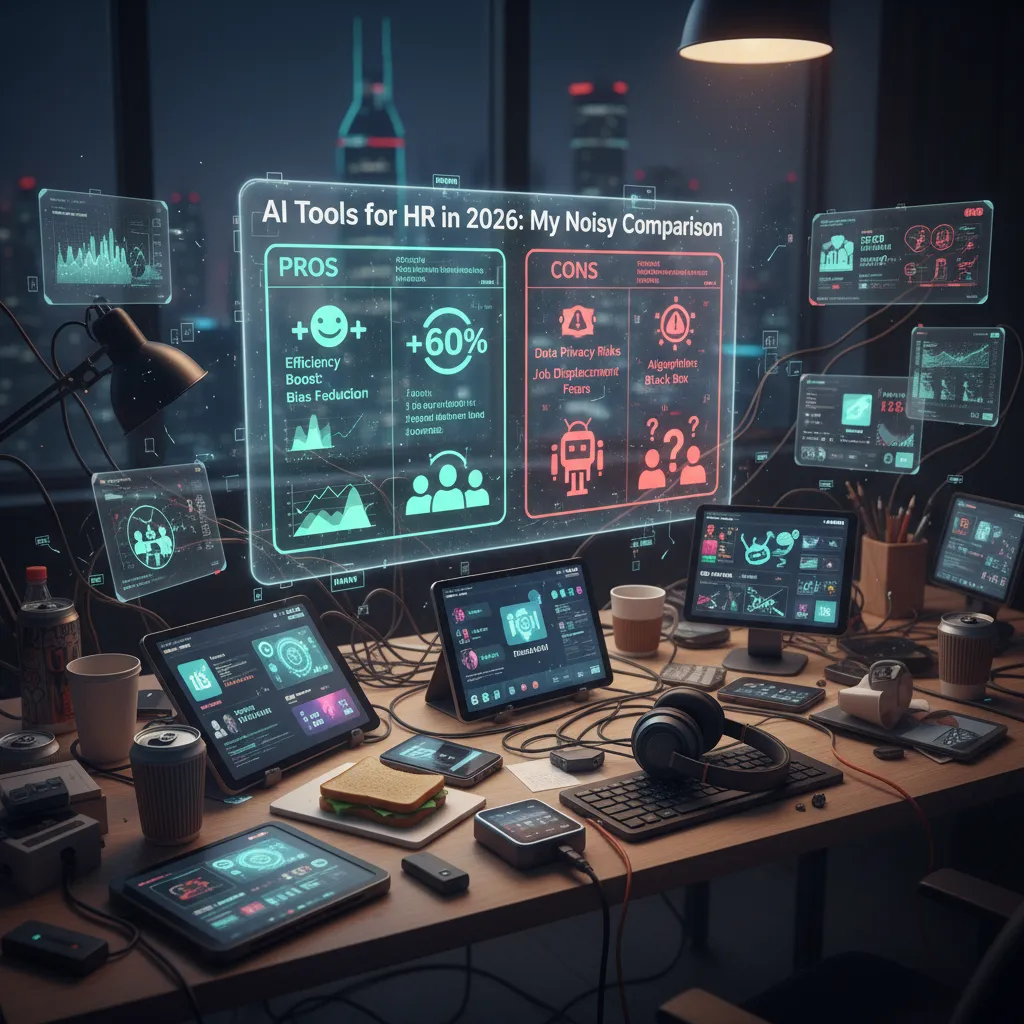
Last year I watched an HR team waste three Fridays arguing about a single policy question (remote work exceptions—always spicy). The funny part? Everyone had “the system” open, but no one could find the answer fast enough to stop the Slack spiral. That’s the moment I stopped caring about feature checklists and started caring about how AI-powered HR actually behaves on a messy Tuesday: Can it retrieve knowledge, automate the boring parts, and still keep humans in the loop when emotions are involved? In this post, I’m comparing a handful of AI HR tools I keep seeing in real buying conversations—some with conversational interfaces, some with heavy analytics, and a few that feel like they were built by someone who’s actually sat through a performance review season.
1) My “messy Tuesday” test for AI-Powered Features
When I compare AI tools for HR in 2026, I don’t start with demos or feature lists. I start with a “messy Tuesday” simulation: the kind of day where everything interrupts everything. In my notes from Top HR Tools Compared: AI-Powered Solutions, the winners weren’t the flashiest—they were the ones that stayed useful under pressure.
Interruptions are the real benchmark
I judge AI-powered HR by how it handles three common disruptions: policy questions (“Can I carry over PTO?”), manager panic (“I need to terminate access today—what’s the process?”), and last-minute onboarding changes (“Start date moved up, laptop still shipping”). If the system can’t keep context and route the request correctly, it becomes another inbox for HR to clean up.
The conversational interface matters more than I expected
I used to think chat was a nice add-on. Now I treat it as the front door. If employees won’t use the conversational interface—because it’s clunky, slow, or confusing—then automation doesn’t happen. I look for simple prompts, clear next steps, and the ability to switch from chat to a form or ticket without starting over.
Knowledge retrieval: cite it, don’t guess
My biggest red flag is confident-sounding answers with no grounding. I test whether the tool can answer consistently and cite the right policy (handbook section, region, effective date). If it can’t show where the answer came from, I treat it as unreliable—even if it “sounds right.”
Wild-card scenario: “three time zones + one contractor” onboarding
I run one stress test every time: a new hire split across three time zones plus a contractor who needs limited access. Does the system bend or break when I change start dates, swap managers, and adjust provisioning rules midstream?
- Accuracy under messy inputs
- Escalation to a human with full context
- Audit trail (who asked, who approved, what changed)
- Learning from real HR workflows, not just generic FAQs
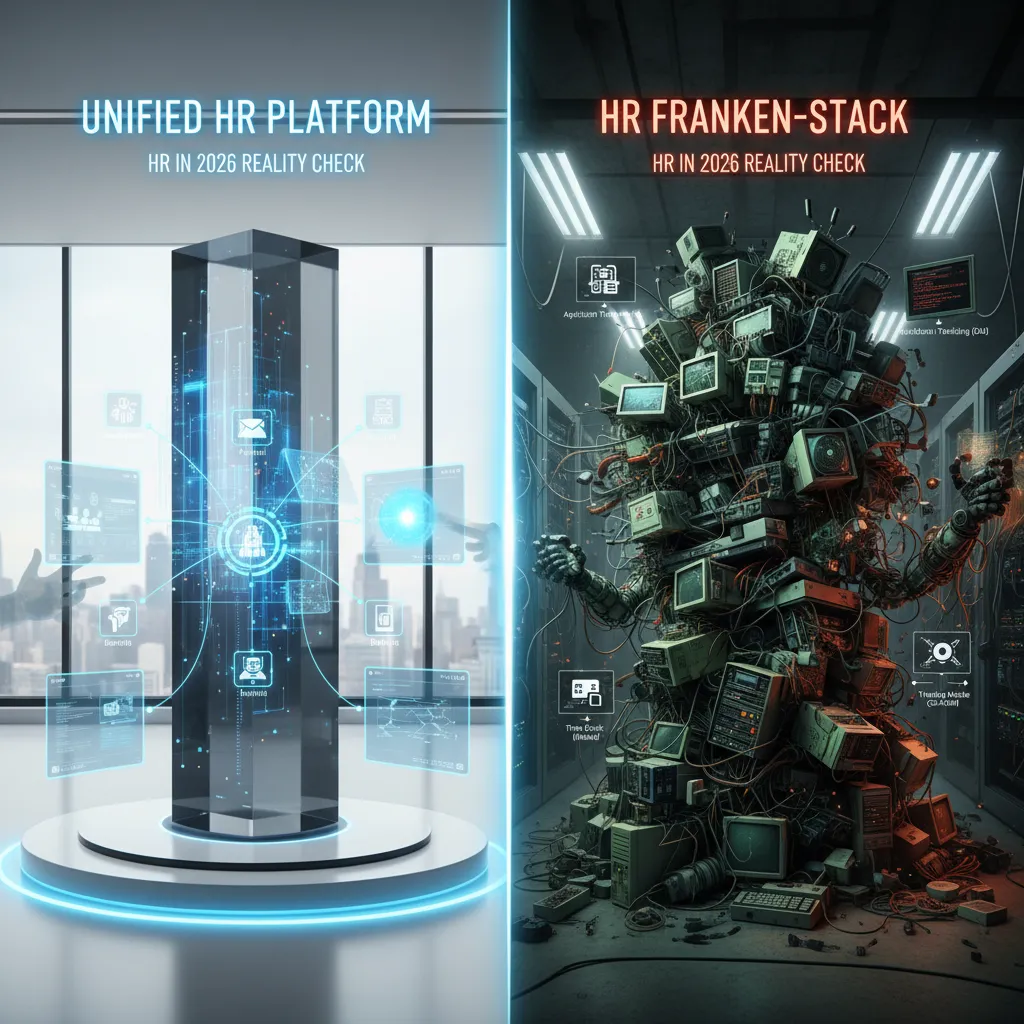
2) Unified HR Platform vs. the “Franken-stack” (HR in 2026 reality check)
I’ve bought both, and in 2026 the trade-off is still real. A unified HR platform feels calmer day to day: fewer logins, fewer “where is the source of truth?” meetings, and fewer surprises when a leader pings me for a headcount number five minutes before a board call. A best-of-breed “Franken-stack” feels faster at first—until integrations become a part-time job.
Why unified platforms feel calmer (my Workday HCM example)
From the “Top HR Tools Compared: AI-Powered Solutions” lens, Workday HCM stands out when you need one system to carry the load across core HR, reporting, and governance. The biggest pros I’ve seen:
- Real-time analytics that don’t require stitching together exports from three vendors.
- Global compliance support that matters when policies, pay rules, and data rules change by country.
- Fewer system hops when leaders ask for “active headcount,” “open roles,” or “attrition by org.”
Where the Franken-stack wins (and why people still choose it)
The Franken-stack is not “wrong.” It wins when you want to swap in specialist tools without replatforming. In practice, that means I can add:
- An AI recruiting chatbot to speed up candidate Q&A and screening.
- A niche tool for employee relations (ER) workflows or case management.
- A dedicated performance or engagement app with stronger AI coaching features.
My rule of thumb in 2026
If you’re in multiple countries, compliance pressure usually outweighs UI preferences. The more regions you operate in, the more you benefit from one platform that can enforce consistent data, access, and audit trails.
Tiny tangent: the hidden cost is manager training
Training managers is where stacks quietly bleed time. Three tools means three ways to mess up a performance note, mis-tag feedback, or store sensitive info in the wrong place. Even with good AI, humans still click the buttons.
3) Performance Management without the annual dread (Performance Management)
Performance Management is where AI either helps—or accidentally turns feedback into corporate word salad. In 2026, I’m less impressed by tools that “generate feedback” and more interested in tools that keep managers honest, specific, and tied to real work.
Peoplebox AI Insights: keep reviews anchored to goals
From the “Top HR Tools Compared: AI-Powered Solutions” notes, Peoplebox AI Insights stands out when you’re serious about Goal Alignment with OKRs plus 360 Feedback Reviews. The big win is that reviews don’t float away from goals. If someone’s OKR was “reduce ticket backlog by 20%,” the review should talk about that outcome—not vague “great attitude” filler.
- Best for: teams running OKRs who want performance conversations to match priorities
- AI value: connects feedback to goals, progress, and review cycles
Lattice: proactive signals before disengagement becomes attrition
The Lattice features I care about are the proactive AI agents that flag disengagement early—before you lose someone quietly. I like anything that nudges a manager to check in when patterns show up (missed 1:1s, low participation, slipping goals). That’s not “spying”; it’s a prompt to have a human conversation sooner.
- Best for: managers who need early warnings and structured follow-through
- AI value: surfaces risk signals and suggests timely actions
BambooHR Reporting: my sleeper pick for simple accountability
BambooHR Reporting is my sleeper pick for managers who need reminders and clean reporting more than fancy prompts. Sometimes the most useful “AI” is just making sure reviews happen on time, notes are easy to find, and reports don’t require a spreadsheet marathon.
Mini anecdote: I once rewrote a manager’s feedback three times; now I want tools that coach clarity, not tone-police.
My personal test: does the tool help a manager say what happened, what to repeat, and what to change—in plain language?
4) Employee Onboarding & offboarding: where automation actually feels kind
Employee onboarding is the moment your HR tools either look magical or… like a scavenger hunt. In 2026, I judge HR AI tools by one simple test: do they reduce panic on day one, and do they make exits clean without awkward chasing?
Leena AI HR: the “ask me anything” layer that saves HR time
From the Top HR Tools Compared: AI-Powered Solutions lens, Leena AI HR shines when the same questions repeat every week. It works like a conversational assistant inside the flow of work, answering onboarding FAQs (“Where’s the policy?”, “How do I claim expenses?”) and nudging tasks forward so managers don’t forget approvals.
Workwize: when hardware logistics decide the whole experience
Workwize is my pick when devices and access are part of the story. It ties together onboarding, offboarding automation, and asset management in one motion—so shipping, retrieval, and tracking don’t live in messy spreadsheets. Offboarding feels kinder too: fewer last-minute emails, more clear steps.
Zoho People: affordable self-service that prevents tiny tickets
Zoho People wins on practical basics: self-service, attendance, and leave management. For smaller teams, this stops small issues from becoming HR tickets (“I can’t find my leave balance,” “How do I clock in?”). It’s not flashy, but it keeps the queue quiet.
Hypothetical: new hire starts Monday, laptop arrives Wednesday
- Leena AI HR should immediately guide the new hire to a “Day 1 without a laptop” checklist and notify IT/manager with a nudge.
- Workwize should auto-escalate shipping, show tracking, and trigger a temporary equipment plan (loaner, local pickup, or reimbursement flow).
- Zoho People should keep the admin side smooth: attendance rules, leave access, and a simple onboarding task list so the hire still feels “in the system.”
What the AI should say: “Your laptop is delayed and arrives Wednesday. Today you can complete HR forms, security training, and team onboarding. I’ve alerted IT and your manager, and I’ll update you when shipping changes.”
5) Employee Relations & compliance: when you need Instant ER Expertise
Employee Relations is where I’m happiest to have AI as a co-pilot, not a pilot. ER work is emotional, high-stakes, and full of context. In 2026, the best AI tools for HR don’t “decide” outcomes—they help me move faster, stay consistent, and document the why behind every step.
Instant ER Expertise (without guessing)
When a situation is sensitive and the policy binder is… optimistic, I want a tool that brings structure. HR Acuity’s olivER stands out here. It’s trained on 20 years of best practices, which makes it useful for triage: what questions to ask, what risks to flag, and what documentation to gather. I treat it like an ER checklist that helps me stay calm and thorough.
Global compliance that doesn’t slow hiring
Cross-border hiring gets real fast: local rules, contract language, and “what counts as compliant” can change by country. G-P Gia helps simplify global recruitment compliance and contract creation, so I’m not starting from scratch every time we open a new location or hire a remote employee. It’s especially helpful when managers want speed, but I still need guardrails.
Keep compliance close to the data
For ongoing compliance, I like systems that reduce manual tracking. Workday HCM keeps global compliance closer to the employee record, which helps avoid what I call spreadsheet archaeology—digging through old files to figure out who approved what, and when.
My boundary: no black boxes in ER
Any ER AI I use must support transparency and human judgment. My minimum standard looks like this:
- Log sources (policy links, case references, and assumptions)
- Recommend next steps (not final decisions)
- Encourage human review before action is taken
In Employee Relations, speed matters—but clarity and accountability matter more.
6) Recruiting automation & the oddly human art of scheduling
Recruiting automation is the easiest place to over-promise. Every hiring team wants speed, but candidates want respect. If an “AI recruiter” feels like a black box that rejects people with no context, the time you save gets paid back in brand damage and angry emails.
Where Paradox Olivia actually shines
From the “Top HR Tools Compared: AI-Powered Solutions” lens, Paradox Olivia is strongest in the unglamorous parts of recruiting: application screening and interview scheduling. That sounds basic, but it’s where most teams bleed hours. Olivia’s value is consistency: it can answer common questions, collect missing details, and move qualified candidates forward without making them wait three days for a reply.
Small confession: I used to think scheduling was trivial—then I tried coordinating five panelists across calendars. One person is in training, another blocks focus time, and someone always forgets to update availability. Automation doesn’t “feel” exciting, but it removes the friction that makes candidates drop off.
Moveworks as the wildcard when HR meets IT
Moveworks enters as a wildcard when HR and IT requests blur together. In real life, a candidate or new hire might ask about interview links, laptop setup, badge access, and password resets in the same thread. One bot across departments can mean fewer handoffs, fewer “wrong queue” tickets, and faster answers—especially in high-volume hiring.
My sanity-check list: fairness, transparency, and humans
I don’t judge AI recruiting tools only on speed. I sanity-check them on:
- Fairness: Can I audit screening rules and spot bias risks?
- Transparency: Does the candidate know they’re chatting with AI, and what it’s doing?
- “Can I reach a human?” Is there a clear handoff when someone needs help?
Automation should shorten the wait, not shrink the dignity.
7) My comparison wrap-up: the stack I’d build (and why)
After this noisy comparison of AI tools for HR in 2026, I stopped trying to crown one “best” platform. Instead, I map tools to moments: onboarding anxiety (new hires need answers fast), performance-season fatigue (managers need structure), ER sensitivity (cases need care and consistency), and recruiting speed (candidates won’t wait). That lens helped me turn “shiny AI features” into practical choices.
If I had to pick a lean 2026 stack based on the AI-powered HR tools compared, I’d build around Workday HCM for core HR plus analytics, then add Leena AI as the conversational layer that meets employees where they already are (chat). For performance, I’d choose Peoplebox.ai or Lattice depending on whether I need tighter goal execution or a broader performance + engagement feel. For employee relations, I’d use HR Acuity olivER because ER work is high-stakes and benefits from guided, consistent workflows. For recruiting, I’d bring in Paradox Olivia to reduce scheduling drag and keep pipelines moving. For lifecycle operations like equipment and provisioning, Workwize is the clean add-on. And if budget really matters, I’d keep Zoho People on the table as a practical alternative for teams that need value without heavy overhead.
But I wouldn’t start with seven rollouts. I’d start with two pilots: one focused on Employee Onboarding, and one on Performance Management. Those two moments touch almost everyone, and they reveal integration gaps quickly.
What would I measure? Ticket deflection (how many “where do I find…” questions never hit HR), cycle time (time-to-productive, time-to-review completion), engagement signals, and manager satisfaction—the quiet KPI that predicts adoption.
Choosing HR tech is like choosing a kitchen—buy the appliances you’ll actually use, not the ones that look great in the showroom.
TL;DR: If you want fewer HR automation tasks and a calmer employee experience, start by choosing your “center of gravity” (unified HR platform vs. best-of-breed). Then match tools to use cases: ER expertise (HR Acuity olivER), conversational support and onboarding (Leena AI), engagement signals (Lattice, HiBob), analytics + compliance (Workday HCM, G-P Gia), attendance and self-service value (Zoho People), performance reviews with OKRs/360 (Peoplebox.ai), recruiting automation (Paradox Olivia), cross-dept support (Moveworks), and lifecycle ops (Workwize).


Comments
Post a Comment