AI Sales Tools: What Actually Changed in Ops
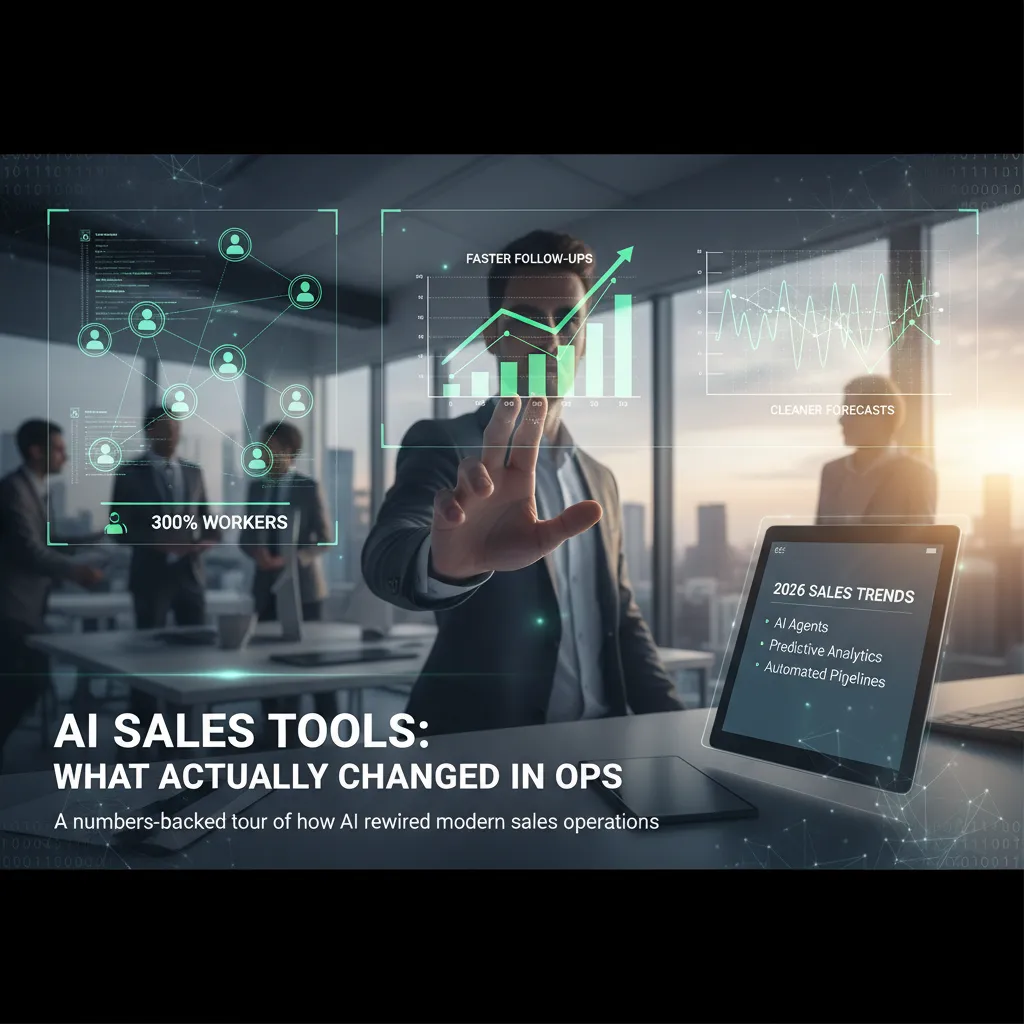
Last year I watched a rep spend 47 minutes copying call notes into the CRM—then miss the one follow-up that actually mattered. That was my “this is broken” moment. I didn’t set out to become an AI cheerleader; I just wanted fewer sticky notes, fewer “who owns this lead?” threads, and forecasts that didn’t feel like astrology. What surprised me wasn’t that AI could write emails—it was how AI sales tools quietly reorganized the boring middle of sales operations: routing, scoring, call summaries, and the tiny handoffs where deals usually die.
The day I stopped trusting my own pipeline (and started using AI)
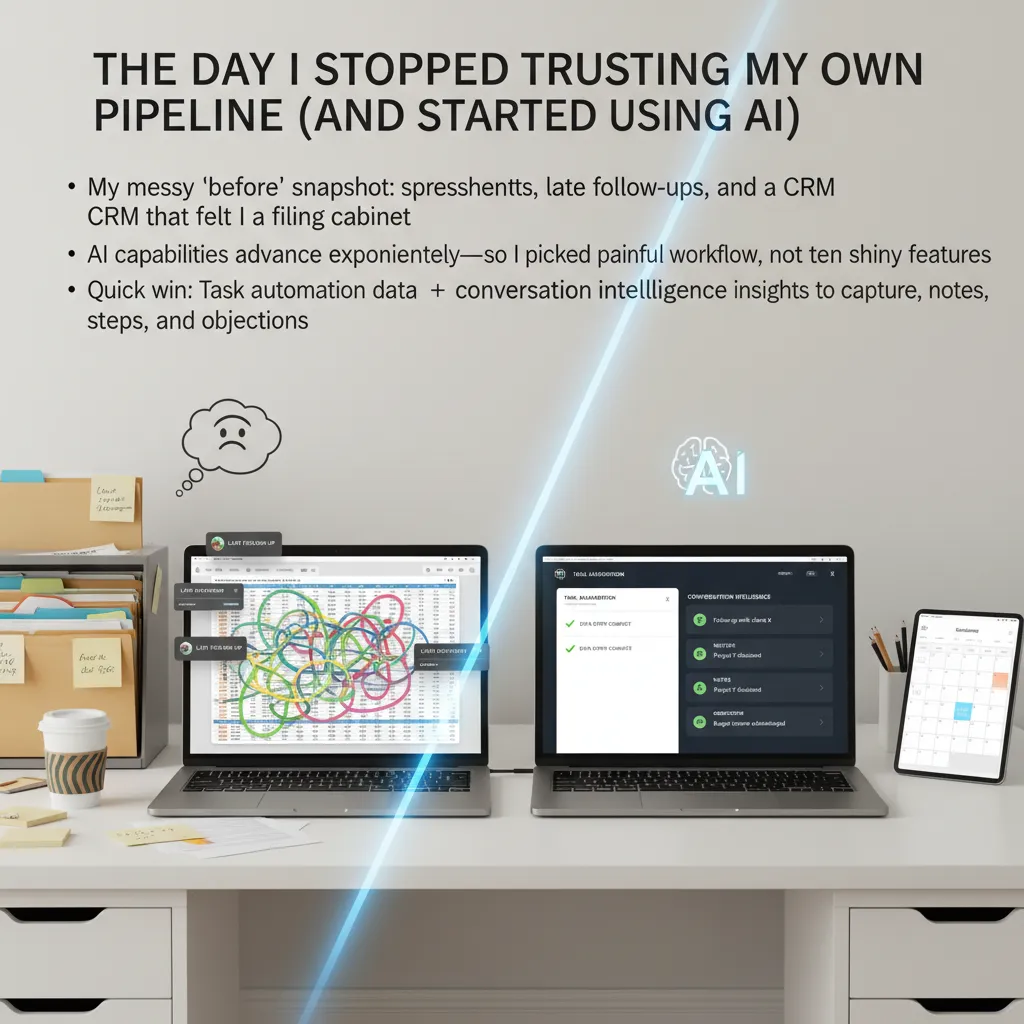
I used to say I “knew my pipeline.” What I really meant was: I had a mix of tabs, reminders, and gut feel that mostly worked until it didn’t. My “before” snapshot looked like this:
- Spreadsheets for deal stages (and a second sheet for “real” stages)
- Late follow-ups because notes lived in my head or in call recordings I never rewatched
- A CRM that felt like a filing cabinet—good for storage, bad for action
The breaking point was a normal Tuesday. I opened the CRM, saw a clean pipeline, and still got blindsided by a stalled deal. The data was “updated,” but it wasn’t true. It was missing the objections, the next steps, and the small signals that tell you a deal is slipping.
One painful workflow, not ten shiny features
AI capabilities are moving fast—almost too fast. Every tool promised forecasting, scoring, coaching, and magic dashboards. But I learned (the hard way) that chasing features creates more mess. So I picked one painful workflow: keeping the CRM accurate without stealing time from selling.
The quick win: automation + conversation intelligence
I started with two AI functions that actually changed my day-to-day sales ops:
- Task automation for data entry: after calls, the system created activities, updated fields, and set follow-up tasks.
- Conversation intelligence insights: it captured notes, next steps, and common objections directly from calls.
Instead of me writing “Send pricing” and forgetting the context, the AI pulled the real details: what the buyer pushed back on, what they agreed to, and what had to happen next. My pipeline didn’t just look organized—it started to reflect reality.
Why the first week feels slower
Small tangent: the first week felt like I was moving backward. I had to review summaries, correct fields, and teach the system what “good notes” looked like. That slowdown mattered, because it proved something important:
AI wasn’t replacing my judgment. I was training it to support my process.
Sales ops is a kitchen
Here’s the analogy that finally clicked for me: sales ops is a kitchen. AI isn’t the chef. It’s the prep station—the place that chops, labels, and sets timers so you don’t burn the onions while you’re trying to cook the meal. I still run the deal. I just stopped doing the busywork that made my pipeline untrustworthy.
Lead scoring that actually gets used (and stops leads from rotting)
Before AI, our lead scoring looked “smart” in a dashboard and useless in real life. Reps didn’t trust it, so leads sat in queues until someone had time (which meant they rotted). What actually changed in ops was not the model—it was how I rebuilt the scoring so people would use it every day.
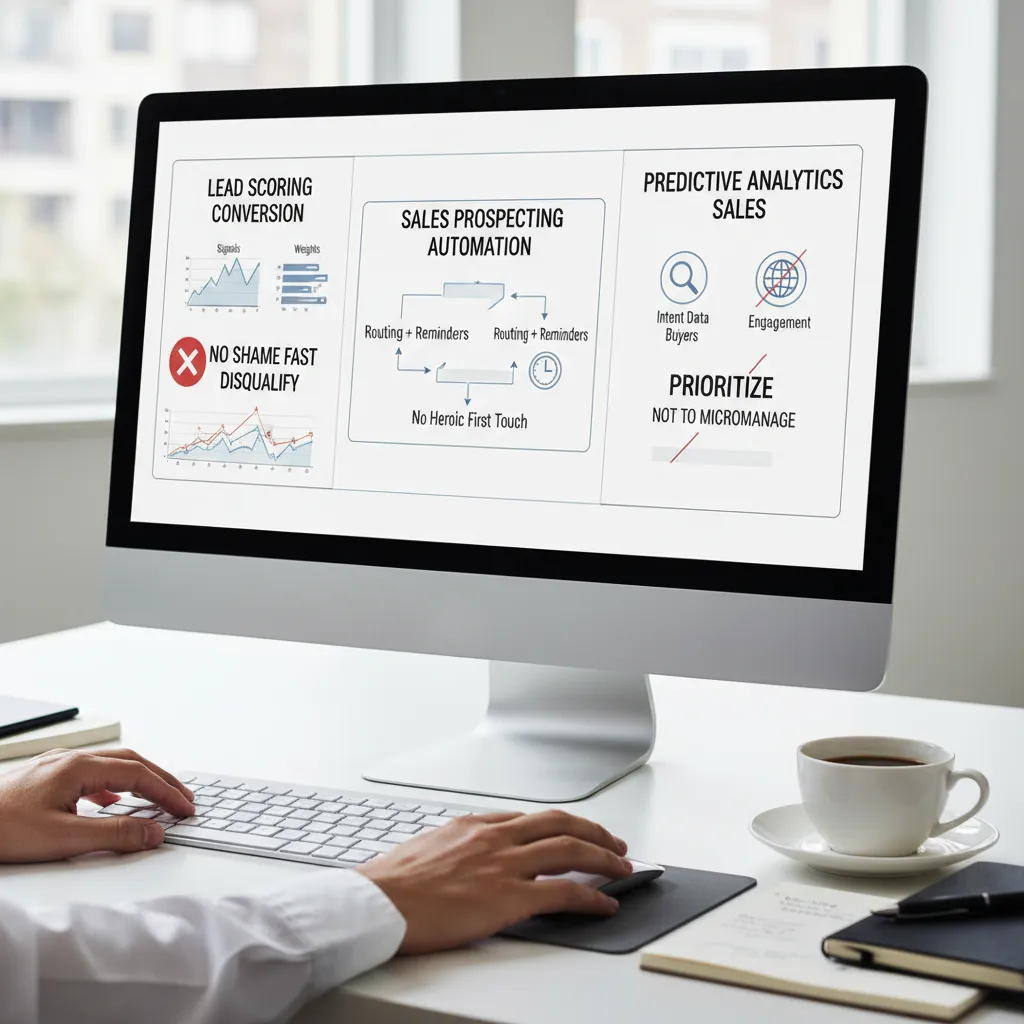
Lead scoring conversion: signals, weights, and the “no shame” rule
I stopped scoring based on vague fit alone and started scoring on fit + action. Fit still matters (industry, size, tech stack), but action is what drives timing. I also added a “no shame” rule: if a lead doesn’t meet basic criteria, we disqualify fast and move on—no long debates, no guilt.
- Signals I kept: ICP match, role/seniority, region, required integrations
- Signals I added: pricing page visits, demo intent, reply sentiment, meeting booked, intent keywords
- Signals I removed: generic email opens and “downloaded one PDF”
To make it real, I used simple weights and shared them openly:
| Signal | Weight |
|---|---|
| Booked meeting | +40 |
| High-intent page (pricing/security) | +20 |
| ICP match | +15 |
| Unqualified (student/consultant/no budget) | -50 |
Sales prospecting automation: routing + reminders
The biggest win was making first touch automatic. AI handled routing based on territory, account ownership, and speed-to-lead rules. Then it created reminders that didn’t rely on heroics. If a lead hit a threshold, the rep got a task plus a drafted opener. If no action happened, it escalated.
“If the system needs a perfect day to work, it won’t work.”
Predictive analytics sales: prioritize, don’t micromanage
I use predictive analytics and intent data to rank work, not to tell reps what to say. Engagement plus buyer intent helps us focus on the right 20 leads instead of staring at 200. The score is a compass, not a script.
Key takeaways: let AI agents triage, humans handle nuance
AI agents can autonomously triage, enrich, route, and nudge. Humans should handle discovery, objections, and messy context.
Small confession: I once chased a “hot” lead for two weeks because the CEO liked the company logo. Now the score has to earn its heat.
Forecast revenue AI: making predictions less awkward in QBRs
Before we added forecast revenue AI, my forecast was honestly vibes-based. Our stages were not consistent across teams, so “Stage 3” could mean “legal is reviewing” for one rep and “we had a good call” for another. Reps were also optimistic (not malicious—just human), and I was missing signals that lived outside the CRM: quiet buyers, stalled champions, and deals that looked fine on paper but had no real momentum.
Why the old forecast broke down
- Inconsistent stages: the same stage meant different risk levels.
- Optimistic updates: close dates slid, but probability stayed high.
- Missing signals: no view of buyer engagement, competition, or true next steps.
What a revenue intelligence platform changed
Using a revenue intelligence platform, we started pulling more than CRM fields into one view. The system blended buyer engagement data (email replies, meeting activity, stakeholder coverage), historical win rates by segment, seasonality patterns, and even competitive context from call notes. Instead of asking, “Do you feel good about this?” I could ask, “What changed in the buyer’s behavior?”
In QBRs, that shift mattered. We stopped debating opinions and started reviewing evidence. The platform didn’t replace rep judgment, but it gave us a shared baseline.
What improved in sales forecasting accuracy
When we stopped relying on gut feel, a few things got better fast:
- Cleaner commit calls: fewer surprise slips at the end of the month.
- Earlier risk flags: stalled engagement showed up before the deal “felt” stuck.
- Better pipeline hygiene: reps updated next steps because the model punished vague activity.
Deflating the AI bubble: model vs. dashboard glitter
Not every “AI forecast” is real forecasting. Some tools just re-label charts and call it intelligence. I learned to separate legit predictive models from dashboard glitter by checking one thing: does it explain the drivers, or does it only show a score?
If the tool can’t tell me why a deal moved, it’s not helping the forecast—it’s decorating it.
The practical ritual we use now
Each week, we run a forecast review where AI explains why it moved a deal (not just that it moved). We look for driver changes like:
- Engagement drop (fewer replies, canceled meetings)
- Stakeholder gap (single-threaded deals)
- Stage-to-win mismatch (historical win rate says “too early”)
Sales cycle reduction: the weird compounding effect of less friction
The story I keep coming back to from How AI Transformed Sales Operations: Real Results is a manufacturing team that cut their sales cycle from 120 days to 38 days. That number sounds like magic, but it usually isn’t. What likely changed operationally was the boring stuff: faster lead routing, cleaner handoffs, fewer “who owns this?” moments, and tighter follow-up. When every step loses a day or two of waiting, the whole deal moves. That’s the weird compounding effect—small friction removed across many steps becomes a big cycle-time win.
Generative AI content creation (with human edits)
In my day-to-day sales ops work, the biggest time saver is not “AI writing emails.” It’s AI producing usable first drafts that reps can edit quickly. The best examples:
- Call recap emails that summarize pain points, decisions, and next steps
- Meeting agendas pulled from the last call plus open questions in the CRM
- Proposal first drafts that mirror the customer’s language and requirements
When these are generated right after a call, the rep stays in motion instead of losing context. That alone can remove days of delay between meetings.
Deals close faster when next steps are explicit and tracked
I’ve seen fewer stalls simply because AI makes the “what happens next?” impossible to ignore. Summaries capture commitments, and tasks get created automatically. Instead of vague notes like follow up next week, we get specifics: send security doc, book technical review, confirm pricing option B, each with an owner and date. That reduces the quiet gaps where deals go to die.
Where I’ve seen the strongest ROI in sales technologies
If I had to rank the AI sales tools that actually changed ops outcomes, it’s these:
- Routing: faster speed-to-lead and fewer misassigned accounts
- Summaries: consistent notes, cleaner CRM, better coaching
- Scoring: reps spend time on deals that can move now
- Forecasting: fewer surprises because risk signals show up earlier
A tiny tangent: I still make reps write the final “pricing email”
I’ll happily let AI draft pricing language, but I still require the rep to write the final version themselves. The pricing email is where tone and trust matter most. One awkward line can create a week of back-and-forth—exactly the friction we’re trying to remove.
AI agents essential members: the 2026 sales team I can picture
When I look at AI sales tools now, the biggest shift in sales ops isn’t “better automation.” It’s the move from single-purpose tools to multi-agent systems that run a workflow end to end, with clean handoffs. In the source material, the real results came from reducing manual work, tightening follow-up, and keeping data accurate. Agents are the next step: they don’t just assist a rep—they coordinate the work around the rep.
From single tools to multi-agent handoffs
In 2026, I picture a small “agent team” that behaves like an ops pod:
- Prospecting agent finds accounts, checks fit, and flags intent signals.
- Messaging agent drafts sequences and adapts copy by persona.
- CRM agent logs activity, updates fields, and fixes duplicates.
- Routing agent hands off hot leads to the right rep and calendar.
The key is the handoff: each agent completes its piece, then passes structured context to the next one—so nothing gets lost between research, outreach, and reporting.
What I’d delegate vs. what stays human
I’d delegate the work that is repeatable and easy to verify:
- Research: firmographics, tech stack clues, recent news, org charts.
- Sequencing: timing, channel mix, follow-up nudges, A/B tests.
- CRM hygiene: notes formatting, stage updates, next steps, data checks.
But I’d keep the human moments human:
- Discovery: reading tone, asking better questions, building trust.
- Negotiation: trade-offs, risk, legal nuance, and relationship stakes.
Enterprise apps embed agents (and why fewer logins matters)
Another change I see: agents are moving into the tools we already live in—CRM, email, dialers, and support platforms. That matters because sales ops improvements often fail when reps have to open “one more tool.” Embedded agents reduce context switching, keep data fresh, and make process feel like part of the workflow instead of extra admin.
Early adopters compound advantage
Teams that adopt agents early build better habits: cleaner data, consistent sequences, and faster feedback loops. Over time, that compounds—agents learn from the team’s best calls, best emails, and best outcomes, and the system gets sharper.
A 5-person team + agents performing like 10
If five reps can operate with agent support like a ten-rep team, I’d use the extra capacity to:
- Run tighter account-based plays on top targets.
- Increase meeting prep quality (not just meeting volume).
- Follow up faster and more consistently after every call.
- Spend more time on pipeline strategy instead of data cleanup.

Conclusion: Create competitive advantage without losing the plot
After seeing what actually changed in ops, I’ve stopped thinking of AI as a magic trick. The teams that got real results treated it like sales operations infrastructure: something that quietly improves how work moves from lead to close, inside the tools we already use. That mindset is where competitive advantage comes from—not from chasing every new “AI sales tool,” but from building a system that makes reps faster, managers clearer, and data cleaner.
My checklist is simple. I pick one workflow that creates daily friction (lead routing, call notes, follow-up emails, pipeline updates). Then I integrate it with the CRM so the output lands where the team already works. Next, I measure the impact with a small set of numbers—time saved per rep, CRM field completion, speed-to-lead, meeting-to-opportunity rate. Only after that do I expand. This is the pattern I saw echoed in “How AI Transformed Sales Operations: Real Results”: the wins came from focused changes that were easy to adopt and easy to track.
I also keep a reality check in mind. AI business predictions are exciting, but change management is the real sport. If the workflow adds clicks, creates new fields no one trusts, or feels like surveillance, adoption drops and the model “fails” even if the tech is fine. The best ops leaders I’ve worked with spend more time on training, naming conventions, and feedback loops than on prompts.
If I had zero budget tomorrow, I’d start with what’s already available: tighter CRM rules, cleaner stages, and a lightweight AI assistant for summarizing calls and drafting follow-ups—only if it can write back into the CRM. I’d standardize templates, define what “good data” means, and run a two-week pilot with one team. If I had budget, I’d spend it on integration and governance: a tool that connects email, calls, and meetings to the CRM automatically, plus reporting that shows leading indicators, not just end-of-quarter outcomes.
The best “AI transformation” is the one your team barely notices—because the work simply flows.
That’s the plot I try not to lose: AI should reduce busywork, improve visibility, and make sales operations feel calmer. When it does, the advantage compounds quietly, quarter after quarter.
TL;DR: AI sales tools are shifting sales ops from manual coordination to intelligent orchestration: lead scoring cuts follow-up time (~60%), productivity can rise up to 30%, some teams close 25% faster, and agentic AI could let a 5-person team perform like 10 by 2026—if you integrate with your CRM, measure ROI, and keep humans in the judgment seat.


Comments
Post a Comment