AI Automation Tools Compared (Without the Hype)
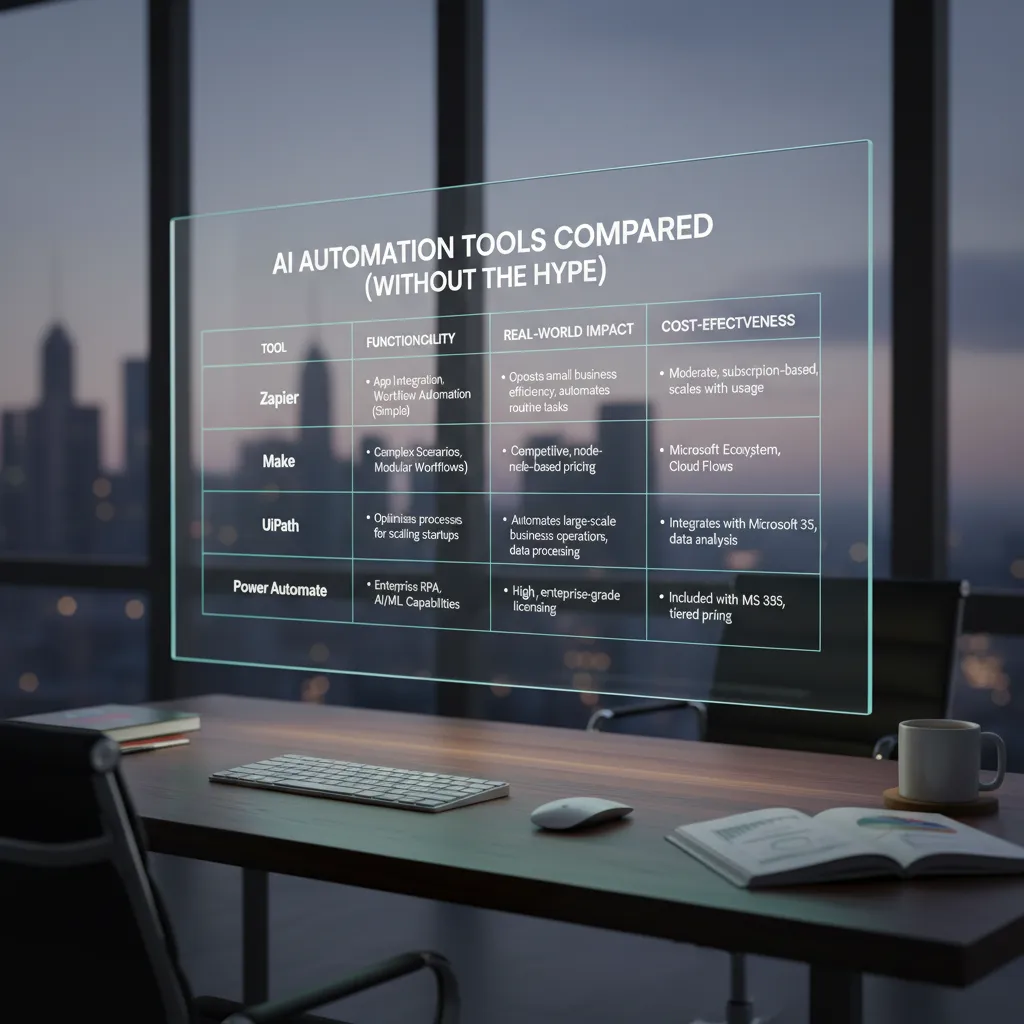
The first time I tried to “automate my week,” I accidentally automated chaos: a Zap that emailed my client twice, a scraper that grabbed the wrong pricing page, and a dashboard that looked impressive while telling me absolutely nothing. That small disaster is why I’m picky now. In this post, I’m comparing top automation tools through the lens that matters most to me: what job are you trying to get done—AI automations, market research, report automation, or sales prospecting—and how much control do you want to keep before you hand the keys to an agentic system?
1) My slightly messy test: what I automated first
Before I compared any “AI automation tools,” I gave myself one real constraint: I only automate tasks I’ve done manually at least twice. If I haven’t repeated it, I don’t know what “good” looks like, and I can’t tell if the tool is helping or just producing confident-looking noise. This rule kept my testing grounded, especially when reading source material like Top Automation Tools Compared: AI-Powered Solutions, where features can sound similar until you try them on real work.
A quick self-audit (ranked by pain, not popularity)
I didn’t start with trendy workflows. I started with what annoyed me most each week. My biggest time sinks fell into three buckets:
- Content creation: turning notes into outlines, rewriting intros, formatting drafts.
- Data analysis: cleaning CSVs, summarizing dashboards, pulling “what changed?” insights.
- Sales prospecting: researching leads, copying firmographic data, logging it into a CRM.
I ranked them by pain: how often I avoided the task, how long it took, and how easy it was to mess up.
My “two tabs rule” for automation candidates
Here’s my simplest filter: if a task requires copying data between two tabs, it’s a candidate. Two tabs might be a spreadsheet and a CRM, a doc and an email tool, or analytics and a slide deck. The moment I catch myself doing copy → paste → reformat → repeat, I know automation tools (AI-powered or not) can probably help.
“If I’m acting like a human API between two apps, I should automate it.”
The manual step I keep on purpose
Tiny confession: I still keep one manual step—spot-checking output before it hits a client report. Even the best AI automation tools can hallucinate, misread a column, or summarize the wrong time range. My rule is simple: automation can draft, transform, and route, but I approve anything client-facing.
My setup checklist for choosing AI tools
To compare tools without the hype, I document each workflow like this:
- Inputs: What data goes in (docs, URLs, CRM fields, CSVs)?
- Outputs: What “done” looks like (email draft, cleaned sheet, summary, task created)?
- Frequency: Daily, weekly, monthly—how often will I run it?
- Failure cost: What happens if it’s wrong? (minor annoyance vs. client impact)

2) AI automations in the real world: Gumloop vs Zapier
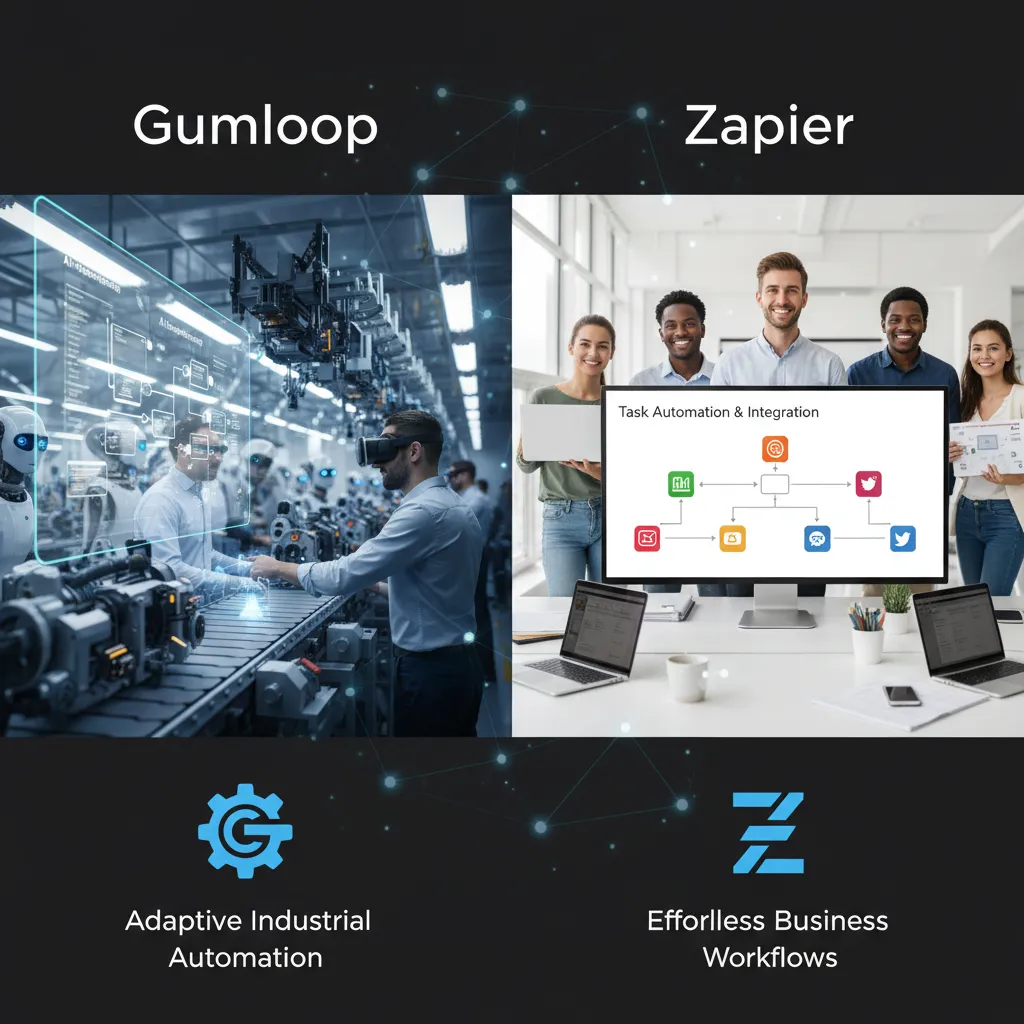
When I compare AI automation tools, I try to ignore the hype and focus on what actually works on a random Tuesday. From what I’ve seen in Top Automation Tools Compared: AI-Powered Solutions, the real split is simple: some tools are built around AI workflows, and others are built around app connections. Gumloop and Zapier are a clean example of that.
Gumloop: my pick for “AI-first” automations
I like Gumloop when I need web scraping, a clean UI, and continuous agents that don’t feel duct-taped together. The “model-first” vibe matters: I can start with “get data → interpret it → transform it,” and then worry about where it goes. For AI automations, that order feels natural.
Zapier: my default for “apps won’t talk” problems
Zapier is still my go-to when the main problem is: “I have 12 apps and they refuse to talk.” Thousands of integrations still matter. If I’m moving data between Gmail, Slack, HubSpot, Google Sheets, Notion, and a dozen niche tools, Zapier usually has a connector ready. That “integration-first” approach saves me time.
What I wish someone told me earlier: Gumloop is model-first, Zapier is integration-first.
What I personally test before I trust an automation
- Error handling: Do I get clear failures, retries, and logs?
- Approvals: Can I add a “human check” before sending or updating?
- Scheduling: Can it run hourly/daily and handle missed runs?
- Data manipulation: Can I clean messy text, numbers, and tables without hacks?
- Debugging at 10 pm: How fast can I find the broken step and fix it?
Quick scenario: competitor prices → sheet → report
Here’s a workflow I actually run: scrape competitor prices → clean the data → push to a sheet → trigger a report.
- Scraping: Gumloop shines. It feels built for pulling and structuring web data.
- Cleaning: Gumloop’s AI-first flow is great for normalizing names, currencies, and odd formats.
- Pushing to Google Sheets: Zapier is often smoother if you’re already living in app integrations.
- Triggering report automation: Zapier shines when the report needs to fan out to Slack/email/CRM.
Where it bites: Gumloop can feel like extra work if all you need is “App A → App B.” Zapier can feel clunky when the core challenge is understanding messy web data, not just moving it.
3) Market research automation: from messy data to decisions
When people talk about AI in market research, they usually jump to the flashy stuff: “predictive insights” and “instant strategy.” In real projects, the real value shows up in the unglamorous parts—where the work is slow, repetitive, and easy to mess up. For me, market research automation is most useful in four places: data cleaning, weighting, analysis setup, and real-time reporting.
Where AI actually helps (and saves my time)
- Data cleaning: spotting duplicates, straight-liners, weird open-ends, and broken logic paths.
- Weighting support: suggesting rim weights or targets, flagging sample gaps, and running quick checks.
- Analysis acceleration: building tables faster, running segmentation, and summarizing patterns for review.
- Real-time reporting: refreshing charts and dashboards as new responses come in.
From the “Top Automation Tools Compared: AI-Powered Solutions” angle, this is the lane where automation tools earn their keep: turning messy survey exports into something decision-ready without burning days in spreadsheets.
Tools I’d shortlist: Displayr and Survio
If data analysis isn’t optional, I keep coming back to Displayr for analysis and reporting workflows, and Survio when I need a survey tool that doesn’t stop at collection. The point isn’t that they “think for you”—it’s that they reduce the manual steps between raw data and a usable output.
My rule: automate the pipeline, not the interpretation
I’m happy to let machines clean files, run standard checks, and refresh charts. But I don’t outsource the “so what?” The interpretation still needs context: what the business can change, what the audience actually means, and what’s noise versus signal.
Automate the pipeline. Keep the judgment human.
The time I trusted auto-weighting (and regretted it)
Once, I accepted an auto-weighting output without checking the targets and trims. The next day I had to explain a 12% swing in a key metric to a stakeholder who had already shared the earlier number. The tool didn’t “fail”—I did, by skipping validation. Now I always sanity-check weighted vs. unweighted cuts before anything leaves my desk.
A practical workflow I actually use
- Survey platforms (collect)
- Data cleaning (remove junk, standardize variables)
- Analysis platforms (tables, segments, significance)
- Report automation (auto-refresh charts/slides)
- Shareable dashboard (one link, always current)
4) Sales prospecting + buyer intent: automations that don’t feel spammy
When I compare AI automation tools for sales prospecting, I try to keep one idea front and center: the goal isn’t more outreach, it’s fewer dead ends. That means paying attention to buyer intent signals (who is actually in-market) and doing better list hygiene (so I’m not emailing bad fits, duplicates, or outdated contacts). If I automate anything, I want it to reduce wasted effort—not increase noise.
My shortlist for AI sales prospecting tools
From the “Top Automation Tools Compared: AI-Powered Solutions” angle, these are the tools I keep coming back to for practical, day-to-day prospecting:
- Nimble for relationship-first CRM workflows and keeping context close to the contact.
- Seamless.AI when I need faster lead sourcing and contact data to fill gaps.
- Clay when CRM enrichment is a mess and I need flexible, multi-step enrichment and routing.
A simple, ethical automation (that still feels human)
The workflow I trust most is boring on purpose:
- Enrich lead data (company size, role, tech stack, recent activity).
- Segment by fit (ICP match, intent level, region, industry).
- Draft AI messaging (short, specific, based on the segment—not “Dear {FirstName}”).
- Require human approval before anything sends.
I’ll even add a rule: if the AI can’t cite a real reason I’m reaching out, it doesn’t get sent.
The uncomfortable truth: AI can scale tone-deafness
I use this checklist to keep messages human:
- Is there one clear reason I chose this person?
- Did I remove creepy personalization (no “I saw you liked…”)?
- Is the ask small (a question, not a meeting demand)?
- Can they say “no” easily?
- Would I send this exact note to someone I respect?
Hypothetical: routing 200 leads/week without turning into a robot
If 200 leads hit my system each week, I’d route them like this: Clay enriches and dedupes → Nimble stores the relationship history → leads get scored by fit + intent → only the top tier gets AI-drafted outreach → I approve and edit → everyone else goes into a slower nurture track (content, not constant pings). In practice, that usually means fewer sends, higher replies, and a lot less embarrassment.
5) Agentic systems & AI predictions: what I’m watching for 2026
When people say “agentic AI,” I translate it into plain English like this: it’s automation that can plan, execute, and adapt—not just run one fixed workflow. Instead of “if X, then do Y,” an agent can handle a chain of steps, sometimes across apps, and adjust when something changes (a missing field, a new email thread, a different policy rule).
Why I’m paying attention now (a real market signal)
In the source material I reviewed, one number stood out: agentic AI is projected to grow from roughly USD 12–15B in 2025 to USD 80–100B by 2030, which implies about a 40–50% CAGR. I don’t treat forecasts as facts, but I do treat them as a signal. When investment and product roadmaps move this fast, it usually means buyers are asking for more than basic workflow automation.
How I expect agentic automation to show up in tools
For 2026, I’m watching for three product patterns that make agentic systems feel practical (not sci-fi):
- “Super agent” experiences: one interface that can take a goal like “reduce invoice exceptions” and coordinate steps across intake, validation, routing, and follow-up.
- Multi-agent dashboards: a control center where specialized agents (research, data cleanup, outreach, reporting) work in parallel, with clear status and handoffs.
- Adaptive interfaces: less “click here,” more “tell it the goal”. I expect more tools to shift from building flows to supervising outcomes.
A grounded caution I’m keeping in mind
Cool demos are easy. Measurable impact is harder—especially in enterprise AI transformation conversations. When I compare AI automation tools, I look for proof like cycle-time reduction, fewer handoffs, lower error rates, and clear ownership. If an agent can’t show its work, it’s hard to trust it in real operations.
My “responsible automation” rule set
If a tool claims agentic power, I want basic safety and governance built in:
- Permissions: least-privilege access, role-based controls, and scoped tokens.
- Audit logs: who/what did what, when, and in which system.
- Rollback plans: the ability to undo changes (or at least isolate and correct them fast).
- A human kill switch: one clear way to pause agents when something looks wrong.

6) Conclusion: my ‘automation stack’ recipe (and a wild card)
After comparing today’s AI automation tools without the hype, I’ve landed on a simple conclusion: I don’t pick one “winner.” I pick a small stack that covers different jobs well. In practice, that means I start integration-first with Zapier for the boring-but-critical connections between apps. Then I add model-first automations with Gumloop when I need AI to do real work inside a workflow (summaries, classification, routing, drafting). For research and survey work, I keep Displayr and Survio in the mix because general automation platforms don’t always handle research-specific needs cleanly. And for sales and outreach, I lean on prospecting helpers like Nimble, Seamless.AI, and Clay to keep lead data moving and usable.
My north star isn’t “maximum AI.” It’s real-time reporting and fewer context switches. If an automation saves time but forces me to check five dashboards, it’s not a win. The best AI-powered automation tools make the work feel calmer: one source of truth, fewer tabs, and updates that show up where the team already lives.
Here’s my wild card thought experiment: if I lost my entire tool stack tomorrow, I wouldn’t rush to rebuild everything. I’d rebuild around one repeatable AI workflow per department. Marketing gets one workflow that turns raw notes into a draft plus a content brief. Sales gets one workflow that enriches a lead, logs it, and creates a next step. Research gets one workflow that cleans survey data and produces a simple readout. Ops gets one workflow that turns requests into tracked tickets with clear owners. Once those are stable, I’d expand.
A note to future-me: agentic automation is exciting, but the best systems are boring, documented, and reversible.
If you’re deciding between automation platforms right now, my invitation is simple: start with one automation you can measure in a week—time saved, errors reduced, or faster reporting—then scale from there. That’s how “AI automation tools compared” turns into “AI automation tools that actually help.”
TL;DR: I compare modern automation tools by job-to-be-done: Gumloop for polished AI automations + web scraping, Zapier for broad integrations, Displayr/Survio for market research automation, and Nimble/Seamless.AI/Clay for sales prospecting. Agentic AI is growing fast (projected 40–50% CAGR to 2030), but the best setup is usually a “human in the loop” workflow that scales gradually.


Comments
Post a Comment