AI Automation for Data Science Workflows Guide

Last year I watched a perfectly “good” model fail in production because a single upstream column quietly changed its meaning. No alarms. No drama. Just a slow leak of trust. That was the day I stopped treating AI as something you only bolt onto model training—and started using it across the whole workflow: data collection, data cleaning, feature engineering, model deployment, and even the boring documentation bits. This guide is the version I wish I’d had then: practical steps, what to automate first, where humans still matter, and a couple of messy lessons learned the hard way.
1) Start With a Workflow Map (Not a Tool List)
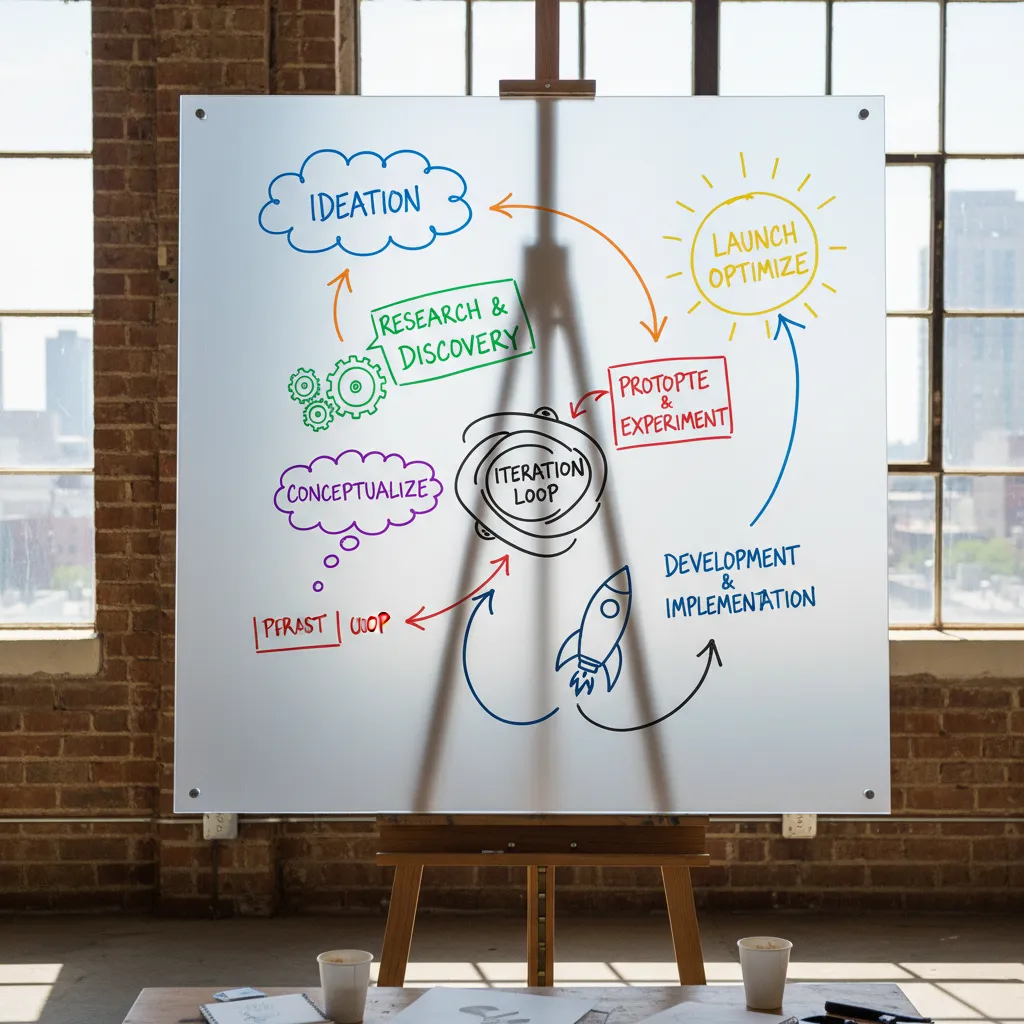
When I begin AI automation for data science workflows, I don’t start by shopping for tools. I start by drawing my current workflow like a subway map. Each “station” is a handoff: data arrives, someone cleans it, a model gets trained, results get reviewed, and a dashboard gets updated. The “delays” are where I still do manual work—copying files, rerunning notebooks, waiting for approvals, or fixing broken data pulls. This map shows me where automation will actually remove friction, instead of adding new software to an already messy process.
Define the “why” before the “what”
Before I add any AI step, I write down the reason in plain language. Is the goal faster reporting? Better forecasting? Fewer data errors? Lower on-call load? I also mark where real-time insights truly matter (and where they don’t). Many teams don’t need real-time everywhere; they need reliable, repeatable updates on a schedule.
Pick one pilot path (not “AI everywhere”)
From the map, I choose one clear route to pilot:
- One dataset (a single source of truth)
- One model (one use case with a clear owner)
- One dashboard (one place stakeholders already look)
This mirrors the step-by-step approach in “How to Implement AI in Data Science” thinking: start small, prove value, then expand with confidence.
Set baseline metrics before AI integration
If I don’t measure the “before,” I can’t prove the “after.” I capture baseline metrics like:
- Time to insights (from raw data to decision-ready output)
- Model accuracy (or the metric that matches the business goal)
- Data quality checks passed (freshness, null rates, schema drift)
Quick aside: if your pipeline depends on one person’s Python scripts, that’s not “agile,” it’s fragile.
My workflow map makes that fragility visible, so I can automate the right steps and build a process the whole team can run.
2) Data Collection & Data Ingestion: Automate the Boring, Watch the Edges
In my workflows, the fastest way to waste time is manual data collection: downloading files, chasing API keys, and stitching “just one more” source into the pipeline. Following the step-by-step approach to implementing AI in data science, I treat ingestion as the first place to add automation—because it’s repetitive, and because small issues here become expensive later.
AI-assisted connectors for messy, multi-source data
I use AI-assisted connectors and monitoring to pull from APIs, databases, event streams, and spreadsheets with less custom glue code. The real win is when sources are inconsistent: different date formats, missing IDs, or columns that appear only sometimes. AI can help map fields, suggest joins, and surface conflicts early, while I keep control over the final rules.
Detect anomalies at ingestion (before they become “model problems”)
My rule is simple: bad data should fail fast. I run anomaly detection right at ingestion so I catch issues like sudden spikes, empty partitions, or impossible values before they reach feature engineering. This keeps model debugging focused on modeling—not on hidden data defects.
- Volume checks: row counts, file sizes, event rates
- Value checks: ranges, null rates, duplicates
- Distribution drift: “today vs. last week” comparisons
Let AI agents watch the edges in ETL
ETL pipelines fail in predictable ways, so I let AI agents flag the risks:
- Schema shifts: new columns, renamed fields, type changes
- Late-arriving data: delays that break daily aggregates
- Pipeline failure signals: retries, slow jobs, upstream outages
My rule: automate detection; keep humans in the loop for decisions that change definitions or business meaning.
Optional-but-fun: “What changed overnight?”
One small upgrade I like is a natural language question in our internal dashboard:
What changed overnight in orders, refunds, and traffic sources?Behind the scenes, the system summarizes anomalies, schema changes, and late data—so I start the day with answers instead of alerts.
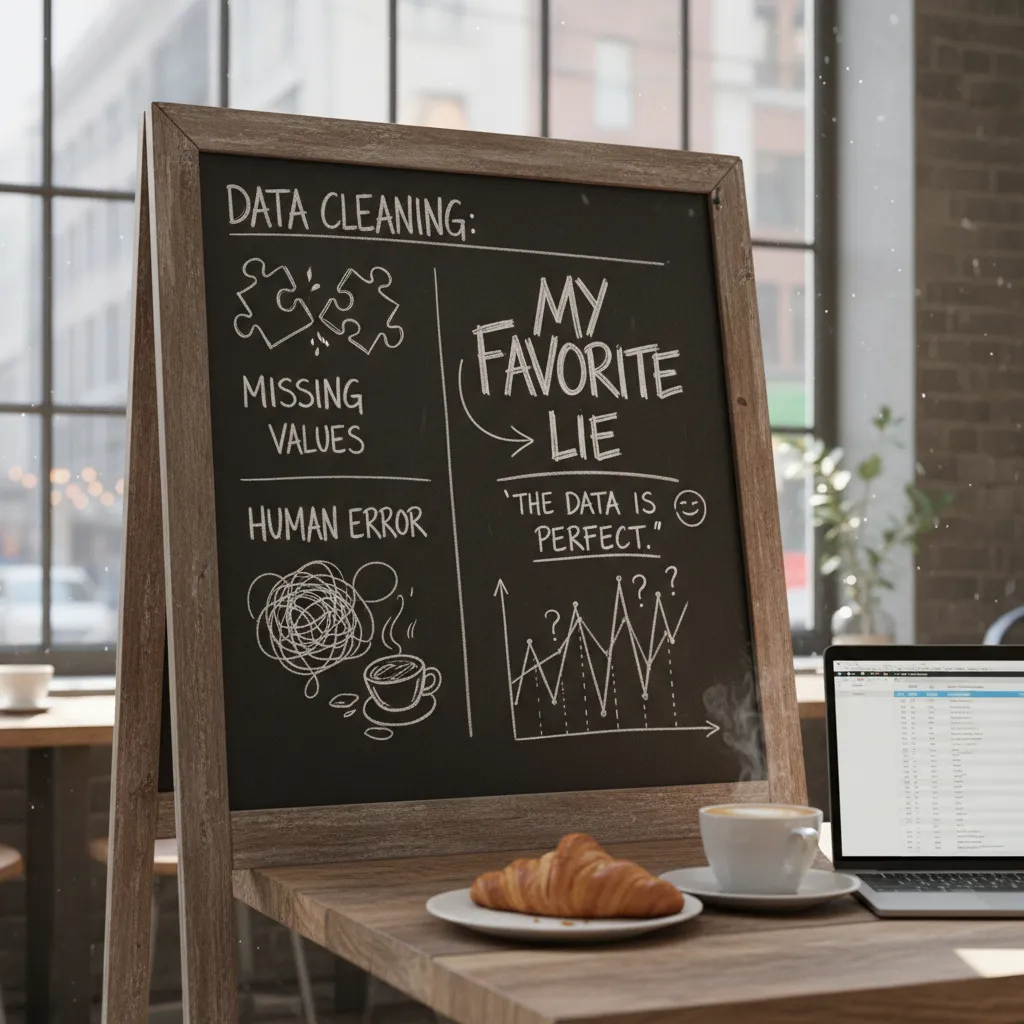
3) Data Cleaning: Missing Values, Human Error, and My Favorite Lie
In any AI automation for data science workflows guide, data cleaning is where time disappears. I try to automate the parts where patterns repeat: missing values, duplicates, outliers, and inconsistent categories (like “NY”, “New York”, and “newyork”). When the same mess shows up every week, it should become a reusable pipeline step, not a manual ritual.
Automate the repeatable mess
I use AI to suggest fixes, not silently apply them. For example, a model can recommend “impute median for numeric columns with <5% missing” or “merge category labels that differ only by case.” Then I confirm the rule and turn it into code.
- Missing values: impute, flag, or route to “unknown” categories
- Duplicates: define a key and a tie-break rule
- Outliers: cap, remove, or investigate with context
- Inconsistent categories: normalize text and map synonyms
Log every transformation (future-me will ask)
If AI recommends dropping rows, I log it. Always. Future-me will ask: “Why did we drop 12%?” So I keep a simple audit trail: what changed, when, and which rule did it.
My favorite lie: “I’ll remember why we cleaned it this way.”
Even a tiny log helps:
clean_step: drop_nulls

columns: ["email"]

rows_removed: 1243

reason: "email required for join"
Clean, then detect anomalies again
After cleaning, I rerun anomaly detection. Cleaning can introduce human error too—like a bad join that duplicates customers, or a category mapping that collapses real differences. A second pass catches “new weirdness” created by the fix.
My confession: I used to “just drop nulls”
I did it to ship faster. It worked until it didn’t—when the missing values were not random and my model learned a biased story.
Define what “done” means for data quality
I set thresholds, tests, and ownership. Example: “<1% duplicates,” “no negative ages,” “category drift <10%.” And I decide who gets paged when a check fails—because automated data cleaning without accountability is just automated guessing.

4) Feature Engineering: Let AI Suggest, Then Make It Earn Its Keep
In my AI automation for data science workflows, feature engineering is where I let AI move fast—but I don’t let it drive alone. I use AI tools to generate candidate features (lags, rolling stats, ratios, text counts, time-based buckets), then I force each one to “earn its keep” with clear reasoning and quick tests.
Use AI to propose features, then document the “why”
When an AI assistant suggests features, I add them to a working table and keep a feature rationale column like a diary. This helps me explain decisions later and keeps the workflow aligned with a step-by-step AI in data science approach.
| Feature | Rationale (my diary) | Leakage check |
|---|---|---|
avg_spend_30d |
Captures recent customer activity | Uses only past 30 days |
Cross-check leakage risks (the sneaky “future” feature)
AI can accidentally recommend a feature that knows the future, like “days until churn” or a post-event status flag. I always ask: Would I have this value at prediction time? If not, it’s leakage. I also validate with time-based splits, not random splits, when the data has dates.
Lean on AI for fast visualization and drift checks
I use AI automation to generate quick plots and summaries: distributions, missingness, correlation maps, and target drift over time. Even simple prompts like “plot target rate by month” can surface issues early. I treat correlation heatmaps as hints, not truth—especially with many features.
If I can’t explain it simply, I don’t ship it
When I’m stuck, I ask a chatbot to explain a feature idea in plain language. If it can’t explain it clearly, I probably can’t defend it to a stakeholder or in a model review.
“If the feature story is fuzzy, the feature is risky.”
Keep a “feature cemetery”
I maintain a small list of failed features—my feature cemetery—so I don’t repeat mistakes:
- Feature tried
- Why it failed (leakage, noise, unstable, too costly)
- What I learned
5) Model Selection & Model Training: AutoML as a Teammate, Not a Boss
When I’m building an AI automation workflow, I treat AutoML like a strong teammate: fast, consistent, and great at exploring options—but not the person making the final call. AutoML platforms help me move quickly through model selection and hyperparameter tuning, especially when I need a solid baseline in hours, not days.
Use AutoML to get a strong baseline fast
I start by letting AutoML run a controlled search across common models (tree-based, linear, boosting, etc.) and tuning settings like learning rate, depth, and regularization. This gives me a reliable “best-so-far” model and a benchmark to beat. It also helps me spot if my data is the real problem—because no amount of tuning fixes messy labels.
Keep a manual “sanity lane” model
Alongside AutoML, I always train one simple model I can explain on a bad day—like logistic regression for classification or a basic random forest. This sanity lane protects me from fancy results that don’t make sense to stakeholders.
“If I can’t explain the model’s behavior, I don’t trust it in production.”
Track accuracy and training time
Optimization is a trade, not a victory lap. I track performance metrics next to training cost so I don’t spend 10x compute for a tiny gain.
| Model | Validation Score | Train Time |
|---|---|---|
| Baseline (simple) | 0.81 | 2 min |
| AutoML best | 0.84 | 45 min |
Let agentic AI run experiments—within guardrails
I use agentic AI to run safe “what-if” retrains and data-slice checks (by region, device, time window). But I define guardrails: fixed evaluation splits, capped compute, and clear stop rules.
- Controlled retrains on new data batches
- Slice testing to catch weak segments
- Drift checks before promoting a model
Document the final choice like a short memo
I write a brief record: what we tried, why we picked the final model, and what could break it (data drift, missing features, changing user behavior). Even a few lines in a repo note beats guessing later.
6) Model Deployment, Drift, and Real Time Insights (Where It Gets Real)
In my experience, the “AI part” isn’t the hardest step. Getting a model into production and keeping it healthy is where AI automation for data science workflows becomes real. This is why I lean on MLOps platforms to automate the boring (but risky) parts of deployment.
Automate deployment with MLOps (CI/CD + safety nets)
I treat model releases like software releases. With CI/CD pipelines, I can ship updates faster while reducing surprises. I also keep strict versioning, approval steps, and a rollback plan so I can undo a bad release in minutes.
- CI/CD: automated tests, packaging, and deployment
- Versioning: track model + data + features used
- Approvals: lightweight sign-off for sensitive models
- Rollback: one-click return to the last stable model
Monitor drift like weather (not like failure)
Once deployed, I monitor data drift (inputs change) and performance drift (accuracy or business KPIs drop). I like to say drift is like weather: predictable, not shameful. Markets shift, user behavior changes, and seasonality happens.
Drift isn’t a blame game. It’s a signal that the world moved.
Retraining triggers + human review gates
I set retraining triggers in two ways: time-based (weekly/monthly) and drift-based (when metrics cross thresholds). For high-impact models (pricing, credit, churn actions), I keep a human review gate before promotion to production.
- Detect drift or schedule retrain
- Train + validate automatically
- Human review for impact and fairness
- Deploy or rollback
Real-time insights for non-DS teams
I pipe model outputs into dashboards and add natural language queries so teammates can explore safely without breaking logic. If the CFO asks, “why did churn spike today?”, I want an answer in minutes: which segment changed, what features shifted, and what actions are recommended—no extra meetings, just clear, traceable insight.
7) The ‘Agentic AI’ Layer: When AI Agents Orchestrate the Whole Workflow
In the earlier steps of this AI automation for data science workflows guide, I treated automation like a set of tools: schedulers, monitors, and model retraining triggers. The agentic AI layer is different. Here, I think of AI agents as junior operators that sit on top of the pipeline and coordinate the work end to end. They watch data ingestion, feature jobs, training runs, and deployments, then suggest fixes and nudge retraining when drift hits. In practice, this can look like an agent noticing a schema change, opening a ticket, proposing a patch, and preparing a safe rollback plan.
The key is guardrails. I define what an agent can change automatically versus what requires approval. For example, I’m comfortable letting an agent restart a failed job, re-run a test suite, or roll back to a last-known-good model. But I require manual intervention on purpose for anything that changes business logic, alters training data rules, or deploys a new model to production. This “permission boundary” is what keeps agentic automation useful instead of scary.
One of the most underrated uses is documentation. After incidents, agents can generate runbooks, change logs, and clear “what happened” summaries. That matters because most workflow failures aren’t mysterious—they’re just poorly recorded. When an agent writes a timeline of events and links to the exact commits, metrics, and alerts, my team learns faster and repeats fewer mistakes.
I also stay honest about risk. Autonomous doesn’t mean accountable. I still assign human owners, keep audit trails, and review agent actions like I would review a junior teammate’s work. If something goes wrong, I want to know who approved what, what the agent changed, and why.
And yes, there’s a small philosophical twist: if your agent fixes the pipeline at 2 a.m., do you celebrate… or worry? Both is fine. I celebrate the uptime, and I worry enough to improve the guardrails. That balance is the real conclusion of implementing AI in data science: automate boldly, but verify relentlessly.
TL;DR: Implement AI in data science workflows by mapping the pipeline end-to-end, automating the highest-friction steps (data collection, data cleaning, feature engineering), using AutoML for model selection, and MLOps for deployment + drift monitoring. Agentic AI and AI agents can cut manual intervention, improve data quality, and shorten time to insights—if you add guardrails, metrics, and accountability.


Comments
Post a Comment