Zapier vs Make vs n8n: Which Workflow Tool Delivers Best ROI?
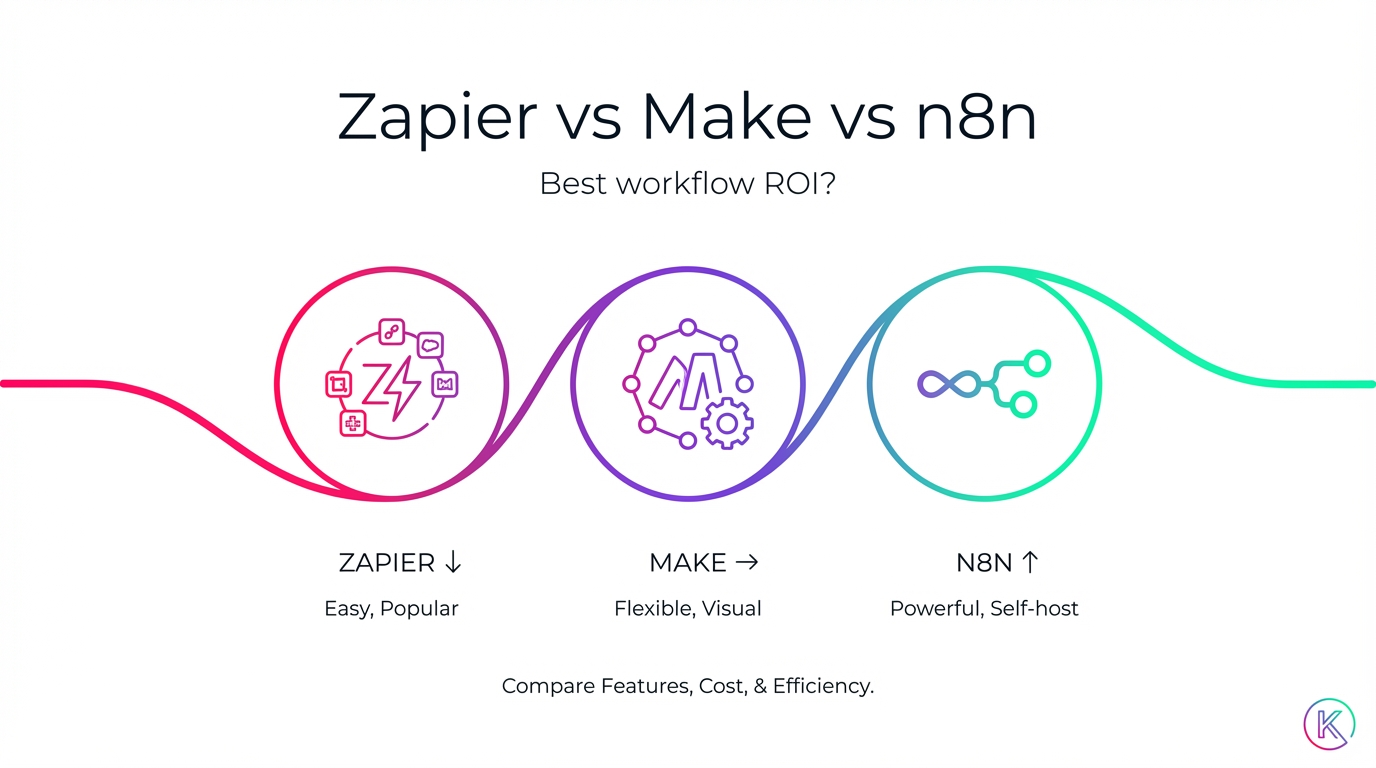
If automation tools were vehicles, Zapier would be the friendly rideshare that shows up in two minutes, Make would be the slick hybrid with a gorgeous dashboard, and n8n would be the self-owned fleet you can customize, maintain, and supercharge to your heart’s content. The question executives keep asking is simple: which one gets you to your destination with the best return on investment?
Short answer:
Best overall ROI for technical teams and enterprises: n8n (open-source, self-hosting, low TCO, maximum flexibility).
Best ROI for visual builders and complex automations without coding: Make (affordable, powerful visual builder, top-tier error handling).
Best ROI for beginners and quick wins: Zapier (fastest time-to-value, biggest app library, but pricier at scale).
Let’s unpack the why, map it to real use cases, and give you a playbook to measure ROI in 30 days or less.
Executive Summary: Where Each Tool Wins
n8n: Best overall ROI if you have technical capacity. Open-source, self-hostable, enterprise-grade control, and lowest total cost of ownership (TCO) at scale.
Make (formerly Integromat): Best price-to-capability for visual builders. It’s affordable, excellent at complex data flows, and has outstanding error handling that reduces rework.
Zapier: Best for speed and non-technical teams. It has the widest integration library and the fastest time-to-value—just be aware costs climb quickly as you scale.
Pricing Snapshot (as of writing)
Zapier: Free (100 tasks), Starter $19.99/month, Professional $49/month. Pros: speed and breadth. Cons: most expensive at scale.
Make: Free (1,000 operations/month), Core $9/month, Pro $16/month. Robust capabilities at low cost.
n8n: Free self-hosted; Cloud from $20/month. Most cost-effective at volume if you can host/manage.
Note: Pricing and plan details change regularly; always verify current rates.
Integrations and Capabilities at a Glance
Zapier: 6,000+ app integrations, multi-step workflows, filters/formatting, and increasingly, AI agent features. Ideal for long-tail app coverage and quick wins.
Make: 1,400+ integrations, a powerful visual scenario builder, strong error handling, rich data transformation tools, and scheduling.
n8n: 400+ integrations, advanced logic, robust API/webhook support, and a self-host option that delivers full data control.
Ease of Use vs Learning Curve
Easiest: Zapier. Perfect for non-technical users and the fastest to set up.
Visual builder for complex workflows: Make. The best canvas for mapping intricate automations.
Most flexible but steeper learning curve: n8n. Best fit for teams with developer resources.
Think of it like kitchens: Zapier is the microwave—fast and reliable. Make is the chef’s wok station—visual, precise, and versatile. n8n is a commercial kitchen you own—powerful, extensible, and cost-efficient once you know your way around.
Why ROI Looks Different For Each Tool
ROI is not just a subscription line item. It’s the sum of outcomes minus the sum of friction. Use this quick formula:
ROI = (Gains − Cost) / Cost × 100
Gains = (Hours Saved × Hourly Rate) + Error Cost Reduction + Opportunity Cost Avoided
Cost = Tool Subscription + Implementation Time + Training + Maintenance
Key ROI Drivers by Platform:
Zapier
Strengths: Fastest time-to-value; minimal setup; lowers time-to-first-automation for non-technical teams.
Risks: High marginal cost as task volume grows; limited free tier reduces long-term ROI at scale.
Make
Strengths: Low monthly costs; strong error handling (fewer manual fixes); visual builder accelerates build/debug; template library speeds deployment.
Risks: Complexity at scale can increase maintenance; limited free tier for heavy testing.
n8n
Strengths: Lowest TCO with self-hosting; full data ownership (big compliance value); advanced logic for high-impact automations; often cheaper and more powerful than Zapier for complex flows.
Risks: Setup/maintenance overhead; requires technical skill and infrastructure.
Deep Dive: Zapier vs Make vs n8n
Zapier: The Speed Champion
Best for: Non-technical teams, fast pilots, long-tail integrations.
Standout features:
6,000+ app integrations (industry-leading breadth)
Multi-step Zaps with filters/formatting
AI agent features that can route and handle tasks
Great support and reliable uptime
Pros:
Easiest to use; fastest time-to-value
Biggest integration library minimizes custom work
Excellent reliability and documentation
Cons:
Most expensive at scale
Limited free tier for business use
Less powerful than Make/n8n for deep, complex logic
ROI in practice:
When a marketing team needs to connect a niche webinar platform to HubSpot and Slack by Friday, Zapier shines. You’ll be live in an hour, collect registrations, and trigger follow-ups—with no engineering tickets. But if that flow grows from 500 to 50,000 monthly tasks, costs can balloon.
Mini-case: SMB Sales Team
Situation: 8 reps, inbound leads from forms, LinkedIn ads, and events.
Automation: Lead capture → enrichment → routing → Slack alerts → CRM touchpoints.
Gains: 15 hours/week saved (admin) × $45/hr = $675/week; + error cost reduction estimated at $150/week.
Cost: $49/month (Professional) + 3 hours setup × $45 = $135 initial.
Outcome: ROI positive within the first month; reassess if monthly tasks exceed plan thresholds.
Bottom line: Use Zapier to prove value quickly. Reevaluate when your task volume grows or when logic gets complex.
Make: The Visual Builder with Serious Muscle
Best for: Visual thinkers, complex data flows, cost-sensitive teams.
Standout features:
Visual scenario builder that makes complex paths easy to build and debug
Excellent error handling and recovery
Rich data transformation, routers, iterators, schedulers
Strong template library
Pros:
Affordable plans (Core $9, Pro $16) with robust capability
Visual workflow design reduces build and debug time
Error handling lowers maintenance costs
Cons:
Can get complex quickly; learning curve for advanced features
Limited free tier for heavy testing
ROI in practice:
A RevOps manager builds a multi-branch lead routing flow with enrichment and scoring. Make’s router/error handling prevents bad data from derailing the entire scenario and makes troubleshooting trivial.
Mini-case: Content Ops for a Mid-Market Firm
Situation: Publish blog posts → auto-generate social snippets → schedule across LinkedIn, X, and newsletters → update reporting dashboards.
Gains: 20 hours/week saved × $50/hr = $1,000/week; error reduction from missed posts: $200/week; productivity gain conservatively $300/week.
Cost: Pro plan $16/month + 8 hours setup × $50 = $400 initial.
Outcome: ROI skyrockets in the first month; Make’s visual builder keeps maintenance low.
Bottom line: Make’s price-to-capability ratio is exceptional for complex-but-visual workflows. It’s the sweet spot when Zapier’s costs pinch and you don’t want to maintain servers.
n8n: The Powerhouse You Own
Best for: Technical teams, enterprise compliance, low TCO at scale.
Standout features:
Open source; self-hosting gives full data control
Advanced workflow logic, robust API and webhook support
Cloud option from $20/month (for those who don’t want to host)
Pros:
Very cost-effective at volume (especially self-hosted)
Highly customizable; integrates deeply with internal systems
Active community and extensibility for niche needs
Cons:
Steeper learning curve; requires technical skill
Self-hosting demands infrastructure and maintenance
ROI in practice:
A data team centralizes customer ops automations: lead scoring, entitlement checks, contract approvals, and data syncs. Self-hosting avoids per-operation fees, and advanced logic supports complex, high-impact flows.
Mini-case: Compliance-First Enterprise
Situation: Must keep PII in-region; needs audit trails and strict access control.
Gains: 30–40% cost reduction vs. usage-based SaaS alternatives; 25–40% productivity gains; data accuracy +88%.
Cost: Infrastructure + engineering time; n8n license is $0 self-hosted (Cloud from $20 if preferred).
Outcome: Best long-term ROI when volume is high and compliance matters.
Bottom line: If you have technical resources and care about control, security, and scale economics, n8n is the ROI winner.
Pros and Cons Summary (Quick Reference)
Zapier
Pros: Easiest to use; 6,000+ integrations; great support; reliable uptime.
Cons: Most expensive; limited free tier; less powerful for complex use; costs spike at scale.
Make
Pros: Best visual builder; affordable plans; great templates; excellent error handling; good docs.
Cons: Complexity can creep; advanced features have a learning curve; limited free tier.
n8n
Pros: Open source; self-hosting; very cost-effective; highly customizable; active community.
Cons: Steeper learning curve; requires technical knowledge; infra needed for self-hosting.
Winner by Scenario (Selection Framework)
Beginners / Quick wins: Zapier (or Lindy broadly, but in this comparison: Zapier).
Visual thinkers: Make.
Technical teams: n8n (power + control).
Budget-conscious: n8n or Make.
Enterprise / Compliance-first: n8n self-hosted.
Free Tier and Scaling Considerations
Zapier: Free 100 tasks/month—often too small for business; costs rise quickly as you scale.
Make: Free 1,000 operations/month—good for prototyping; Core/Pro plans offer strong value.
n8n: Free self-hosted; Cloud from $20/month—best cost control at volume if you can manage hosting.
Pro tip: Prototype on Make or n8n when you expect scale; prototype on Zapier when speed is paramount and volume is low.
Key Features That Swing ROI
Error handling (Make): Fewer manual retries; better reliability; lower maintenance.
Self-hosting (n8n): Eliminates per-operation fees; full data control; auditability and compliance.
Integration breadth (Zapier): Minimal custom work; fastest to ship; best for long-tail apps.
Advanced logic (n8n/Make): Enables high-value automations beyond simple zaps—think branching, mapping, and complex transformations.
How to Measure ROI in 30 Days: A Field-Tested Framework
Pilot best practices:
Start with a single, high-impact workflow (not 15 small ones).
Define success metrics upfront and capture a baseline.
Run a 30-day pilot; gather user feedback; document lessons learned.
Success criteria targets:
50%+ time savings
80%+ accuracy
70%+ user adoption
ROI positive within 90 days
ROI metrics benchmarks (reported across implementations):
Data accuracy: +88%
Error reduction: -32%
Time savings: 15–30 hours/week per employee
Cost reduction: 30–40%
Productivity gains: 25–40%
Guardrails and monitoring:
Human oversight for critical steps
Error alerts and rollback procedures
Audit trails and compliance checks
Real-time dashboards for errors, performance, usage, and cost
Data integrity and change management:
Clean and validate data; use version control; back up workflows
Test with sample data before going live
Communicate WIIFM (“what’s in it for me”) to users
Provide training, celebrate quick wins, iterate on feedback
Common Workflows That Prove ROI Fast
Sales
Lead capture and enrichment
Scoring and routing to reps
Automated follow-ups and meeting scheduling
Pipeline updates and quote generation
Marketing
Content publishing and social scheduling
Email campaign orchestration and lead nurturing
Reporting and attribution dashboards
Ad campaign sync and budget alerts
Support
Ticket routing and prioritization
Response templates and escalations
Feedback capture and knowledge base updates
SLA monitoring with alerts
Finance/Operations
Invoice generation and reconciliation
Expense approvals and policy checks
Reporting and compliance workflows
Vendor onboarding and management
These are all “automation quick wins” that can be launched in days, not months.
Real-World ROI: Three Illustrative Cases
Case 1: Startup Using Zapier for Speed
Context: 12-person SaaS startup with marketing and CS juggling a dozen tools.
Automations: Form → CRM → Slack; trial signup → onboarding emails; NPS → ticketing for detractors.
Gains: 18 hours/week saved × $55/hr = $990/week; error cost reduction $150/week; opportunity gains from faster follow-ups $300/week.
Cost: $49/month + 6 hours setup × $55 = $330 initial.
30-day ROI: ((($990+$150+$300)×4) − ($49 + $330)) / ($49 + $330) ≈ 1,330%.
Takeaway: Zapier wins for velocity; revisit costs at higher volume.
Case 2: Mid-Market Ops Team on Make for Complexity and Cost
Context: 200-employee firm with complex lead routing, multi-touch attribution, and content ops.
Automations: Multi-branch scoring; channel-specific nurture; content repurposing to social and newsletter; error-handling for missing fields.
Gains: 25 hours/week saved × $60/hr = $1,500/week; error reduction $250/week; productivity lift $400/week.
Cost: $16/month + 10 hours setup × $60 = $600 initial.
30-day ROI: ((($1,500+$250+$400)×4) − ($16 + $600)) / ($16 + $600) ≈ 1,900%.
Takeaway: Make’s visual builder and error handling reduce long-term maintenance.
Case 3: Enterprise on n8n for Control and Scale
Context: 1,500-employee enterprise with compliance requirements and millions of monthly operations.
Automations: Contract approvals, entitlement checks, data synchronization across CRM/ERP/CS tools, PII-sensitive workflows.
Gains: 30–40% cost reduction vs. usage-based tools; productivity gains 25–40%; accuracy +88%.
Cost: Self-host infra + engineering time (n8n license can be $0 self-hosted; Cloud from $20/month if preferred).
Takeaway: n8n wins on TCO, control, and compliance—especially when volumes are massive and auditability is non-negotiable.
Market Context: Why Automation ROI Is Hotter Than Ever
78% of organizations use some form of automation.
Average ROI hovers around $3.50 returned per $1 invested; top performers see up to 8X ROI.
Typical implementation timelines: 3–6 months to ROI for RPA; 6–12 months for AI-driven initiatives. Automation platforms like Zapier, Make, and n8n can deliver faster wins when scoped well.
Agentic AI trend: Companies are allocating 40–60% of AI budgets to agentic systems. Early adopters report 3–5X efficiency improvements—context that strengthens the case for automation-first roadmaps.
Translation: The “automation dividend” is real, and the tools we’re comparing often deliver results in weeks, not quarters.
Practical Recommendations
If you need speed and non-technical ease: Choose Zapier; reassess costs as your task volume grows.
If you want the best price-to-capability for visual, complex workflows: Choose Make (Core/Pro plans are strong value).
If you need maximum control, the lowest TCO at scale, and enterprise data ownership: Choose n8n (self-host if possible; plan for technical resources).
Run a 30-day pilot with one high-impact workflow, measure time saved and error reduction, and expand based on success criteria.
Pro move: Build the pilot in the tool that aligns with your 12-month roadmap, not just this quarter’s problem. Switching platforms later can offset early gains.
Choosing Your Tool: A Quick Story to Bring It Home
Imagine your team is drowning in repetitive tasks—copying leads, updating tickets, scheduling posts. You need a boat.
Zapier is the speedboat already in the water. Jump in, you’re moving. But gas gets pricey if you’re crisscrossing the lake all day.
Make is a hybrid craft with a glass cockpit. It handles twists and turns elegantly and sips fuel.
n8n is your own fleet. It takes a crew to launch, but once it’s running, it’s the most economical way to move mountains.
Which earns you the best ROI? It depends on how far you’re going, how often, and who’s piloting.
Conclusion: The Bottom Line
Best ROI overall for teams with technical capacity: n8n. The combination of self-hosted control, low TCO, and advanced logic makes it the long-term winner at scale—especially for enterprise and compliance-first use cases.
Best ROI for non-technical teams seeking fast outcomes: Zapier. Time-to-value beats cost—until your volume spikes.
Best ROI for visual builders balancing cost and capability: Make. Affordable plans plus a stellar visual builder and error handling deliver outsized value.
Your next step: Pick one high-impact workflow, run a 30-day pilot, and measure. With the right tool, you’ll reclaim 15–30 hours a week, cut errors by a third, and deliver a measurable business win in under a quarter. That’s how automation moves from “cool” to “crucial.”


Comments
Post a Comment