Mixpanel vs Amplitude vs Heap: AI Analytics Faceoff

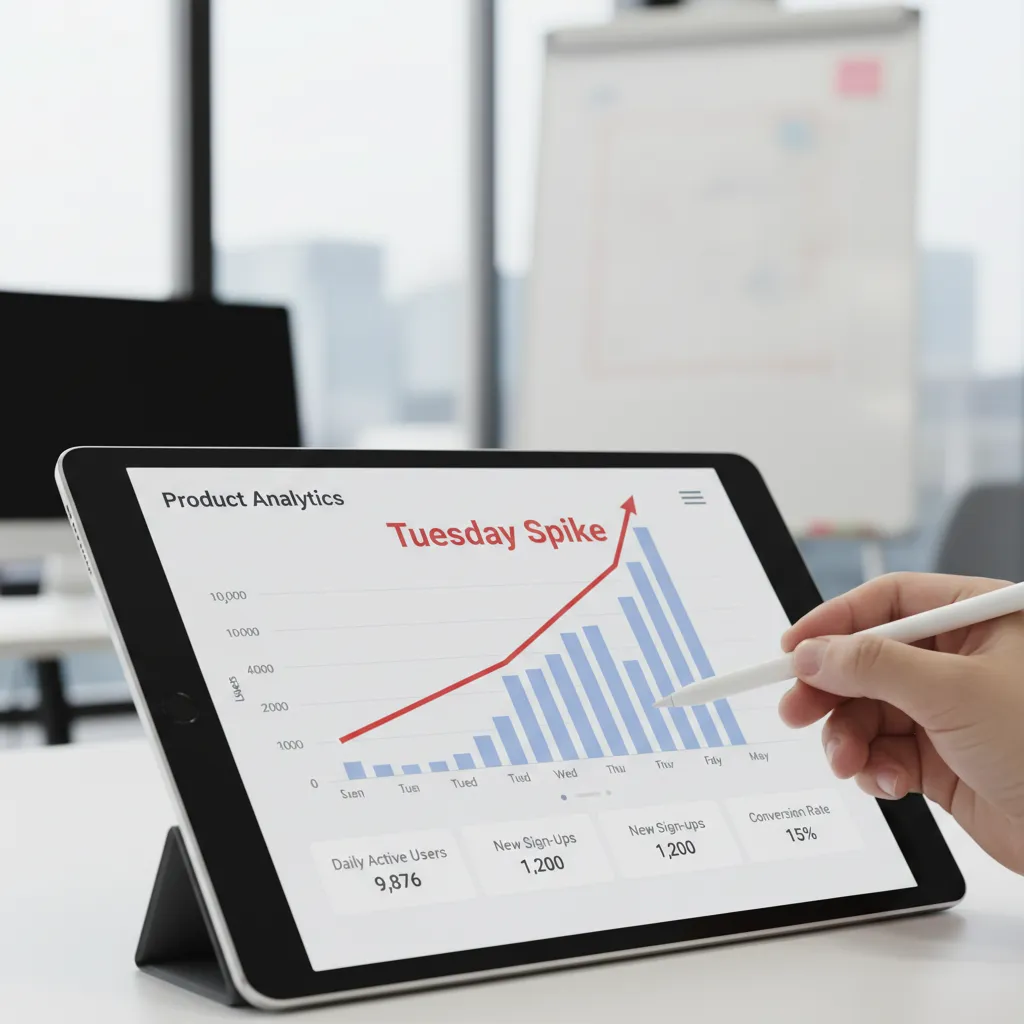
I didn’t start my week planning to “choose an analytics platform.” I started by trying to answer a petty question: why did sign-ups spike on Tuesday and then vanish by Thursday? I opened three tabs—Mixpanel, Amplitude, and Heap—because that’s what happens when a team is half-curious and half-indecisive. By the end, I’d learned something less glamorous than “AI will save us”: the tool you pick mostly decides what questions you’ll bother asking. This post is my slightly messy notebook—what felt fast, what felt fiddly, and where the AI features actually helped (or… didn’t).
1) My “Tuesday Spike” test (Product Analytics)
To compare Mixpanel vs Amplitude vs Heap in a fair way, I ran the same “Tuesday Spike” test in each tool. The question was simple: why did sign-ups jump on Tuesday, and did those users actually activate? I wanted an AI-assisted workflow, but I also needed the basics to be consistent: clean events, a clear funnel, and a believable answer.
The single question I asked in every tool
I built one funnel: Landing → Sign-up → Activation. No extra steps, no custom definitions per platform. I used the same date range and the same segment (new users only) so I wasn’t comparing vibes or UI preferences.
- Landing: first page view (or first session start)
- Sign-up: account created
- Activation: defined below
What “activation” meant (so it wasn’t subjective)
I defined activation as a user completing a meaningful action within 24 hours of sign-up. In practice, that meant an event with properties that proved intent, not just clicks.
Activation = “Created Project” AND propertyproject_typeis not empty, within 24 hours ofSign Up.
Then I checked retention: did activated users come back in the next 7 days? This helped me avoid celebrating a spike that was just low-quality traffic.
Speed to a believable answer (real-time vs retroactive)
I timed how quickly each platform got me from “spike detected” to “I trust this.” Some tools felt closer to real-time analysis (fast event availability, quick breakdowns). Others were better for retroactive analysis (flexible definitions, deeper historical comparisons). The AI features helped most when they suggested the next breakdown (source, campaign, device) without me guessing.
Small tangent: the first insight was boring
The first result was: “Most of the spike is attribution noise.” A campaign parameter changed, and a referral source got over-counted. To sanity-check, I looked at session replay (where available) to confirm behavior matched the story: lots of short sessions, repeated reloads, and drop-offs before activation.
2) Instrumentation reality check: Automatic Capture vs clean events
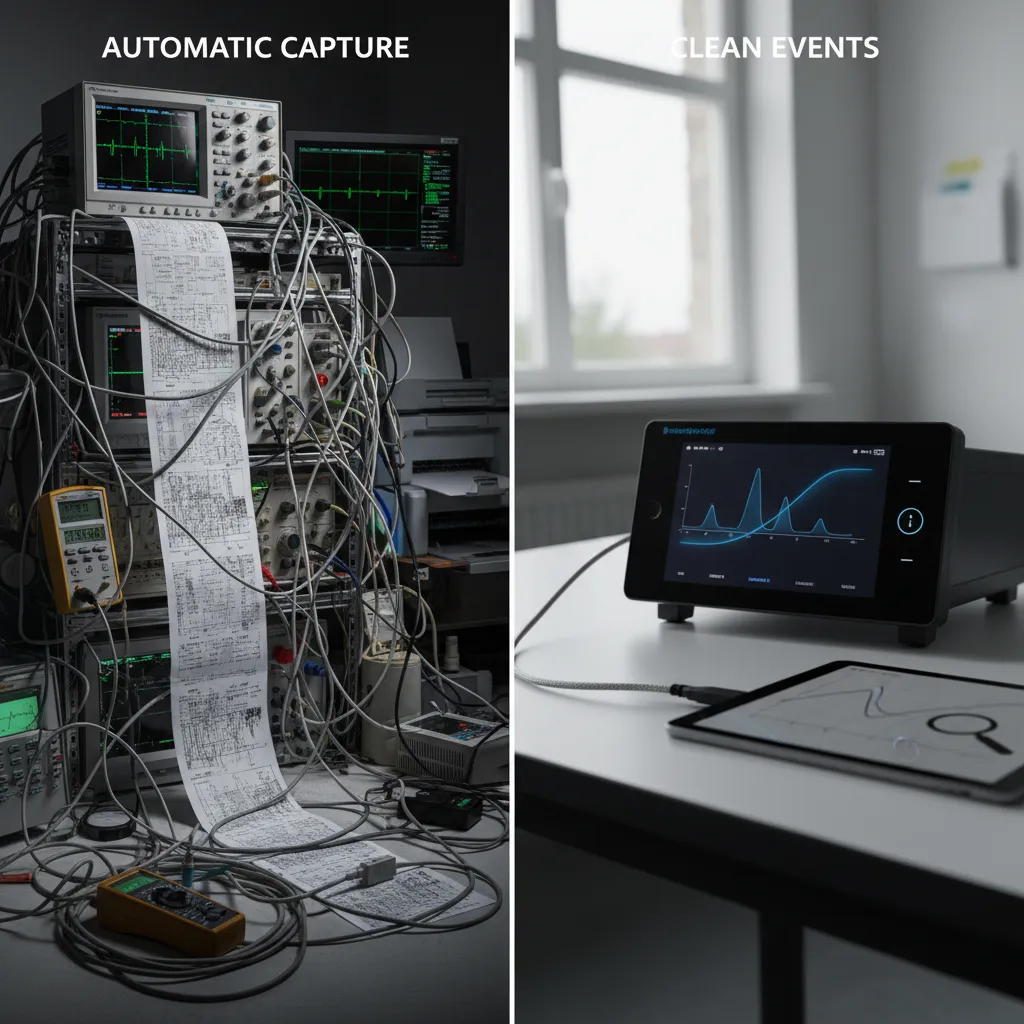
When I tested Mixpanel, Amplitude, and Heap for AI product analytics, the biggest surprise was not dashboards or “smart” insights. It was instrumentation. The tool you pick will either reduce your tracking work or multiply it—depending on how messy your events are.
Heap: “Everything is captured”… but you still need labels
Heap’s Automatic Capture felt like showing up to a potluck where someone already brought everything—until you realize you still need labels. Yes, Heap can record clicks, page views, and form actions without me writing many events. But the raw stream is noisy. To make it useful, I still had to define what matters (like “Signup Completed” vs “Clicked Button #12”). For AI-driven analysis, that labeling step is the difference between helpful patterns and random correlations.
Mixpanel: clean instrumentation pays off fast
Mixpanel rewarded clean instrumentation: fewer events, better naming, tighter event segmentation. When I kept a small set of well-named events (for example signup_started, signup_completed, invite_sent), Mixpanel became easy to trust. The AI features and funnels worked better because the data was consistent. The downside: I had to be disciplined upfront, or I’d feel the pain later.
Amplitude: powerful, but strict about taxonomy
Amplitude sat in the middle for me: powerful once the taxonomy is consistent, punishing when it isn’t. If event properties drift (like plan sometimes being “Pro” and sometimes “pro”), analysis gets confusing fast. Amplitude can do a lot, but it expects you to treat tracking like a product, not a side task.
Mini-scenario: solo dev vs staffed data team
- One-person dev team: Heap reduces initial setup, but you’ll spend time later defining events and cleaning meaning. Mixpanel feels heavier at first, but stays simpler if you keep events tight. Amplitude can feel like “too much process” unless you’re already organized.
- Staffed data team: Mixpanel and Amplitude shine because teams can enforce naming rules and governance. Heap still helps with coverage, but someone must own definitions, or the “automatic” data becomes a junk drawer.
3) Day-to-day analysis: Real-Time Dashboards, cohorts, and the “why” hunt
In day-to-day product work, I don’t need “more AI.” I need answers fast, with enough context to act. When I compare Mixpanel vs Amplitude vs Heap for AI product analytics, this is where the tools start to feel different: dashboards for speed, cohorts for meaning, and interaction data for the messy “why” hunt.
Mixpanel: real-time dashboards that feel like a live cockpit
Mixpanel is my go-to when a launch is happening and I want a real-time dashboard that updates like a live cockpit. I can watch key events (signup, activation, purchase) and spot drops right away. The AI angle matters most when it helps me move from “numbers changed” to “what changed,” but the real win is how quickly I can monitor without rebuilding charts.
Amplitude: Behavioral Cohorts that create better questions
Amplitude’s Behavioral Cohorts are where I kept losing time (in a good way). I’d start with one segment—like “users who tried Feature A twice in 7 days”—and it would lead to three better questions: What did they do before? What did they do after? What’s different about users who churn? This is where AI-assisted analytics can help by suggesting next cuts, but the core value is the cohort logic itself.
Heap: slice user interactions fast (then resist over-slicing)
Heap surprised me with how quickly I could slice User Interactions without preplanning. Because it captures a lot automatically, I can explore new UI changes after the fact. The downside: it’s easy to over-slice until every segment is “interesting” and none are useful. I have to force myself to define a decision I’m trying to make.
My rule of thumb: dashboards for monitoring, cohorts for learning, session replay for humility.
- Dashboards: “Did the metric move today?”
- Cohorts: “Which users drove the change, and what do they have in common?”
- Session replay: “What did the experience actually feel like?”
4) The AI layer: Predictive Analytics, Predictive Insights, and what actually changed my decisions
When people say AI in product analytics, I now translate it to one question: Will this change what I do this week? Across Mixpanel vs Amplitude vs Heap, the AI layer mattered most when it pushed me to act earlier, not when it produced fancy charts.
Where Predictive Analytics actually helped me
The biggest win was spotting likely churners before my weekly review. Instead of waiting for my Friday retention check, predictive signals nudged me mid-week to look at cohorts that were slipping. That changed my rhythm: I started checking retention earlier and messaging the team sooner when activation steps looked weak.
- Earlier alerts → I investigated drop-offs on Wednesday, not Friday.
- Clearer prioritization → I focused on “high risk” users instead of broad averages.
- Faster experiments → I tested small onboarding tweaks sooner.
Where it didn’t help (and why)
AI can’t fix vague tracking. If my events were messy—like button_click with no context—then the predictions were also messy. It’s still garbage in, slightly fancier garbage out. The AI layer made weak instrumentation more obvious, but it did not magically repair it.
How each tool felt in practice
Amplitude felt the most explicit about Predictive Insights and how they connect to experimentation. It was easier for me to go from “this group might churn” to “here’s the experiment I should run.”
Mixpanel felt faster for real-time questions. When I wanted quick answers—“Did today’s release change activation?”—it got me there with less friction.
Heap felt like it enabled the data foundation. The AI features mattered less to me than the feeling that I could capture behavior broadly, then define what I needed later.
AI features are like a sous-chef—great if you already have ingredients, useless if your fridge is empty.
5) Session Replay, Heatmaps Replay, and the uncomfortable truth machine
Session Replay is where my confident theories went to die. I’d look at an AI-powered dashboard in Mixpanel, Amplitude, or Heap, feel sure I knew “why” users dropped, then watch a replay and realize my story was wrong. The uncomfortable truth is that behavior is messy, and replay shows the mess in real time. In all three tools, the value depends on integrations: if replay isn’t connected to your events, funnels, and user profiles, it becomes a separate video library instead of product analytics.
Replay: the fastest way to break a bad assumption
When replay is wired correctly, I can jump from a funnel step to the exact sessions that failed there. That’s when AI insights become practical: I’m not just seeing “drop-off increased,” I’m seeing what users actually did right before they quit—rage clicks, dead buttons, confusing copy, or a form that looks “done” but isn’t.
Heatmaps are great… until retention shows up
Heatmaps features are great for UX arguments—until someone asks, “but did it affect retention?” I’ve used heatmaps to win debates about layout and button placement, but they can’t answer product questions alone. A hot spot might mean interest, confusion, or both. That’s why I treat heatmaps as a clue, not a verdict.
The best practice I stole: triangulation beats certainty
My most reliable workflow is simple:
- Watch 5 session replays from the problem segment
- Check 1 cohort view (new vs returning, activated vs not)
- Verify with 1 funnel view (step-by-step drop-offs)
That combo keeps me honest. Replays give context, cohorts show who is affected, and funnels quantify impact. It also helps me use AI features responsibly: I let AI suggest patterns, but I confirm them with real sessions and real numbers.
Tiny confession: I watched a replay of my own onboarding and realized I’m also a confused user.
That moment changed how I evaluate Mixpanel vs Amplitude vs Heap. The “best” tool is the one that makes it easiest to connect replay evidence to measurable outcomes like activation and retention.

6) Pricing Models & the surprise bill problem (Event-Based Pricing and friends)
When I compare Mixpanel vs Amplitude vs Heap, pricing is where the “AI analytics” conversation gets real. Features are fun to demo, but the bill is what I have to defend. The tricky part is that each tool prices “usage” differently, and usage grows faster than most teams expect.
Mixpanel: event-based pricing feels predictable… until it isn’t
Mixpanel’s event-based pricing can feel clean: track events, pay based on volume. Early on, I like how easy it is to estimate. But the surprise bill problem shows up when the team starts instrumenting everything (which they will). Once every click, hover, and background action becomes an event, “AI-driven insights” can quietly turn into “AI-driven spend.”
Heap: session-based comfort for early-stage, anxiety at scale
Heap often feels simpler because it leans more session-based in how people think about cost. For early-stage products, that can be comforting: a session is a session, and you’re not debating whether a new event should exist. The scary part is traffic growth. If your marketing works, sessions spike, and the pricing can jump fast—sometimes faster than your revenue catches up.
Amplitude: plan-based variation and the “worth it” moment
Amplitude pricing varies more by plan and add-ons. I’ve seen the “worth it” moment arrive when I need multi-product tracking, deeper governance, or advanced experimentation. If your roadmap includes serious testing and cross-product analysis, the higher tiers can make sense, but I don’t assume that on day one.
My budgeting habit: three scenarios, one rule
To avoid surprise bills, I estimate cost using three growth scenarios and pick the tool that won’t punish success:
- Conservative: current traffic + small feature growth
- Expected: planned launches + normal adoption
- Aggressive: “what if AI insights help us win?” growth
I treat pricing like a product metric: if it scales faster than value, it’s a risk.
7) So… which one would I pick? (Amplitude vs Mixpanel, Heap vs Amplitude, Heap vs Mixpanel)
If I had to choose between Mixpanel vs Amplitude vs Heap today, I’d stop trying to crown a “best” tool and instead match the product reality to the workflow. All three platforms are pushing AI features—faster insights, smarter suggestions, and easier analysis—but the day-to-day fit still matters more than the marketing.
Amplitude vs Mixpanel
If I’m running a B2B product with lots of tracked actions (think: invites, roles, exports, approvals) and I live inside real-time dashboards, I lean Mixpanel. I like how quickly I can watch usage shift after a release and how naturally it supports “what happened today?” questions. If I’m more B2C or I manage a multi-product setup and I care deeply about behavioral cohorts, attribution, and experiments, I lean Amplitude. For me, Amplitude feels like the better home for lifecycle thinking and long-term behavior patterns.
Heap vs Amplitude
If I’m early-stage, short on engineering resources, and I want the option to do retroactive analysis tomorrow, I lean Heap. The “capture first, define later” approach reduces the pressure to perfectly plan tracking up front. Amplitude can absolutely scale further for structured programs, but Heap is the one I pick when speed and coverage matter more than perfect event design on day one.
Heap vs Mixpanel
Between Heap vs Mixpanel, I ask one simple question: do I need real-time clarity on a well-defined event plan, or do I need flexibility because I’m still learning what matters? Mixpanel wins when my tracking is disciplined and my team wants fast, reliable dashboards. Heap wins when I’m still discovering the product’s key behaviors and I don’t want tracking gaps to block analysis.
My imperfect final filter: I choose the tool that makes the “right” question easiest to ask.
That’s the real AI analytics faceoff for me: not who has the flashiest features, but who helps my team ask better questions—faster—without friction.
TL;DR: If you want speed-to-insight with minimal setup, Heap’s automatic capture is hard to beat. If you live in real-time dashboards and granular event analysis, Mixpanel feels snappy and developer-friendly. If you need behavioral cohorts, predictive analytics, experiments, and multi-product tracking, Amplitude is the deepest bench—especially for B2C-style questions.


Comments
Post a Comment