Integrating AI Into Your Tech Stack, Practically
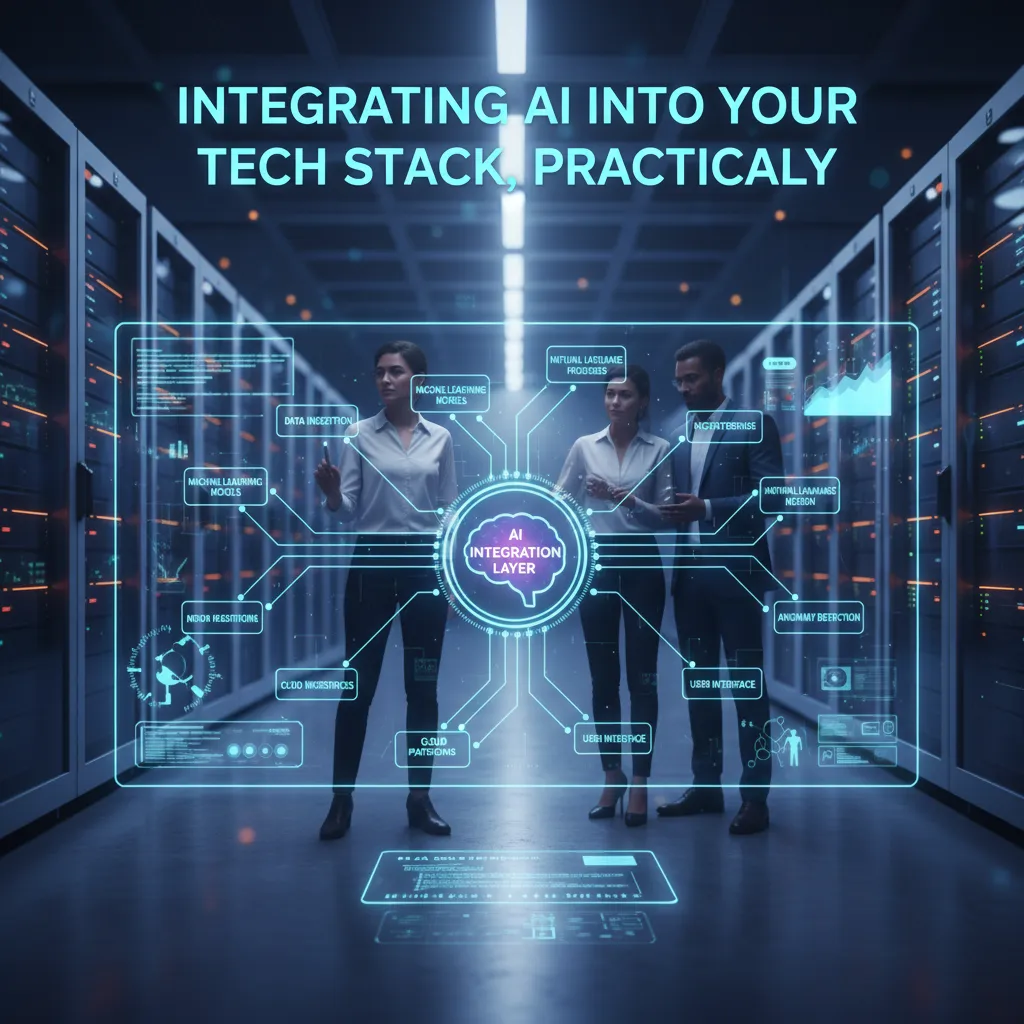
The first time I tried to “add AI” to a perfectly fine stack, I treated it like a plugin: bolt on an LLM, wire up a prompt, ship. It worked—right up until the demo pulled stale data, the CRM sync duplicated contacts, and the finance team asked why the bill spiked overnight. That’s when it clicked: AI doesn’t integrate like a feature flag. It integrates like a new metabolism. In this guide I’ll show the practical order I wish I’d followed: audit what you already have, pick the smallest useful AI-powered feature, and then build the layers—streaming pipelines, vector databases, semantic layers, orchestration, and governance—so the system can evolve without you living in incident tickets.
1) The Tech Stack Audit I Actually Do (Before AI)
Before I add AI to any existing tech stack, I do a simple audit. Not a “big strategy deck” audit—an honest map of what we run today, what breaks, and what we can trust. If I skip this step, the AI work turns into glue code, surprise outages, and arguments about data.
Inventory the eight layers (and the messy middle)
I list the “eight layers” of a production AI stack from bottom to top, including the bits in between that teams forget:
- Data sources (apps, logs, vendors)
- Ingestion/ETL (pipelines, schedulers)
- Data storage (warehouse, lake, OLTP)
- Transformations (dbt, SQL jobs)
- Feature store (or feature tables if you don’t have one)
- Model frameworks (training code, notebooks, CI)
- Serving (APIs, batch scoring, edge)
- Monitoring (quality, drift, cost, uptime)
Map integration compatibility (what’s solid vs. fragile)
Next, I mark which systems have native integrations or stable APIs, and which ones are held together by scripts that only one person understands. A quick test I use: can we rotate credentials, change a table name, or upgrade a library without breaking everything?
Spot the quiet failure modes
- Schema evolution surprises: a “small” column change that silently shifts meaning.
- Backups that aren’t tested: they exist, but nobody has restored from them.
- Observability gaps: no clear answer to “what changed?” when outputs look wrong.
Pick one boring workflow first
I usually start with a boring workflow like CRM sync cleanups: dedupe contacts, fix missing fields, and standardize statuses. It’s measurable, low-risk, and it improves downstream AI results fast.
Mini-tangent: if your org can’t agree on where “the customer record” lives, AI won’t magically create a unified understanding.

2) Choose One AI-Powered Feature (Not Ten) for AI Success
When I integrate AI into an existing tech stack, I start by picking one feature that can prove value fast. If I try to add ten AI ideas at once, I can’t tell what worked, what broke, or what to fix first.
Define AI success in one sentence
For me, AI success is: a measurable behavior change—like 30% less time spent on a task, fewer errors, or faster decisions in a workflow that matters.
Do a tiny ROI sketch (before you build)
I look for the “pain points” where humans do repetitive work or where mistakes are common. A quick sketch can be as simple as:
- Manual payment automation: Where do approvals stall? Where do typos cause rework?
- Support triage: How many tickets are misrouted or answered slowly?
- Data transformation bottlenecks: Which reports break because fields change or data is missing?
If I can’t estimate time saved or errors reduced, I’m not ready to ship that feature.
Pilot with an “escape hatch”
I run a pilot that is time-boxed (for example, two weeks), and I keep the old workflow runnable. That way, if the AI output is wrong, the team can fall back without panic. I also log every failure like it’s gold:
- Bad outputs (what was wrong?)
- Missing context (what did the AI not know?)
- Edge cases (what surprised us?)
Wild-card: treat the AI like an intern with amnesia
Imagine your AI agent is smart, but forgets everything unless you write it down.
I document the basics it keeps asking for: definitions, allowed actions, data sources, and “do not do” rules. I’ll even add a tiny checklist in the prompt or system notes, like:
Use customer_id, not email. Never refund without order_status=DELIVERED.
If you’re event-driven, tie it to real-time decisions
If my business runs on events (fraud flags, logistics delays, churn signals), I choose a feature that reacts in real time—so AI helps decide now, not after the damage is done.
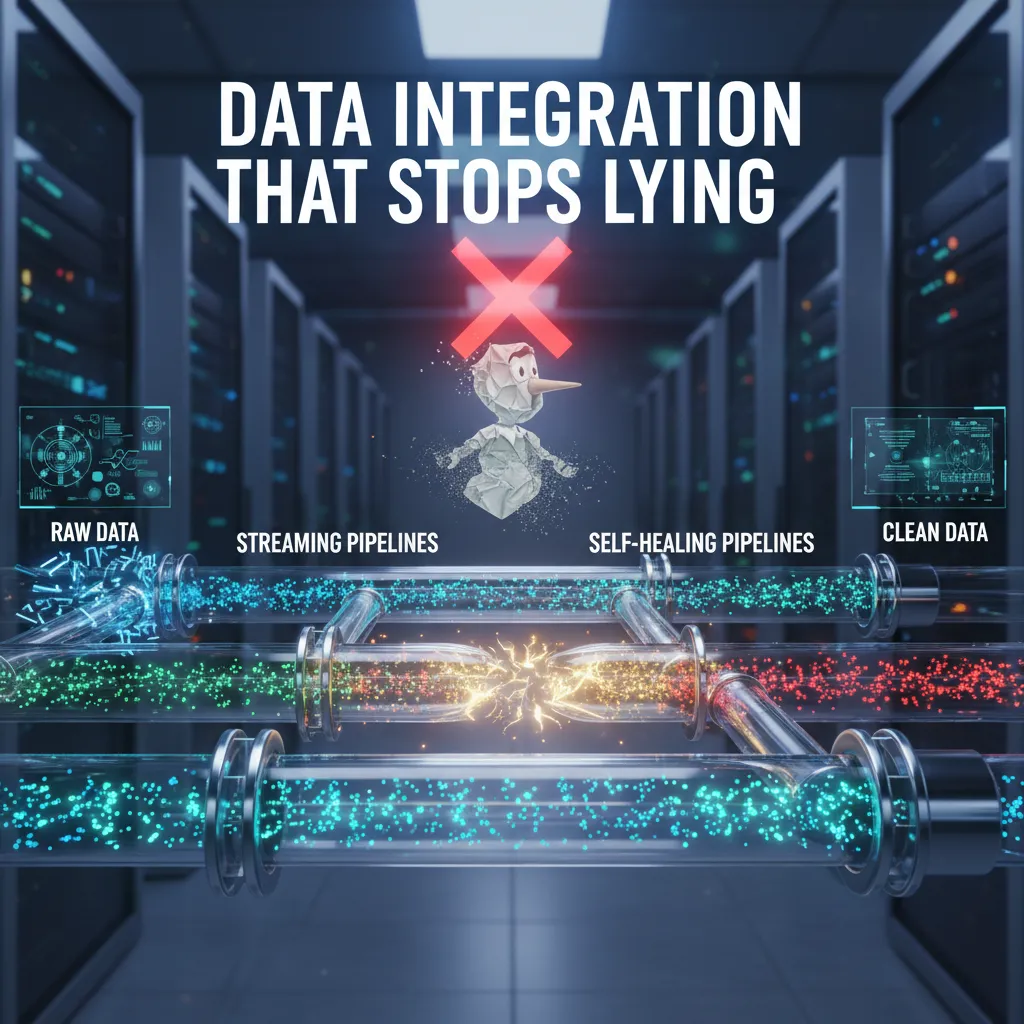
3) Data Integration That Stops Lying: Streaming Pipelines + Self-Healing Pipelines
When I integrate AI into an existing tech stack, I start with a hard truth: if the data is late, missing, or changing meaning, the model will “learn” the wrong story. The fix is not “move everything to streaming.” It’s to go streaming-native where it matters, and keep batch where it’s fine.
Stream the events that drive decisions
I focus streaming on high-signal business events: orders, support tickets, and product usage. These are the moments where teams want fast answers and AI needs fresh context. With event streams, I can aim for continuous intelligence: the model and the dashboards see the same newest facts, not two different versions of reality.
- Orders: fraud checks, inventory updates, churn signals
- Tickets: routing, sentiment, SLA risk
- Usage: feature adoption, anomalies, personalization
Build pipelines that heal themselves (and explain why)
Streaming helps, but reliability is the real win. I design pipelines to fail safely and recover automatically:
- Retries with limits (so a bad message doesn’t loop forever)
- Dead-letter queues for records that need human review
- Alerts that explain the “why”: schema mismatch, auth failure, upstream lag—not just a red light
“Green dashboards are useless if the pipeline is quietly losing data.”
Version-control your transformations
Metrics drift when transformation logic lives in ad-hoc scripts or BI tools. I keep transformations in version control, with tests, so the meaning of “active user” or “conversion” doesn’t change silently. Even a small change should be reviewable.
metric_active_user = user.logged_in AND event_count_7d >= 1
A scar I learned from
I once “fixed” a pipeline by increasing a timeout. It stopped paging us, so everyone relaxed. Three months later we learned it was silently dropping records under load. Since then, I treat timeouts as symptoms, and I require counts, reconciliation checks, and dead-letter visibility before I trust any AI output.

4) Vector Database + Hybrid Search: The “Memory Layer” That Makes AI Useful
When I integrate AI into an existing tech stack, I add a vector database the moment the model needs retrieval, not vibes. If the answer must come from real business knowledge—policies, support tickets, product docs, contracts, images, or tables—then I don’t want the model guessing. I want it looking things up.
Retrieval beats “confidently wrong”
A vector database stores embeddings so the AI can find the most relevant chunks of information and cite them back in the response. But I rarely rely on vector search alone. I use hybrid search (keyword + vector) to reduce the “confidently wrong” problem, especially with proper nouns, SKUs, ticket IDs, error codes, and customer names—things semantic search can blur.
- Vector search: finds meaning (“refund policy for annual plans”).
- Keyword search: nails exact matches (“INV-10493”, “ACME-Blue-Plan”).
- Hybrid: combines both so results are relevant and precise.
Plan for messy, multi-modal business data
Real companies don’t store knowledge in one clean wiki. I plan for multi-modal retrieval: text plus screenshots, PDFs, and structured rows from tools like CRM and analytics. That means extracting text from PDFs, capturing image context (alt text or OCR), and keeping table rows queryable without losing their structure.
Set semantic ingestion rules (so your “memory” stays clean)
I treat ingestion like a product feature, not a one-time script. Clear rules keep the database useful over time:
- What gets embedded: final docs, approved policies, resolved tickets, canonical FAQs.
- When it expires: add TTLs for fast-changing content (pricing, promos, SLAs).
- Duplicates: dedupe by URL, doc ID, or hash; keep the newest as source of truth.
- Chunking: split by headings and sections so retrieval returns complete answers.
A vector database is like giving your model a well-indexed library card, not teleporting it to omniscience.
5) Semantic Layers + Natural Language Interfaces for Unified Understanding
When I integrate AI into an existing tech stack, I start with a simple goal: the business words must mean the same thing everywhere. If revenue in BI differs from revenue in ML features or in an LLM answer, trust breaks fast. A semantic layer is how I keep definitions consistent across dashboards, data products, and AI tools.
One definition of “revenue” and “active user” across the stack
I treat the semantic layer as the “source of meaning.” It maps raw tables into approved metrics and dimensions, so BI tools, feature pipelines, and natural language queries all pull from the same logic. That way, an LLM can answer questions using the same definitions analysts use.
- Metrics: revenue, active users, churn, conversion
- Dimensions: plan, region, channel, device
- Rules: filters, time windows, exclusions, currency handling
Natural language interfaces (NL→SQL) for the right audience
NL→SQL is most useful when it helps analysts, ops, and support leads move faster without waiting on engineers. I don’t aim for “ask anything.” I aim for “ask the common questions safely.”
“If the interface can’t explain the query, it shouldn’t run the query.”
Guardrails I use to keep answers safe and correct
- Approved metric catalog: only sanctioned definitions are queryable
- Row-level permissions: users only see data they’re allowed to see
- Show-your-work SQL previews: the tool displays SQL before execution
Example preview:
SELECT date, SUM(net_revenue) AS revenue
FROM semantic.sales
WHERE date >= CURRENT_DATE - INTERVAL '30 days'
GROUP BY 1;
Design for change (because models and schemas will evolve)
Prompts, schemas, and definitions will change. I plan for that by keeping business logic in the semantic layer, not scattered across prompts and notebooks. Small imperfect aside: sometimes the best NL interface is still a saved query with a friendly name, like “Revenue last 30 days (net).”
6) AI Orchestration + AI Agents: Where Workflows Either Sing or Become Spaghetti
When I integrate AI into an existing tech stack, the fastest way to create chaos is to copy-paste prompts and tool logic into every app. That’s why I treat AI orchestration as the “control plane” for my workflows: one place to manage prompts, retrieval rules, tool access, logging, and safety policies—then reuse them across services.
Keep prompts, tools, retrieval, and policies consistent
Orchestration helps me avoid five slightly different versions of the same workflow. I centralize:
- Prompt templates (with versioning)
- Tool definitions (what the model can call, and how)
- Retrieval settings (which docs, filters, freshness rules)
- Policies (PII handling, redaction, allowed actions)
Introduce AI agents carefully (constrained first)
Agents are powerful, but I start small. My rule: earn autonomy.
- Read-only: search tickets, summarize CRM notes, draft replies.
- Write with approvals: create a ticket, update a field, propose a refund.
- Limited auto-actions: only after clear audit logs and rollback paths exist.
Prefer native integrations over brittle glue code
Whenever possible, I connect to native integrations (CRM, ticketing, payments) instead of stitching together fragile scripts. Fewer custom connectors means fewer silent failures when an API changes.
Add cost intelligence early
Costs can creep up fast, so I track spend per workflow and environment. I also cache “hot” responses (common FAQs, standard summaries) and set budgets:
| Environment | Budget Rule |
|---|---|
| Dev | Low cap + strict rate limits |
| Staging | Medium cap + full logging |
| Prod | Per-workflow budget + alerts |
The “Friday at 4:55pm” fail-safe test
What happens when the agent can’t reach the payment provider—does it fail safe?
I design for safe failure: no partial charges, no repeated retries that spam customers, and a clear fallback path (create a ticket, notify an on-call, and log the exact error). If I can’t explain the failure mode in one sentence, the workflow isn’t ready.
7) Security Compliance, MLOps Tools, and the Part Everyone Tries to Skip
When I integrate AI into an existing tech stack, the part that slows teams down is rarely the model. It’s the “later” work: security, compliance, and operational control. I’ve learned to treat compliance as a design input, not a checklist at the end. That starts with data minimization (only send what the model truly needs), clear retention rules (how long prompts, embeddings, and logs live), and audit trails for model outputs so we can explain what happened, when, and why.
MLOps tools matter here, but not because they give you a shiny “deploy model” button. I use them to monitor what actually breaks in production: drift (inputs changing over time), latency (slow responses that hurt user flows), and quality (answers getting less accurate or less safe). If you can’t measure these, you can’t improve them—and you can’t prove to security or legal that the system is under control.
For real-time AI features, I also set up observability that matches how modern AI works. I want traces that show the full path: retrieval calls, which documents were used, token usage, and whether upstream data is fresh. If a customer asks, “Why did the assistant say this?”, I need more than a guess. I need a record.
Finally, I define who can approve changes, because AI systems evolve fast. Model framework upgrades, prompt edits, and vector index rebuilds can all change behavior. I treat these like production changes: reviewed, tested, and tied to an owner. That governance is what lets teams move quickly without creating hidden risk.
The fastest teams I’ve seen aren’t reckless—they’re governed well enough to move quickly.
TL;DR: Start with a tech stack audit, pick one AI-powered feature tied to ROI, upgrade your data integration for real-time processing, add a vector database + hybrid search, wrap it in AI orchestration and MLOps, and enforce security compliance + governance so it can scale past the pilot.


Comments
Post a Comment