How We Built an AI-First Company from Day One

On our third day as a “real company” (two laptops, one borrowed conference room, and a whiteboard that still smelled like dry-erase solvent), I wrote a sentence at the top: “If AI can’t touch the P&L, it doesn’t ship.” Then I immediately broke my own rule—because the first thing we built wasn’t a model. It was a habit: every decision had to be explainable to a non-technical business leader and safe enough to survive a future audit. That early tension—move fast vs. don’t be reckless—never went away. But it did become our competitive advantage. This outline is the story of how we stitched together market analysis, financial planning, AI governance, and plain old change management into something that felt like an AI-native operation from day one (with a few detours, including the week we almost standardized on the wrong LLM because it “demoed better”).
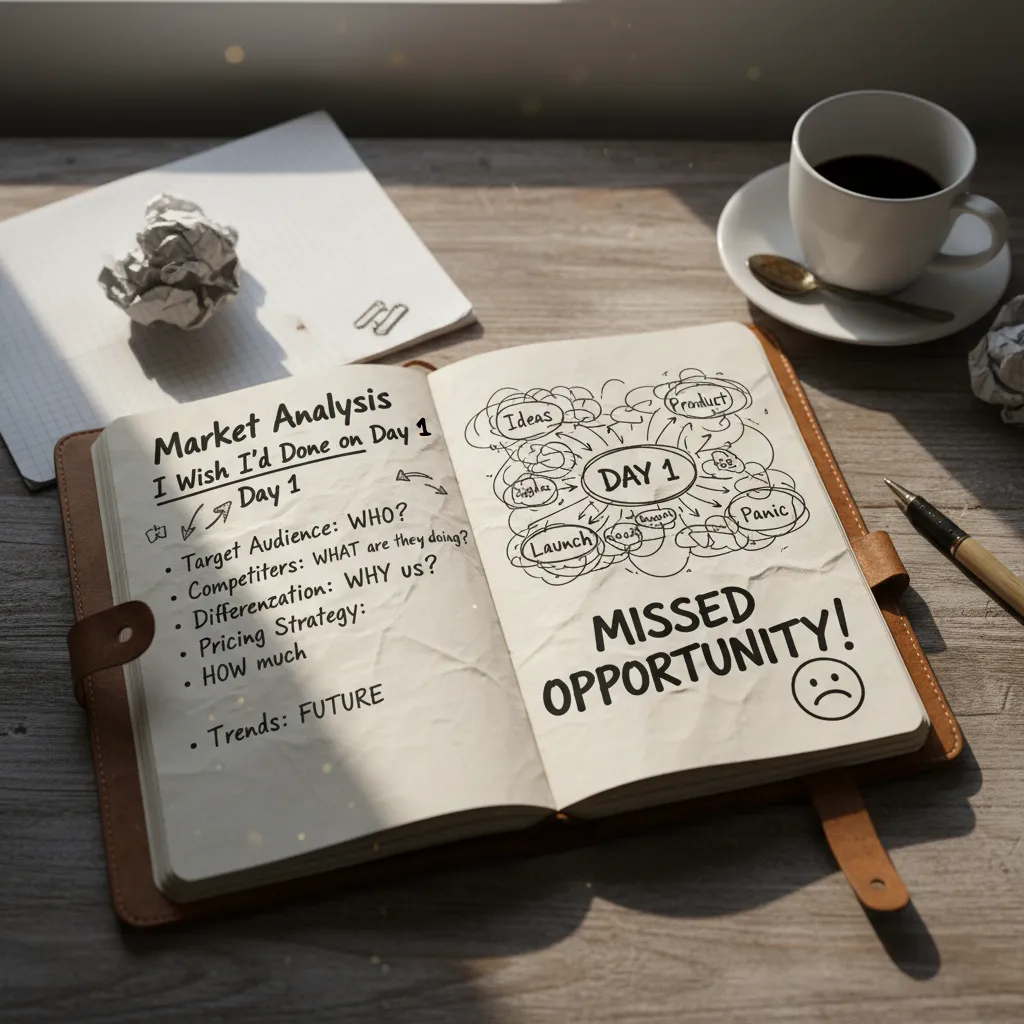
Market Analysis I Wish I’d Done on Day 1
I started with customer pain, not “cool models”
On day one, I was tempted to begin with the most impressive AI demos. That was a mistake. The market analysis I wish I did first was a simple pain map: what decisions were slow, expensive, or risky for real teams. I wrote down where people lost hours, missed revenue, or made avoidable errors. That became my filter for every AI idea: if it didn’t remove a clear bottleneck, it didn’t ship.
I mapped the competitive advantage if AI becomes table stakes
I asked a hard question: who wins when AI integration is normal, not special? If every competitor can plug in similar models, the advantage shifts to things like data access, workflow placement, trust, and speed of iteration. I stopped thinking “we have AI” and started thinking “we own the moment where a decision gets made.” That changed our product choices and our go-to-market.
I forced outcomes into a one-page strategic plan
I wrote a one-page plan that made AI a tool, not the headline. It had three columns—revenue, cost, and risk—and every feature had to land in at least one. If I couldn’t explain the business outcome in one sentence, it didn’t belong in the roadmap.
- Revenue: faster sales cycles, higher conversion, better retention
- Cost: fewer manual steps, less rework, lower support load
- Risk: fewer mistakes, better compliance, clearer audit trails
Small tangent: I stopped reading hype threads
For one week, I ignored hype and interviewed five operators—people running finance, ops, support, and sales. I asked: “Where do you double-check work?” “What do you avoid because it’s too risky?” Their answers were more useful than any trending AI post.
I used AI trends 2026 as a lens
I separated work into two buckets. Predictive AI for sustaining work (forecasting, prioritizing, monitoring) and generative AI for R&D spikes (drafting, exploring options, prototyping). That lens helped me choose where AI should be reliable and boring versus creative and fast.
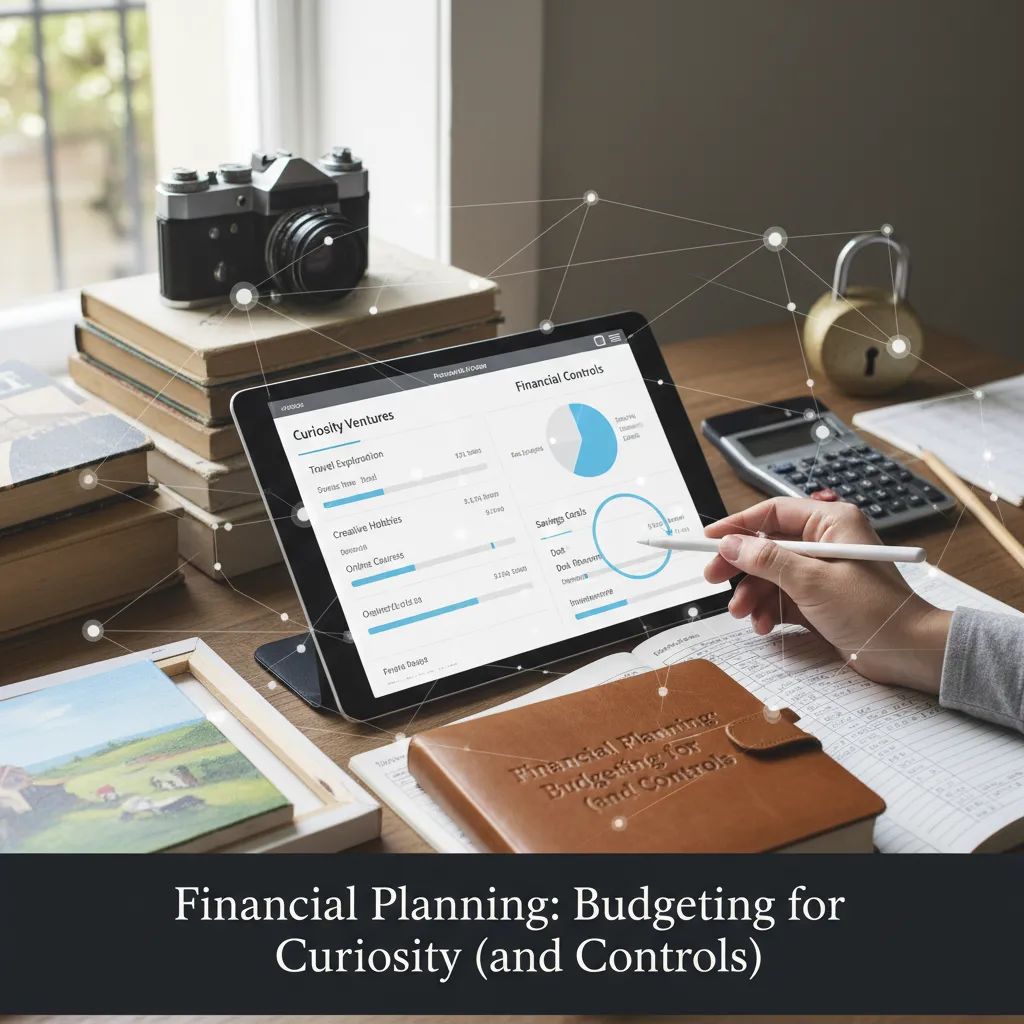
Financial Planning: Budgeting for Curiosity (and Controls)
When we decided to build an AI-first company from day one, I learned fast that “an AI budget” can’t be one big blob. One blob always gets raided. So I carved our spend into three buckets: experiments, production, and governance. Experiments protected curiosity. Production protected reliability. Governance protected the business (and our future selves).
Three buckets that stopped budget drift
- Experiments: small tests, prototypes, and short spikes to learn what works.
- Production: the models, infrastructure, and monitoring we rely on every day.
- Governance: security reviews, access controls, audits, and policy work.
I also learned to price model choice as a variable cost. Frontier LLMs changed month to month based on performance and spend, so I stopped treating “the model” like a fixed decision. Instead, I tracked cost per outcome (like cost per resolved ticket or cost per qualified lead) and let that guide when we switched providers or tuned prompts.
Data work as plumbing (not a side quest)
Unified data work felt like plumbing: not glamorous, but it lowered operational complexity later. We budgeted for cleaning, joining, and documenting data early, because every AI workflow depends on it. The payoff was fewer one-off pipelines and faster iteration when we added new use cases.
A 90-day rule for leaving the sandbox
I wrote a rule that kept us honest:
If an AI deployment can’t show a path to a measurable outcome in 90 days, it stays in the sandbox.
That rule didn’t kill ambition; it forced clarity. We had to define what “better” meant and how we would measure it.
Quick confession: we missed the hidden labor
Our first forecast ignored annotation and evaluation time—and it bit us. Labeling edge cases, reviewing outputs, and running evals took real hours from real people. Now I budget explicitly for:
- Annotation and review time
- Evaluation sets and regression tests
- Ongoing monitoring and retraining triggers
Unified Data Estates (The Unsexy Superpower)
When we started building an AI-first company, I learned fast that models don’t fail first—data estates do. Early on, our biggest debates sounded like: “Who owns the dashboard?” or “Which team gets to define the metric?” That mindset slowed everything down. So I pushed a simple shift: we treat data as a shared product, not a trophy.
Context beats cleverness
I pushed for unified multi-modal data from day one—text chats, support tickets, call transcripts, internal docs, and product notes. The reason was practical: agents are only as smart as the context we give them. If the AI can’t “see” what happened in the last ticket or what Sales promised on a call, it will guess. And guessing is expensive.
Fewer tools, fewer arguments
We also consolidated a messy stack of SaaS tools into a simpler, AI-driven platform mindset. This wasn’t about saving money (though it helped). It was about reducing friction: fewer logins, fewer exports, fewer “my numbers don’t match your numbers” fights. Every extra tool created another mini data island, and every island made our AI less useful.
A lightweight data contract ritual
To keep trust high, I created a small “data contract” ritual with domain experts. It wasn’t legal or heavy. It was a repeatable checklist we could do in 20 minutes:
- What’s trusted (safe for reporting and AI answers)
- What’s fuzzy (use with warnings, needs cleanup)
- What’s off-limits (privacy, compliance, sensitive fields)
“If we can’t explain where the data came from, we don’t let the AI speak confidently about it.”
Tiny naming trick that changed behavior
One small thing made adoption jump overnight: we named datasets like human-readable chapters instead of system labels. “Customer Voice v1” beat “cs_tbl_042” every time. People could find it, talk about it, and improve it together. That’s the unsexy superpower: a unified data estate that makes AI feel reliable, not random.
Frontier LLMs vs. ‘Good Enough’: My Selection Playbook
When we built our AI-first company, I refused to crown a single model “the winner.” In AI, today’s best can be tomorrow’s average. So we kept a short list of LLMs and re-evaluated it monthly. That simple habit protected us from hype cycles and helped us stay focused on what actually moved the business.
My scoring system: what operators care about
We scored every LLM on three things that matter in real workflows: accuracy, latency, and cost-per-task. Not cost per token—cost per finished job. If a model was cheap but needed extra retries or human cleanup, it wasn’t cheap.
| Score | What I measured | Why it mattered |
|---|---|---|
| Accuracy | Correctness + fewer edits | Less rework, fewer escalations |
| Latency | Time to usable output | Faster loops for teams and customers |
| Cost-per-task | Total spend per completed workflow | Predictable unit economics |
Open where possible, optionality always
We used open technologies where we could: standard APIs, portable prompts, and model-agnostic evaluation scripts. The goal wasn’t ideology; it was avoiding lock-in. If a frontier model gave us a big edge, we used it. But we designed the system so switching models was a config change, not a rewrite.
The “messy email thread” test
I ran a weird test that taught us more than benchmark charts. I gave each model the same messy customer email thread—missing context, mixed tone, unclear asks—and judged helpfulness, not brilliance. Could it summarize the issue, propose next steps, draft a reply, and flag risks?
When people asked for the “best LLM,” I answered: the one that fits the workflow transformation you’re actually doing.
- Frontier models for high-stakes reasoning and complex support cases
- Good enough models for routine tasks where speed and cost win
- Monthly reviews to keep our AI stack aligned with reality
AI Agents Applications: People-First, Not Bot-First
When I say we built an AI-first company from day one, I don’t mean we tried to replace people with bots. We built specialized AI agents for domain experts, because the real context lives in humans: what a customer “really” means, what risk looks like in our market, and what trade-offs are acceptable.
Start with one workflow and make it boring
I picked one high-value workflow first: support triage. It was messy, repetitive, and expensive in attention. Our agent didn’t “solve tickets.” It did three simple things reliably:
- Summarize the issue and pull key facts from past threads
- Suggest the right category, priority, and next action
- Draft a response that a human could edit and send
We treated reliability like a product feature. If the agent wasn’t consistent, we didn’t expand it. We made it boringly dependable before adding more tools or more autonomy.
Measure cognitive engagement, not just speed
We tracked a metric I cared about more than “time saved”: cognitive engagement. Did the interface invite better questions, or just faster answers? We looked for signals like:
- Did agents ask for missing details before acting?
- Did humans add context, or accept outputs blindly?
- Did escalations become clearer and more complete?
“The goal wasn’t fewer humans in the loop. The goal was better humans in the loop.”
Guardrails: tools, permissions, safe failure
I learned quickly that agentic AI needs guardrails. We designed explicit tools and permissions, so the agent could only do what we intended. When uncertain, it failed safely: it asked a question, flagged risk, or routed to a person.
- Tool limits: read-only access unless approved
- Permission tiers: junior vs. expert workflows
- Safe failure: “I’m not sure” beats guessing
The regulator test: can we recreate the trail?
One wild card scenario guided our design: if a regulator asked for our decision trail tomorrow, could we recreate it in an hour? So we logged inputs, sources, and human edits, and kept a simple audit record like:
ticket_id, agent_summary, sources_used, human_changes, final_action, timestamp
Unified Governance: The Part Everyone Skips Until It Hurts
When we built our AI-first company, I treated AI governance like seatbelts: annoying until the day you’re grateful you had them. Early on, it felt like extra work. But once real customers, real data, and real pressure showed up, those “boring” rules became the reason we could move fast without breaking trust.
The rules we set before we scaled
We didn’t try to write a perfect policy document. We wrote simple rules that matched how we actually shipped AI features. Our baseline covered:
- Data protection: what data can enter prompts, what must be masked, and what never leaves our systems.
- Prompt logging: we logged prompts and outputs for debugging and audits, with access controls.
- Model change management: model upgrades required a checklist, tests, and a rollback plan.
- Human-in-the-loop escalation: clear triggers for when an agent must hand off to a person.
One board, one decision path
We created a single governance board with product + legal + data. That sounds heavy, but it stopped decisions from ping-ponging between teams. If an AI feature touched customer data, or changed how we made decisions, it went through one channel. The board met on a fixed schedule and used the same template every time, so we didn’t re-argue the basics.
“Red team Friday” as a habit
Every Friday, I kept a red team habit: half an hour trying to break our own agents. We tested prompt injection, data leaks, unsafe actions, and weird edge cases. Sometimes we used a simple checklist, sometimes we just tried to be creative. The point was consistency.
Unpopular opinion: governance sped us up, because debates got shorter once rules were clear.
With shared guardrails, we spent less time in meetings and more time building AI that worked in the real world.
Operational Execution: Becoming AI-Native (and Surviving the Reorg)
When we said we were building an AI-first company, I learned fast that the hardest part was not the models. It was operations. We stopped trying to staple AI onto old processes and instead redesigned the workflows around it. “AI-native” meant the interaction patterns changed: people didn’t just file tickets and wait. They asked questions, reviewed suggestions, and made decisions in the same place the work happened.
Redesigning the Work, Not Just the Tools
In practice, that meant rewriting how requests moved through the company. We replaced long handoffs with shorter loops: draft, verify, approve, ship. AI handled the first draft and the boring checks, but humans owned the final call. The goal was not to remove people—it was to remove friction.
Surviving the Reorg (Before I Felt Ready)
I also made peace with organizational reorgs earlier than I wanted. Data and decisions needed to sit closer, so we moved analysts, ops leads, and product owners into the same lanes. It felt disruptive, but it reduced the “telephone game” where context gets lost. Once the teams were aligned, AI outputs stopped feeling like outside advice and started feeling like part of the team.
Measuring Execution in Boring Metrics
We tracked operational execution with boring metrics: cycle time, error rate, and handoffs—not vibes. If AI was “helping” but cycle time didn’t drop, we treated it like a bug. If error rates improved but handoffs increased, we fixed the workflow, not the prompt. These numbers kept us honest and made it easier to explain progress to leaders.
Change Management as a Product Feature
I treated change management like a product feature. We ran training, named champions in each function, held weekly office hours, and set clear boundaries for what AI could and could not do. That structure reduced fear and stopped random experiments from turning into shadow processes.
“I don’t care how it works—I trust it.”
That was the best moment. It told me we had crossed the real finish line: not adoption, but trust—earned through better workflows, tighter teams, and measurable results.
TL;DR: I built an AI-first company by anchoring AI in business outcomes, consolidating data into a governed estate, picking frontier LLMs pragmatically, deploying people-first AI agents on high-value workflows, and redesigning operations—not just adding tools. Governance and change fitness made it scalable.


Comments
Post a Comment