AI-Powered Skills-Based Organization Playbook

A few years ago, I sat in a promotion meeting where we spent 40 minutes debating someone’s “seniority,” and maybe 40 seconds talking about what they could actually do. The next week, that same person quietly shipped an automation that saved our team hours. That was my wake-up call: job titles are a blurry proxy. If we want an agile workforce structure, we need to treat skills like the real currency—and AI, used carefully, is the ledger that can keep it updated without driving everyone mad.
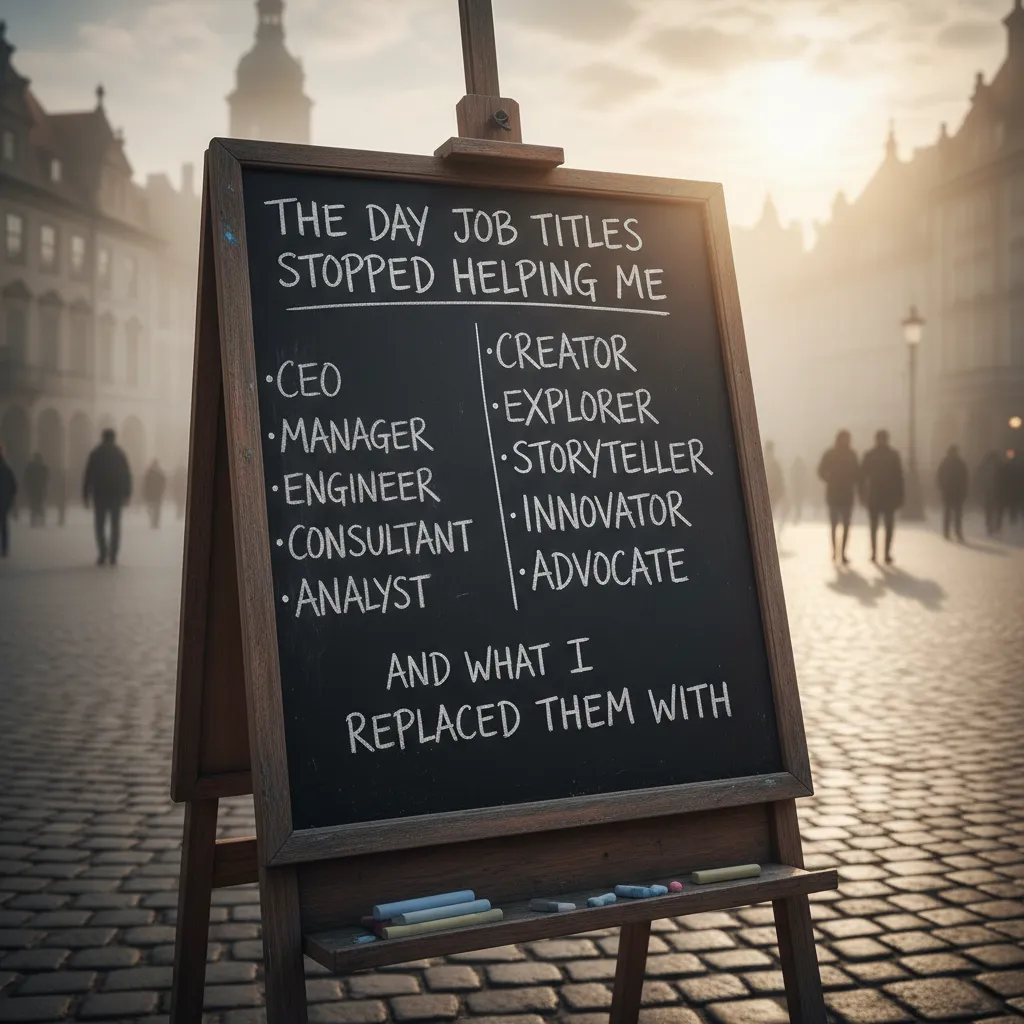
1) The day job titles stopped helping me (and what I replaced them with)
My “promotion meeting” story: when titles hid the real talent
I still remember a promotion meeting where we debated whether someone was “ready” to become a Senior Analyst. The conversation stayed stuck on the title: years in role, who they reported to, and whether they “looked senior.” Then I asked a simple question: What can they actually do today that helps the business? That changed everything. We realized this person had been quietly doing automation work, improving dashboards, and coaching others—skills that were not visible in their job title. The title was a label, not a map of their value.
What a skills-based organization means (plain language)
A skills-based organization is one where we organize work around skills people have and skills projects need, not just around job titles. Instead of saying “We need a Product Manager,” we say “We need customer research, backlog writing, stakeholder alignment, and experiment design.” Titles can still exist, but they stop being the main tool for staffing, growth, and internal mobility.
Quick gut-check: where titles still matter vs. where they mislead
- Titles still matter for compliance, legal accountability, and clear pay bands.
- Titles help when customers or regulators need a named role (e.g., “Security Officer”).
- Titles mislead when they imply skill level (“Senior”) without proof of current capability.
- Titles mislead when they hide hybrid talent (the “analyst” who can code, the “designer” who can run research).
Wild-card analogy: skills are ingredients, projects are recipes
I started thinking of skills like ingredients, not menu items. A title is like ordering “pasta” and assuming you know what’s inside. Skills tell you the real ingredients: SQL, facilitation, prompt writing, forecasting, negotiation. Projects are the recipes—they combine ingredients in different ways depending on what you’re trying to cook.
“Stop staffing by menu items. Start building teams by ingredients.”
Why AI becomes necessary after ~200 people
Once teams grow past ~200 people, manual spreadsheets collapse. Skills change fast, people learn in bursts, and managers rate skills differently. The data becomes stale the moment you export it. This is where AI helps: it can read signals from work artifacts (project docs, tickets, portfolios), suggest skill tags, spot hidden strengths, and keep a living skills map—so staffing decisions are based on evidence, not assumptions.
2) AI-powered workforce skills analysis: building a living skills map
The messy truth is that skills data rarely lives in one clean system. In most companies, it’s scattered across CVs, LinkedIn-style profiles, project docs, Jira tickets, Git commits, customer notes, learning records, and even peer feedback. When I say “skills-based organization,” I’m really saying: we need a way to connect these fragments into something usable, without forcing everyone to fill out yet another form.
Where skills data actually lives (and why it’s messy)
- CVs and profiles: outdated, polished, and often missing recent work
- Project docs: rich context, but unstructured and inconsistent
- Tickets and task systems: great signals of what people actually do day to day
- Peer feedback: useful, but subjective and uneven
How AI extracts and normalizes skills
AI helps by reading this unstructured text and turning it into a consistent “skills language.” Practically, I use AI for three jobs: parsing, clustering, and deduping.
- Parsing: extracting skills from text (e.g., “built dashboards in Looker” → Looker, data visualization)
- Clustering: grouping related skills (e.g., ETL, data pipelines, Airflow)
- Deduping synonyms: resolving near-duplicates so the map stays clean
For example, I don’t want separate entries for SQL, PostgreSQL, and writing queries unless the business truly needs that level of detail. AI can suggest a hierarchy:
| Raw mentions | Normalized skill | Optional specialization |
|---|---|---|
| SQL, writing queries | SQL | — |
| PostgreSQL | SQL | PostgreSQL |
Skills gaps: turning the map into a radar
Once the skills map is “living,” I can compare it to role needs, project plans, and strategic goals. That’s where AI becomes a radar: it highlights missing skills, thin coverage (only one expert), and skills that are declining because no one is using them.
My rule of thumb: 70% inferred by AI + 30% confirmed by humans to keep it credible.
Tiny tangent: why self-assessments drift upward
I’ve learned to treat self-ratings carefully. Over time, most of us rate ourselves higher—partly confidence, partly memory bias, and partly because “3/5” starts to feel like a failure. That’s why I anchor the skills map in evidence (work artifacts) and use human confirmation for the final layer of trust.
3) Talent acquisition skills: making hiring less about pedigree, more about proof
Rewrite job posts around outcomes + skills
When I build a skills-based organization with AI, I start with the job post. Most postings still read like a wish list of pedigree: “top school,” “10+ years,” “must have worked at X.” Instead, I rewrite roles around outcomes and the skills needed to deliver them. I keep titles as breadcrumbs (helpful context), not gates (hard filters).
- Outcome: “Reduce customer onboarding time by 20% in 90 days.”
- Skills: process mapping, stakeholder management, SQL basics, experiment design.
- Evidence: portfolio, work sample, structured interview scores.
AI in screening: matching skills, not labels (with guardrails)
AI can help me screen at scale without defaulting to brand names. I use it for skill-based matching (mapping resumes, portfolios, and assessments to a skills taxonomy), then I validate with structured steps:
- Structured interviews: same questions, same scoring rubric for every candidate.
- Work samples: short, job-relevant tasks (paid when possible) that show real ability.
- Guardrails: remove sensitive signals (school names, addresses), audit pass-through rates, and require human review for edge cases.
I also avoid “black box” decisions. If AI recommends a shortlist, I require a clear reason like: Matched: SQL (advanced), stakeholder mgmt (intermediate), onboarding analytics (advanced).
Why skills-first predicts performance better
Education and years of experience are often weak signals. Two people can have the same degree and very different ability. Skills-based data—work samples, structured interview scores, and proven outcomes—tends to be closer to actual job performance. In practice, I see fewer false negatives (great people filtered out) and fewer false positives (impressive resumes that don’t translate to results).
Practical DEI: widen the funnel by dropping unnecessary degree filters
A simple change with big impact: I remove degree requirements unless they are legally required or truly essential. This widens the funnel for career changers, self-taught talent, and people who learned on the job. It also reduces “pedigree bias” that can hide inside traditional screening.
Scenario: same outcome, different background—who gets a fair shot?
Candidate A has a well-known university and a big-name employer. Candidate B has a community college background and freelance projects. Both submit a work sample that hits the same outcome: a clear onboarding dashboard, correct SQL queries, and a plan to cut cycle time by 20%. In a pedigree-first process, A often wins by default. In my AI-powered skills-based process, both advance—because the proof is the same.

4) Internal mobility programs: the moment the org starts to feel 'alive'
When I help teams move toward a skills-based organization, the first real “alive” moment usually comes from internal mobility. Once skills are visible, career paths stop looking like a ladder and start looking like a map. People can move through projects, short-term gigs, and structured rotations—not just job titles.
What mobility looks like when skills are visible
Instead of asking, “Who has the right role?” we ask, “Who has the right skills (or close enough)?” That shift creates more options for both employees and managers.
- Projects: 2–12 week assignments to solve a clear problem
- Gigs: part-time contributions alongside a main role
- Rotations: planned moves to build a skill set over time
AI as a matchmaker (adjacent skills matter)
AI becomes useful when it recommends opportunities based on adjacent skills, not only perfect matches. For example, someone strong in customer support and documentation may be a great fit for product operations, even if they have never held that title. In my experience, this is where AI adds real value: it can scan skill profiles, project needs, and learning history faster than any human committee.
“The best internal moves are often 70% match + 30% growth.”
Resource allocation without constant reorgs
Internal mobility also improves resource allocation. Instead of waiting for a reorg to “move capacity,” leaders can shift talent to priority work quickly. I’ve seen teams fill urgent needs in days by posting a gig and letting AI suggest candidates who are close matches, available, and interested.
My favorite small win: hidden talent in unlikely places
One of my favorite wins is uncovering talent where no one thought to look. A finance analyst who had strong automation skills (built small scripts for reporting) was matched to a data quality project. The department didn’t lose a person; it gained visibility and a clearer development path.
How to avoid resentment: transparency and opt-out
Mobility can create tension if it feels like a black box. I reduce that risk with simple rules:
- Explain the match: show the top skills that triggered the recommendation
- Let people opt out: allow employees to pause matching or hide availability
- Keep humans in the loop: AI suggests; managers and employees decide
5) Employee development programs that don’t feel like homework
Continuous learning culture: make learning part of the workflow
When I help teams move toward a skills-based organization, the biggest shift is simple: learning can’t live in a separate portal that people “get to later.” With AI, I can embed learning into the tools employees already use—project boards, chat, and documentation—so development happens in small moments, not long sessions. Think: a two-minute refresher before a task, a checklist during a handoff, or a short example right when someone needs it.
AI-guided learning paths tied to real projects
Traditional training often fails because it’s generic. AI lets me recommend learning based on the skills a person needs for the work they are doing this week. Instead of “take a course on data analysis,” the path becomes: “to complete this customer report, learn these three spreadsheet functions and practice on last month’s file.” That feels useful, not academic.
- Personalized recommendations based on role, goals, and current tasks
- Project-linked practice using real templates, datasets, and examples
- Fast feedback loops so people improve while delivering work
Learning and development budgeting: spend where gaps actually hurt
I’m slightly ruthless with L&D budgets. AI skills data helps me see which gaps slow delivery, increase errors, or block internal mobility. That makes it easier to stop paying for “vanity courses” that look good on a dashboard but don’t change performance. I’d rather fund targeted coaching, better job aids, or short labs that remove real bottlenecks.
| Budget choice | Better AI-informed alternative |
|---|---|
| Large generic course library | Focused modules mapped to priority skills |
| One-time workshops | Ongoing practice + manager feedback prompts |
Innovation and creativity: cross-functional work as a learning engine
Some of the best skill growth I’ve seen comes from cross-functional collaboration. AI can help match people to short-term projects where they can stretch safely—pairing a marketer with a data analyst, or a support lead with a product manager. The project becomes the classroom, and the team becomes the teacher.
A skeptical note: not every skill needs a course
AI can recommend training, but I remind leaders: many skills don’t need more content. They need reps + feedback. For communication, leadership, and problem-solving, I use AI to suggest practice scenarios, review drafts, and prompt reflection—not to replace real coaching.

6) The awkward parts: bias, privacy, and the 'skills inflation' problem
Bias and fairness: where AI can quietly reinforce old patterns (and how I check it)
When I use AI to build a skills-based organization, I assume the system can copy yesterday’s bias and call it “data-driven.” If past promotions favored certain schools, job titles, or teams, AI may learn those signals and rank people the same way. To check this, I compare outcomes across groups and roles, not just overall accuracy. I also review which inputs drive the model’s suggestions. If “years in role” or “manager ratings” dominate, I treat that as a warning sign and rebalance with evidence like work samples, project results, and verified learning.
Privacy lines: what data is off-limits, and how consent should work
Skills data can easily turn into personal data. My rule is simple: if the data is not needed to match skills to work, it stays out. I avoid pulling private messages, health details, location history, or anything from personal devices. Even with “work” tools, I prefer opt-in signals (like a portfolio link or a completed assessment) over passive monitoring. Consent should be clear, specific, and reversible. People should know what is collected, why it is collected, how long it is kept, and who can see it. If I can’t explain it in plain language, I don’t ship it.
Skills inflation: when everyone becomes “advanced” overnight—calibration tactics
Once AI starts inferring skills from resumes, profiles, and course completions, I often see “advanced” labels spread fast. That feels good, but it breaks staffing and pay decisions. I calibrate by defining each level with real examples: what “basic,” “working,” and “advanced” look like in output, not in confidence. I also require at least one proof point for high-stakes skills—like a work sample, a code review, a certification, or a manager-verified project. Over time, I tune the model so it separates exposure from ability.
Change management: keeping leaders from treating the skills map like a surveillance tool
The skills map is meant to open doors, not watch people. I set expectations with leaders early: this is for mobility, learning, and better project matching—not for daily policing. I limit views to what each role needs and I audit access. If leaders use the map to punish gaps, employees will stop sharing data and the system will rot.
In the end, AI is a compass, not an autopilot. It can point to options, but I still choose the route—with judgment, consent, and care.
TL;DR: Use AI to build a skills-based organization by (1) creating a practical skills taxonomy, (2) running workforce skills analysis to reveal gaps, (3) shifting hiring and staffing to skills over qualifications, (4) powering internal mobility programs, and (5) investing in employee development programs—while governing bias, privacy, and change fatigue with a simple operating rhythm.


Comments
Post a Comment