AI Ops Dashboard in 2025: Build It for Reality

Last winter I watched a “green” dashboard swear everything was fine while customers were rage-refreshing checkout. The problem wasn’t the charts—it was the story we were telling ourselves. In 2025, an AI-powered operations dashboard isn’t a prettier wallboard; it’s a living system that listens to event streams, remembers context, and argues back (politely) when the metrics lie.
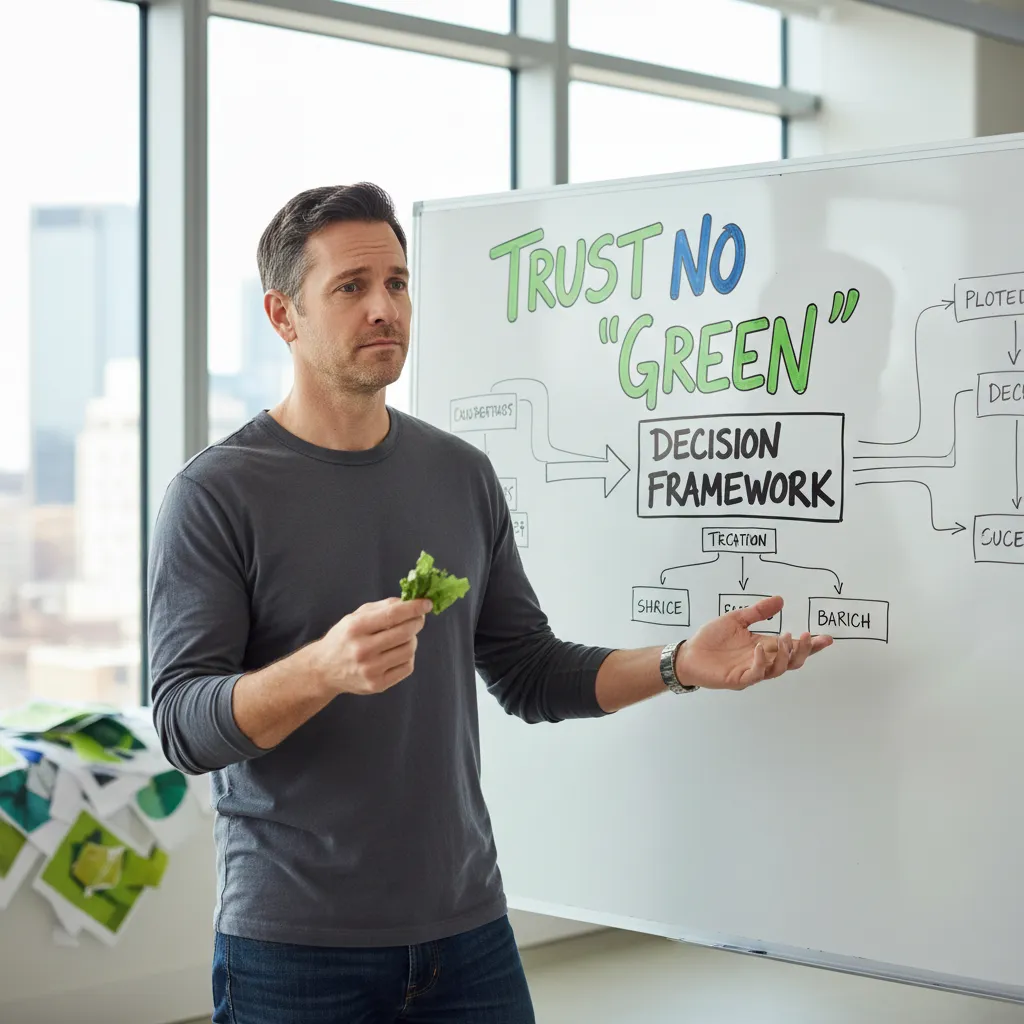
1) The moment I stopped trusting “green” (and started designing for decisions)
I still remember the day our AI ops dashboard looked perfectly green—CPU fine, uptime fine, “anomaly score” low—yet the business was clearly red. Checkout conversion dropped, support tickets spiked, and a key customer threatened to churn. The dashboard told us everything was “healthy,” but reality said otherwise.
What broke was not the system first. What broke was our definition of health. We were tracking infrastructure comfort metrics, not decision metrics. That mistake is common in 2025 because AI-powered dashboards can summarize thousands of signals, but they still reflect what we choose to measure. If the model is trained on ops noise and not business impact, it will confidently paint the wrong picture.
The 5 decisions the dashboard must support
After that incident, I redesigned the dashboard around the decisions we actually make during pressure:
- Triage: What is failing, where, and what changed?
- Staffing: Do we page more people or shift coverage?
- Rollback: Do we revert a release or feature flag?
- Vendor escalation: Is this cloud/CDN/payment provider related?
- Customer comms: What do we tell users, and when?
Metrics that map to business KPIs
I kept the performance layer small and tied it to outcomes:
- Latency (p95/p99) → affects abandonment and conversion
- Error rate (by endpoint) → affects revenue and trust
- Conversion (checkout, signup) → direct business health
- Ticket volume (rate of new incidents) → customer pain in real time
One human metric, on purpose
I also added a quiet guardrail: alert volume per on-call hour as a fatigue proxy. If alerts double, decision quality drops—even if graphs stay green.
“Treat the dashboard like an airport control tower: visibility matters, but procedures matter more.”
2) Key Components I actually need in an AIOps in 2025 setup
When I build an AIOps dashboard in 2025, I don’t start with flashy widgets. I start with a minimum viable stack that supports the real ops loop: detect → diagnose → decide → act. If any one of those steps is weak, the dashboard becomes a pretty screen that nobody trusts.
My minimum viable AIOps stack (4 components)
- Unified telemetry + context layer: metrics, logs, traces, events, and deploy changes in one place, with service ownership and dependencies attached. Without context, “AI” just guesses.
- Anomaly detection engine: a clear “something changed” signal with baselines, seasonality, and noise control. This is the detect muscle.
- Root cause analysis (RCA) + correlation: links symptoms to likely causes (recent deploy, upstream latency, database saturation). This is the diagnose muscle.
- Automation + human-in-the-loop actions: runbooks, ticket creation, chat ops, and safe auto-remediation (like scaling or restarting) with approvals and audit logs. This is the act muscle.
Where interactive dashboards and graphs fit
I treat interactive dashboards as the “workbench” between alerts and action. A good operations dashboard lets me click from an anomaly to the exact service, then pivot across time, tags, and dependencies. That supports:
- Detect: anomaly cards and trend graphs show what’s off.
- Diagnose: drill-down views connect traces, logs, and deploy markers.
- Decide: impact panels (SLO burn, error budget, user impact) help pick the right response.
- Act: one-click runbooks and tracked actions close the loop.
Anomaly detection ≠ root cause analysis
I keep these separate on purpose. When teams mix them, people expect the anomaly model to “explain” everything, and they stop trusting it when it can’t. Anomaly detection answers “what changed?” while RCA answers “why did it change?”.
Quick tangent: why I killed the “one mega-chart”
I used to let one giant chart dominate the screen. It looked impressive, but it pushed shallow thinking: stare, guess, argue. Now I prefer smaller, linked panels that encourage questions and fast pivots.
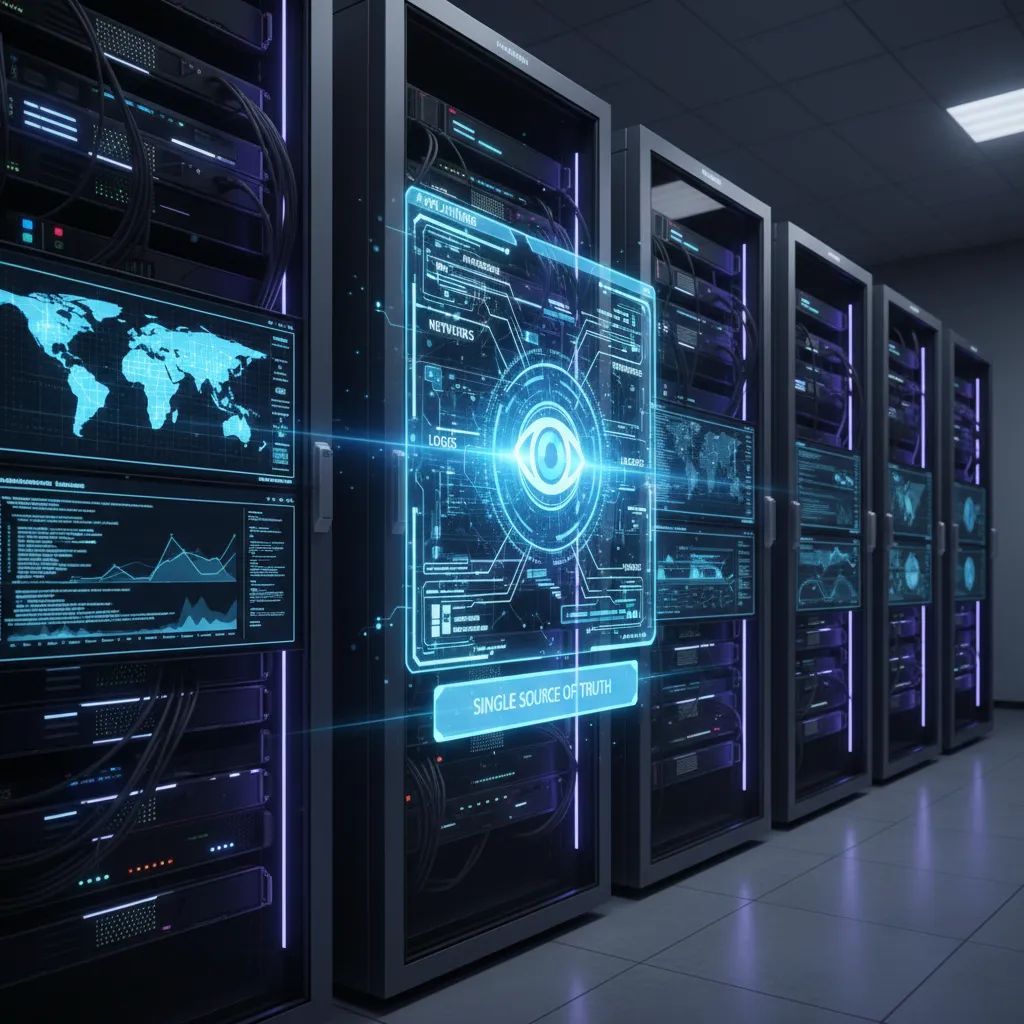
3) Real-Time Dashboard plumbing: Eventstream capture before pretty pixels
Start with eventstream capture (before charts)
When I build an AI Ops dashboard in 2025, I start with the eventstream, not the UI. If the stream is wrong, the “real-time” view is just fast confusion. My baseline ingest list looks like this:
- Logs from apps, gateways, and security tools
- Metrics (CPU, latency, error rate, saturation) from infra and services
- Traces so I can follow one request across systems
- Tickets and alerts from incident tools (and on-call notes)
- Deployments (who shipped what, when, and where)
- Business events like checkout failures, signups, refunds, and revenue dips
This mix is what makes an AI-powered operations dashboard useful: it connects “the system is slow” to “customers can’t pay.”
Data source management = taking attendance every morning
I treat data source management like taking attendance at the start of the day. Before I trust any trend line, I check who is “missing.” Broken API keys, expired certs, schema changes, and silent agent failures happen all the time. So I keep a simple daily checklist:
- Are all sources sending events on time?
- Did volume drop to zero or spike 10x?
- Did fields change names or types?
If attendance is off, I fix the connection first, then I look at the dashboard.
Integration with systems (APIs first, ETL when needed)
For CRM/ERP and incident tools, I prefer clean API integrations so events arrive as they happen. But some systems can’t stream well, so I still use ETL for nightly loads or backfills. A practical pattern is:
- Streaming for ops signals and deployments
- Batch ETL for finance, contracts, and slow legacy exports
Small confession: my first dashboard attempt died because we didn’t name data owners. Everyone assumed “the data team” would handle it, and no one owned the broken feeds.
4) Predictive Analytics that doesn’t cosplay as fortune-telling
In an AI Ops dashboard, I treat predictive analytics as a decision aid, not a crystal ball. The goal is to reduce surprise and speed up triage, using signals we already collect in operations: metrics, logs, traces, deploy events, and incident notes.
Where prediction actually helps in 2025
- Incident trends: spotting repeating patterns (same service, same error family, same time window) before it becomes a full outage.
- Capacity planning: forecasting growth for CPU, queue depth, and database connections so I can schedule changes, not firefights.
- SLA risk: estimating “time-to-breach” for latency or error budgets, so on-call knows when to act.
- Noisy-alert suppression: grouping duplicate alerts and muting known flappers, while keeping true anomalies visible.
How I add AI without making a black box
I only ship models when the dashboard can explain why it thinks something matters. Every prediction gets three things: confidence, thresholds, and evidence. Evidence means the top drivers (for example: “p95 latency up 42% after deploy 18:07” or “DB connection pool saturation at 96%”). Thresholds are editable, because teams have different risk tolerance.
| Model output | Dashboard must show |
|---|---|
| SLA breach risk | Current burn rate, time-to-breach, confidence band |
| Anomaly detected | Baseline window, deviation %, related services |
Semantic search with Pinecone: “show me incidents like this”
I store incident summaries, runbooks, and postmortems as embeddings in a vector database like Pinecone. Then the operator can type plain language:
show me incidents like: "payment latency spike after deploy"
The dashboard returns similar incidents, the fixes that worked, and the owners who handled them.
What-if at 2 a.m.: payment latency spike
Latency jumps. The AI Ops dashboard correlates traces with recent deploys, flags a likely suspect service, and suggests next checks: queue backlog, DB pool, third-party gateway errors. It doesn’t “predict the future”—it narrows the search space so I can act fast.
5) Auto-generate Dashboard vs. handcrafted: my uneasy truce
In 2025, I don’t treat auto-generate dashboard tools as “cheating.” I treat them as a fast way to get to a shared picture of the business. When I need stakeholder alignment in a single meeting, or I’m building an MVP to prove value, auto-generation is my first move. It’s also great for exec summaries where the goal is clarity, not perfect workflow detail.
When I’d use auto-generated dashboards
- Kickoff workshops: show a draft dashboard in 30 minutes and let people argue about what matters.
- Early MVPs: validate the data sources, refresh cadence, and basic KPIs before investing in custom work.
- Weekly leadership views: clean charts, top-line KPIs, and simple filters beat complex drill-downs.
Bricks AI: spreadsheets to live ops views
One tool I keep seeing teams adopt is Bricks AI. The pitch is simple: take a spreadsheet and turn it into an auto-refreshing dashboard with live charts, KPIs, and filters. For ops teams that still live in sheets (incident logs, on-call notes, vendor SLAs), this is a practical bridge. It reduces the “copy/paste into slides” habit and makes the dashboard feel current.
Natural language editing: the “Copilot moment”
The real shift is editing by asking. I can type something like:
Show incidents by region and business unit, last 30 days, with MTTR and change failure rate.
And the tool actually produces a usable view. That’s the Copilot moment: less time fighting layout, more time shaping the questions.
My rule: AI drafts, humans finish
My uneasy truce is this: auto-generated first draft, human-edited final. The AI can assemble charts, but it can’t fully encode how we operate—our escalation paths, our definitions, our “what counts” rules. I always review labels, thresholds, and filters so the dashboard matches real decision-making, not just available data.
6) Testing and Validation (because ops dashboards love to lie)
In 2025, an AI ops dashboard can look “healthy” while your users are on fire. I treat testing and validation as part of the build, not a last step. If the dashboard is wrong, every decision after it is wrong too.
Testing and Validation checklist
- Data freshness tests: I add a “last ingested” timestamp per source and alert when it drifts. If logs are 20 minutes behind, the AI summary is fiction.
- Threshold sanity checks: I validate that alert thresholds match reality. For example, I compare “p95 latency > X” against a rolling baseline so we don’t page on normal traffic spikes.
- Known incident replay: I replay past outages (or synthetic ones) and confirm the dashboard shows the same signals we saw during the real event. If it can’t catch yesterday’s incident, it won’t catch tomorrow’s.
Monitor the dashboard like a service (yes, it needs SLOs too)
I give the dashboard its own SLOs, because a slow or failing dashboard is an outage multiplier.
- Query latency: time to render key panels and AI insights
- Error budget: failed queries, timeouts, and partial renders
- Uptime: availability of the UI and the API behind it
| Signal | What I watch |
|---|---|
| Latency | p95 panel load time, slowest queries |
| Errors | query failures, rate limits, missing data |
| Availability | dashboard reachable, auth working |
Root cause analysis drills (monthly game day)
Once a month, I run a game day where the team can use only the dashboard as our instrument panel. We practice: detect, triage, isolate, and explain. If we need to “go look somewhere else” every time, the dashboard is not ready.
Small, imperfect aside: I once broke prod with a dashboard query… and now I cap cardinality on day one.
That mistake taught me to set limits early: topN() on high-cardinality labels, strict time ranges, and guardrails on ad-hoc queries. A dashboard should reduce risk, not create it.
Conclusion: Build an AI Ops Dashboard That Works on Real Days
When I think about an AI Ops dashboard in 2025, I don’t picture a perfect demo. I picture a noisy Monday morning: alerts firing, teams asking for answers, and leaders wanting a clear story. The goal is not to “add AI.” The goal is to build an AI-powered operations dashboard that helps people make better decisions under pressure, with data they can trust.
From what I’ve learned while planning how to build an AI-powered operations dashboard in 2025, the most important work happens before the model: clean event streams, consistent service names, solid ownership, and a shared definition of “healthy.” If the inputs are messy, the dashboard becomes a confidence trap. If the inputs are strong, even simple AI features—like anomaly detection, smart grouping, and trend summaries—can save hours.
I also treat explainability as a product feature, not a nice-to-have. When the dashboard flags a risk, it should show the signals behind it, the time window, and the related services. A short narrative helps, but it must stay grounded in evidence. I like to keep the language plain and the actions clear, because in operations, clarity beats cleverness.
In real operations, the best dashboard is the one people trust at 2 a.m.
Finally, I build for change. Systems evolve, teams rotate, and traffic patterns shift. So I plan for feedback loops: measure alert quality, track time-to-detect and time-to-resolve, and review false positives like any other incident. That’s how an AI Ops dashboard stays useful instead of becoming shelfware.
If you take one thing from this, let it be this: build for reality. Start small, prove value, and expand only when the data and the workflow are ready. In 2025, the winning dashboard is not the most advanced—it’s the one that makes operations calmer, faster, and more predictable.
TL;DR: Build your AI operations dashboard like a product: start with decisions, then data sources, then real-time pipelines. Add anomaly detection + root cause analysis, integrate AI models (and a vector database for semantic search), and keep the design customizable, tested, and monitored in production.


Comments
Post a Comment