AI for Competitive Product Analysis: My Field Notes
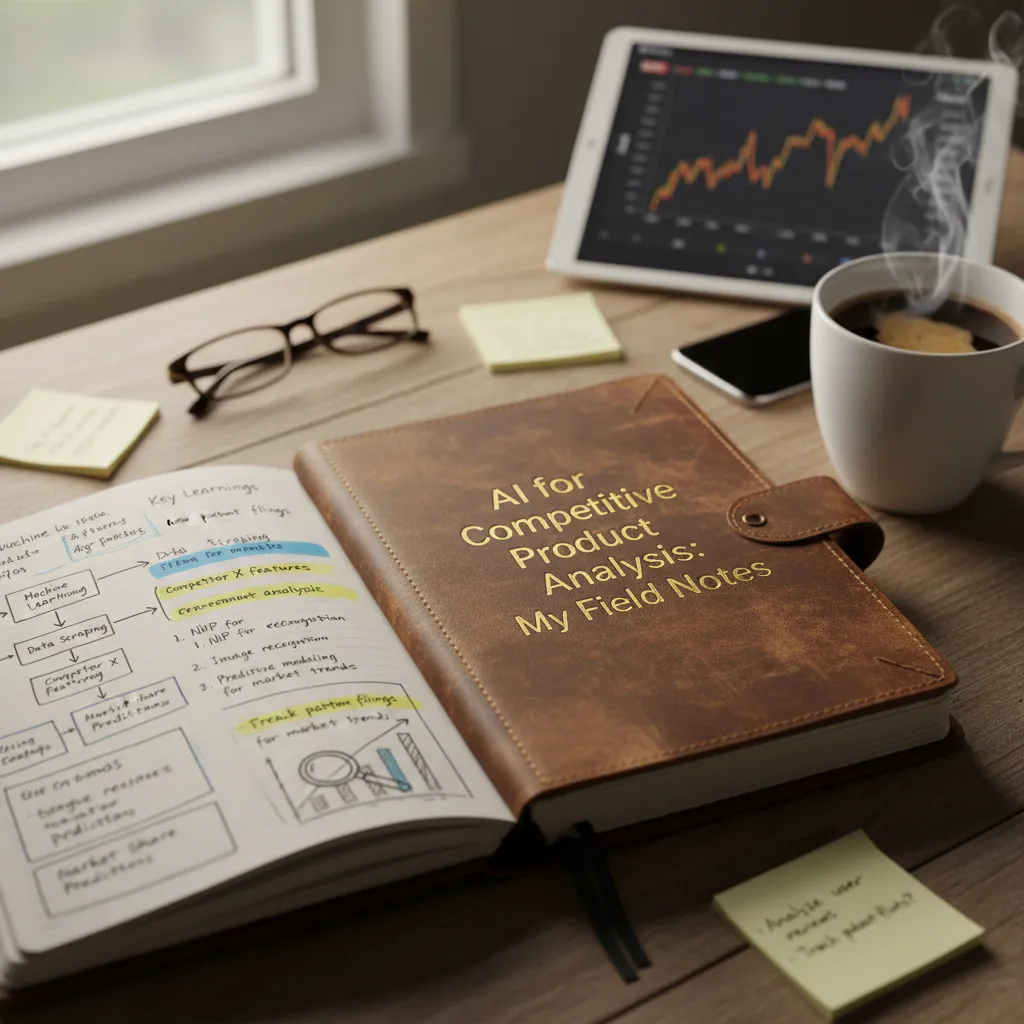
I used to do competitor tracking the way a lot of us do: a messy browser graveyard of tabs, screenshots with no dates, and a spreadsheet that felt like it was quietly judging me. Then one Monday, a sales rep Slacked me: “Did you see they changed pricing overnight?” I hadn’t. That tiny miss cost me a week of backpedaling in a roadmap meeting. Since then, I’ve treated competitive intelligence like a living system—one part market research, one part real-time alerts, and one part human judgment. This post is the outline of that system, with the AI tools I reach for, the mistakes I still make, and the dashboards I trust when I’m sleep-deprived.
1) My “two-hour” competitor audit that took two days
I used to tell myself I could do a competitor audit in two hours. Then I tried doing it with AI and realized the hard part isn’t collecting info—it’s making sure I’m comparing the same things across products. The “two days” came from building a scrappy baseline I could reuse.
Step 1: Set a baseline (before I let AI summarize anything)
I start with the simplest questions, pulled straight from their homepage, pricing page, and onboarding screens. I capture the exact words they use, because AI can’t fix a fuzzy input.
- What problem do they claim to solve? (one sentence, copied)
- Who are they targeting? (role, company size, industry)
- What features do they spotlight? (top 3–5, in their order)
Then I force myself to write a plain-language version in my own words. If I can’t, I’m not ready for analysis yet.
Step 2: Pricing and packaging (because it “mysteriously” drifts)
Pricing changes quietly. So I screenshot every plan and log the date. I also note packaging details like limits, add-ons, and “starting at” language.
| Competitor | Plan | Price | Key limits / notes | Date captured |
|---|---|---|---|---|
| ExampleCo | Pro | $49/mo | 5 seats, API access extra | 2026-01-06 |
This is where AI helps: I paste plan text into a prompt and ask it to normalize features into a consistent checklist. But I keep the screenshots as the source of truth.
Step 3: Reviews + NLP for recurring complaints (fastest shortcut)
The biggest time-saver in competitive product analysis is using AI to scan reviews for patterns. I export reviews (or copy batches), then run a simple NLP-style clustering prompt to group complaints and praise.
Group these reviews into themes. Output: theme, % of mentions, example quotes, and “what users expected but didn’t get.”
I’m looking for repeated friction: setup pain, missing integrations, confusing pricing, slow support, or “doesn’t do what the marketing promised.”
Wild card: the “airport test”
If I can’t explain their positioning before boarding, I don’t understand it yet.
I set a timer for 60 seconds and try to say: “They help X do Y by Z.” If I stumble, I go back to the baseline and tighten it—then let AI summarize again, this time with clean inputs.

2) AI Tools I actually trust for Market Research (and why)
In competitive product analysis, I don’t trust “magic” dashboards. I trust repeatable workflows where AI helps me collect, sort, and summarize signals fast. The AI tools I keep coming back to fall into three buckets: scraping for pricing intelligence, monitoring for real-time alerts, and systems for deeper competitive intelligence.
AI web scraping for pricing pages, plan grids, and changelogs
My biggest shortcut for pricing intelligence is using AI-assisted scraping to pull competitor pricing pages, plan comparison grids, and changelogs into a clean dataset. I’m not trying to “steal” anything—just track what’s public, consistently, without manual copy/paste.
- Pricing pages: plan names, price points, billing periods, and add-ons
- Plan grids: feature differences that reveal positioning
- Changelogs: what they ship, how often, and what they highlight
I’ll usually store the output in a sheet or database and let AI normalize messy text (like “per seat” vs “per user”). Even a simple weekly pull can show patterns that a one-time screenshot never will.
Competitor monitoring with real-time alerts (web, social, news)
The second category is monitoring. I set up alerts so I’m not the last to know when a competitor changes pricing, launches a feature, or gets press coverage. The “AI” part here is smart filtering: it reduces noise and clusters updates by theme.
My baseline alert sources:
- Website changes (pricing, docs, landing pages)
- Social posts (product launches, hiring, partnerships)
- News and newsletters (funding, acquisitions, market shifts)
When alerts are tuned well, I spend minutes scanning instead of hours hunting.
Deeper competitive intelligence: tools that organize KIQs
When I need more than “what changed,” I use tools that structure Key Intelligence Questions (KIQs), like:
- “Who are they building for now?”
- “What do they bundle vs charge extra for?”
- “Which segment are they moving upmarket/downmarket into?”
AI helps by tagging evidence to each KIQ and keeping sources attached, so insights don’t turn into opinions.
Tiny tangent: sometimes the “best” AI tool is the one my team will open twice a week.
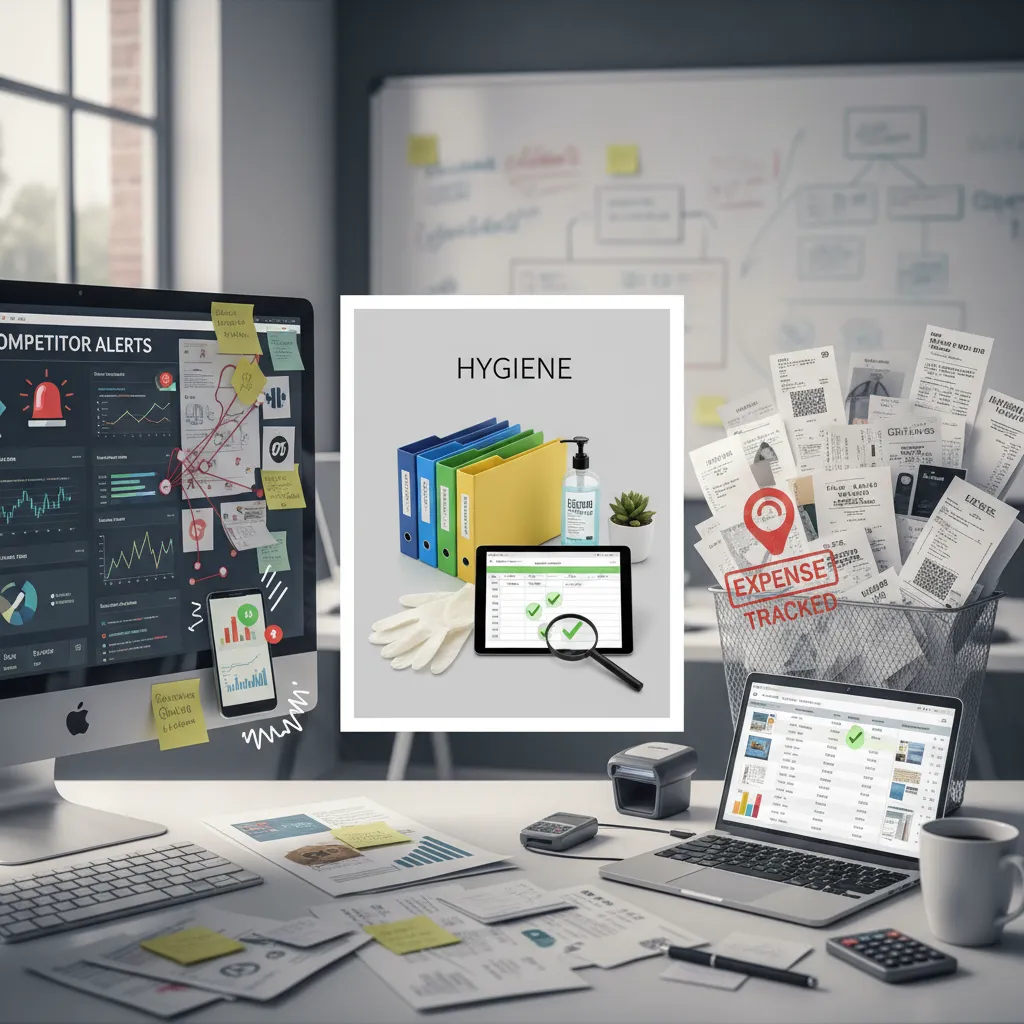
3) Competitor Tracking without losing my mind: alerts, hygiene, and receipts
I used to “track competitors” by checking their sites when I remembered. That meant I always found changes late, usually five minutes before a meeting. Now I use AI to build a calm, repeatable system: alerts for what matters, clean notes, and receipts I can trust.
My real-time alerts layer (only for high-signal pages)
I don’t monitor everything. I focus on three places where competitive moves show up first: pricing pages, feature/launch pages, and homepage messaging. I set alerts when text, layout, or key numbers change. Then I let AI summarize the “what changed” in plain language so I don’t have to compare screenshots line by line.
- Pricing: plan names, price points, limits, free trial language, annual discount
- Features: new modules, renamed features, “now includes” claims
- Homepage: new positioning, new target persona, new proof points
Receipts: date-stamped proof, not vibes
When an alert fires, I log a receipt. This is where AI helps me stay consistent: it fills in a template and tags the change (pricing, packaging, messaging, or product). My receipt includes:
- Date + time (and timezone)
- Snapshot link (screenshot or archived page)
- Release notes link (if they published one)
- Who noticed first on my team (field intelligence matters)
“If it isn’t date-stamped and link-backed, it’s not a competitive insight—it’s a rumor.”
Weekly digest so PMs aren’t ambushed
Real-time alerts are great, but they can create noise. So I also automate a weekly competitor digest. AI groups changes by theme and answers: What changed? Why does it matter? What should we do next?
| Section | What I include |
|---|---|
| Top 3 moves | Biggest changes with links |
| Pricing watch | Any deltas, even small |
| Messaging shifts | New headlines, new claims |
| My take | 1–2 recommended actions |
Wild card: competitor drops price by 20% tomorrow
My first email goes to Product + Sales + RevOps (and Finance if discounting is sensitive). Subject line: “Competitor X price drop (20%) — receipts + impact check today”. In the body I paste the receipt links, the exact before/after pricing, and one question: “Are we seeing deal pressure yet, and do we need a response this week?”

4) Predictive Analytics: when trend analysis stops being a buzzword
In competitive product analysis, I used to treat trend analysis like a fancy chart that confirmed what I already believed. AI changed that for me. Now I use predictive analytics to spot pattern shifts before they show up in revenue intelligence dashboards. The key is to watch the “quiet signals” that move first: search terms, support tickets, onboarding drop-offs, and feature-level usage. When those start bending, revenue usually follows later.
Spot shifts early (before dashboards catch up)
My workflow starts with AI clustering weekly changes across multiple sources. I’m not looking for a single spike; I’m looking for a consistent drift. For example, if trial users suddenly spend less time in one workflow, that’s a leading indicator—even if conversions haven’t dropped yet.
- Leading signals: activation rate, time-to-first-value, repeat usage, support tags
- Market signals: competitor release notes, pricing page edits, new integrations, hiring posts
Blend behavioral analytics with competitor moves (to avoid false conclusions)
Behavioral analytics alone can trick me. A churn uptick might look like a product issue, but AI helps me cross-check it against competitor moves. If a competitor launches a “good enough” version of our core feature and I see churn signals concentrated in one segment, that’s not random noise—it’s a competitive pull.
When I combine churn signals with competitor timelines, I stop blaming my product for problems the market created.
I often run a simple join in my notes: churn-risk segments on one side, competitor changes on the other. Even a lightweight mapping reduces bad calls.
Forecast demand scenarios: copycat feature vs new category wedge
Predictive analytics gets practical when I force scenarios. I usually model two:
- Copycat feature: a competitor copies a popular capability. My bet shifts to defensibility—better workflow depth, switching costs, and packaging.
- New category wedge: a competitor opens a new use case we don’t serve. My bet shifts to speed—fast experiments, narrower positioning, and a roadmap slice that proves we belong.
| Scenario | What I watch | Roadmap response |
|---|---|---|
| Copycat feature | feature adoption + churn in core segment | deepen workflow, improve retention levers |
| New category wedge | new keywords + new buyer roles | test MVP, adjust positioning |
Imperfect confession: I still sanity-check with one human interview
Even with AI, I don’t ship a forecast without one real conversation. I pick a user who matches the segment the model flags and ask simple questions: “What changed?” “What did you compare us to?” That one interview keeps my predictive analytics honest.
5) AI Surveys + Win/Loss Analysis: the moment my assumptions meet reality
When I do competitive product analysis, my biggest risk is not missing data—it’s trusting my own story too much. I can “feel” that a feature matters, or that our messaging is clear, and still be wrong. This is where AI surveys and win/loss analysis force my assumptions to meet reality.
Run AI surveys before I rewrite the roadmap narrative
Before I touch the roadmap deck or rewrite positioning, I run short surveys that an AI tool helps me draft, segment, and summarize. The goal is simple: test which messages and features actually land with buyers, not just with my team.
- Message resonance: Which headline makes people say “tell me more”?
- Feature value: Which capability feels “must-have” vs “nice-to-have”?
- Proof needs: Do they want a demo, a case study, or pricing clarity first?
I keep questions plain and specific. Instead of “Do you like our product?”, I ask: “What would stop you from switching?” or “Which claim sounds most believable?”
Pair survey results with win/loss analysis
Surveys tell me what people say they want. Win/loss tells me what they did. I feed call notes, CRM fields, and interview transcripts into AI to spot patterns: repeated objections, competitor mentions, and the moment a deal turned.
| Input | What AI helps me extract |
|---|---|
| Closed-lost notes | Top objections + competitor strengths |
| Closed-won notes | Deciding factors + trust signals |
| Interviews | Exact phrases buyers use |
Turn “they’re cheaper” into an objection-handling script
“They’re cheaper” is not an insight—it’s a label. AI helps me translate it into a usable script by clustering the real meaning behind price: budget limits, unclear ROI, missing trust, or a feature gap.
“If price is the concern, is it about total cost, setup time, or proving ROI to your boss?”
Small aside: the most painful feedback is usually the most useful (after a coffee). I’ve learned to treat discomfort as a signal that I’m finally hearing the market, not my own echo.
6) Turning Competitive Intelligence into decisions (not a folder)
AI for competitive product analysis only helps if it changes what we do next. Early on, I made the classic mistake: I collected competitor notes, screenshots, and links, then filed them away. It looked “organized,” but it didn’t move the product. Now I treat competitive intelligence like a living input to decisions, with a clear rhythm and clear owners.
An automated reporting rhythm that people actually read
I ship a simple cadence: a weekly digest, a monthly narrative, and a quarterly strategy reset. The weekly digest is short and practical: what changed, why it matters, and what I recommend we test. The monthly narrative connects dots across weeks, so leaders can see patterns instead of noise. The quarterly reset is where I pressure-test our roadmap and positioning against what the market is doing. AI helps me summarize releases, reviews, and pricing pages fast, but the output is always framed as decisions, not “findings.”
A one-page comparison that’s honest
I also keep a one-page product comparison that is honest. Yes, competitors do some things better. If I hide that, my team will find out later in sales calls or churn interviews. I use AI to draft the first pass, then I edit it with real evidence: screenshots, quotes from customers, and clear “so what” notes. The goal is not to win an argument; it’s to help us choose where to compete, where to differentiate, and where to ignore.
Operationalize the outputs into real work
The biggest shift is turning insights into actions. I tag backlog items with competitor triggers (for example, “pricing pressure” or “feature parity risk”), so product work stays connected to the market. I run small pricing experiments when AI flags repeated objections in reviews or sales notes. I update positioning when a competitor changes messaging and starts owning a term we care about. And I create sales enablement assets—battlecards, objection responses, and demo talk tracks—so the field team can act immediately, not wait for the next planning cycle.
In the end, I treat AI like a co-pilot, not an author. It speeds up collection and synthesis, but my job is still to choose what matters, decide what we will do, and say no to the rest.
TL;DR: I use AI tools to automate competitor monitoring (pricing, features, messaging), validate assumptions with AI surveys, and add predictive analytics to spot trends early—then package it into automated reporting for product and sales enablement.


Comments
Post a Comment