AI Boosts Factory Output by 50%: My Field Notes
The first time I heard “we’re going to raise output by 50% with AI,” I almost laughed—quietly, into my safety glasses. I’d just spent a week watching a line crawl because one torque tool kept going out of calibration and nobody could agree on whose spreadsheet was “the real” schedule. Still, a month later, I found myself in a plant where the supervisors weren’t firefighting every hour. The change wasn’t magic. It was a bunch of small, stubborn decisions: cleaner data, tighter feedback loops, and AI agents that didn’t “predict” in a vacuum—they actually triggered autonomous action when the numbers drifted. This post is my field-notes version of that journey: what we changed, where generative design helped (surprisingly), how production oversight became calmer, and why the supply chain piece mattered more than the fancy dashboards.
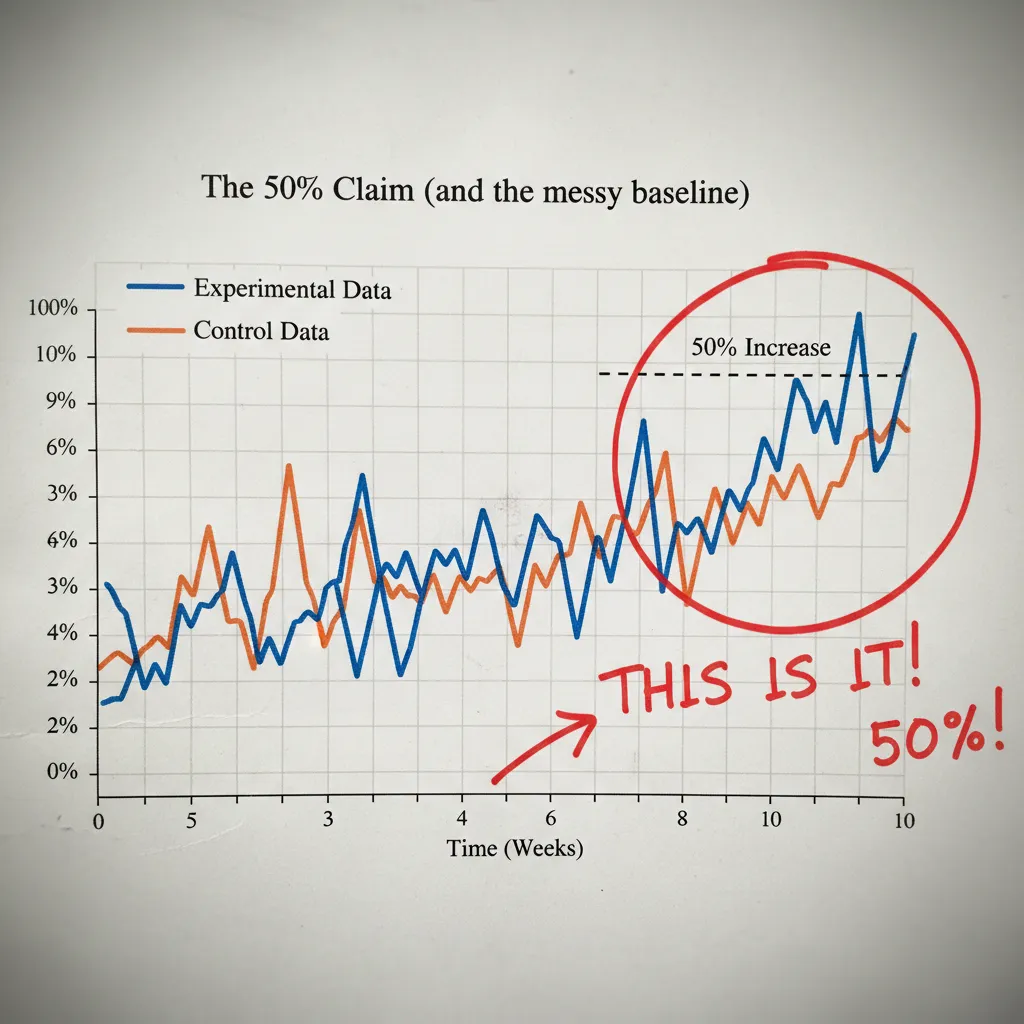
1) The 50% claim (and the messy baseline)
My “before” snapshot
When I first heard “AI will boost factory output by 50%,” I didn’t argue—I asked, “50% of what, exactly?” My baseline was messy. The line stopped all the time for small reasons nobody logged. Changeovers depended on tribal knowledge (“Ask Mike, he knows the trick”). And quality control often arrived too late, after we had already made a pile of scrap and rework.
Define “output” like adults
In the plant, “output” can mean different things, and AI can look like magic if you pick the easiest number. I forced us to write it down and choose one North Star.
- Units/day: counts everything, even bad parts.
- Good units/day: what customers actually pay for.
- OEE (Overall Equipment Effectiveness): availability × performance × quality.
We picked good units/day as the North Star, and we tracked OEE as a supporting metric. That stopped the “we ran fast but made junk” problem.
Where the hidden capacity lived
The 50% didn’t come from one big breakthrough. It came from finding capacity that was already there but trapped in daily friction:
- Micro-stoppages: 30 seconds here, 2 minutes there—death by a thousand cuts.
- Rework loops: parts bouncing between stations because the first pass wasn’t right.
- Waiting on materials: operators ready, machines ready, but kits and pallets not ready.
Quick tangent: the most expensive machine was the one nobody trusted
Our data server was “up,” but nobody believed it. Downtime reasons were wrong, timestamps drifted, and some sensors were dead. In practice, that server was the most expensive machine in the plant because it made decisions slower.
“If the data is a rumor, AI just automates the rumor.”
The 12-week experiment window
I set a 12-week window with weekly production oversight check-ins. No quarterly theater. Every week we reviewed: good units/day, top three stop causes, rework rate, and material wait time—then adjusted the AI models and the shop-floor habits together.
2) Industrial IoT + Digital Twins: the ‘boring’ foundation
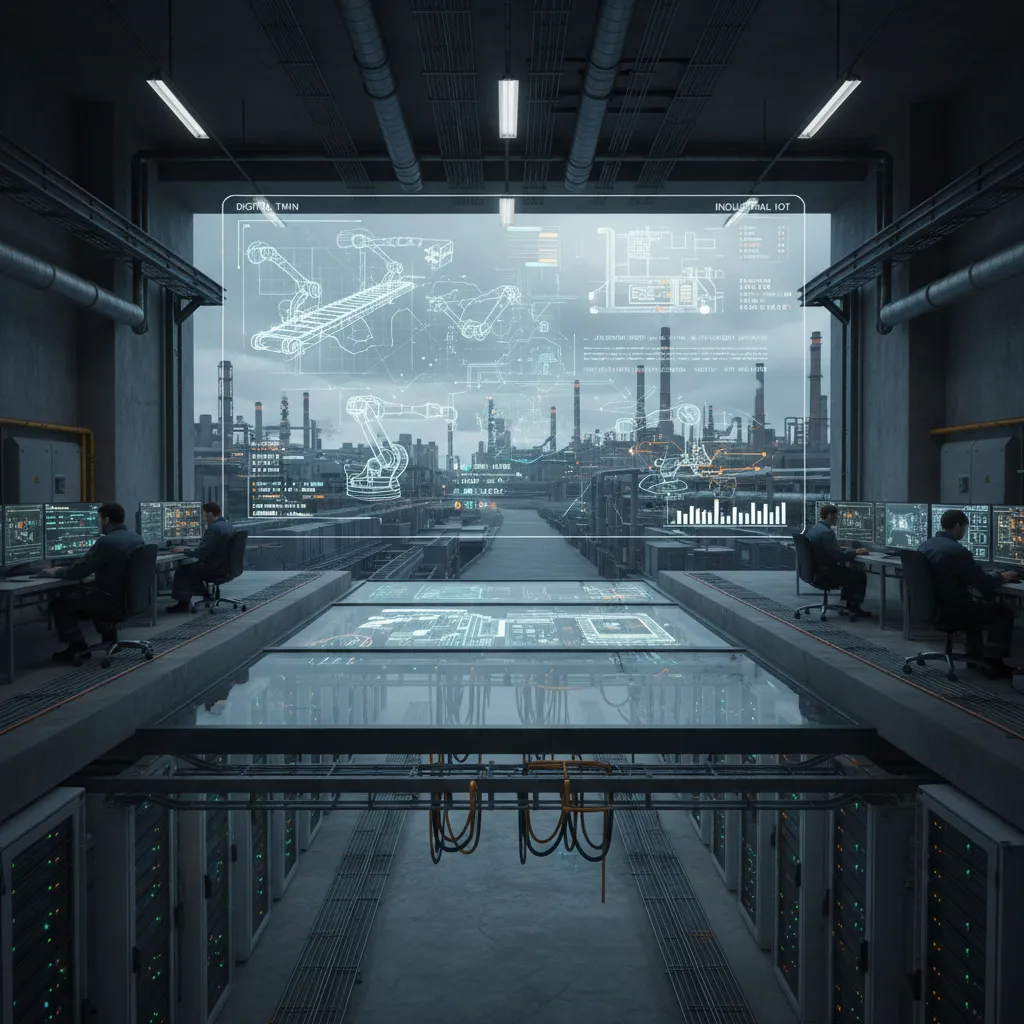
Before any AI model helped us lift factory output, we had to face the unglamorous work: measuring what was really happening on the line. I learned fast that spreadsheets and “tribal knowledge” hide the truth. Sensors don’t.
Install sensors where the truth leaks out
We didn’t try to instrument everything. We placed Industrial IoT sensors at the points where performance quietly disappears. These signals became our shared source of truth:
- Cycle time at the constraint machine (the one that sets the pace)
- Downtime reason codes (not just “down,” but why)
- Energy spikes that hinted at jams, dull tools, or bad settings
- Scrap counters tied to product, shift, and work order
Build a lean digital twin (then expand)
Our first digital twin was intentionally small: one line, one constraint machine, one material flow. That was enough to map how parts moved, where queues formed, and how small delays became big losses. Once the team trusted the twin, we added upstream feeders, changeover steps, and quality gates.
Data quality rules I wish I’d enforced earlier
Most “AI projects” fail here. I should have been stricter from day one. The rules that saved us later were simple:
- Naming: one standard for machines, sensors, products, and stops
- Timestamps: one time zone, synced clocks, and clear event start/stop
- Units: no mixing seconds vs minutes, kW vs W, parts vs batches
- Ownership: a clear person/team responsible for each data field
Use the twin for “what if” scenarios
Once the twin matched reality, we tested changes without risking production: shift patterns, batch sizes, and changeover timing. Instead of debating opinions, we debated inputs.
Visibility didn’t just show problems—it made arguments shorter and decisions faster.
3) Agentic AI for scheduling: when the plan finally matched reality
Before we brought in AI, our schedule was “final” the moment it was printed. Then reality would hit: a late material delivery, two operators calling out, a machine running hot. The plan didn’t bend, so supervisors spent half the shift chasing exceptions. Output suffered, not because people didn’t work hard, but because the schedule was static.
From fixed plans to schedules that re-plan
The big change was moving to agentic AI for scheduling—an industrial AI agent that watches constraints and re-plans when they change. It pulled signals from materials, labor, and machine health, then proposed a new sequence that still met due dates and safety rules.
- Materials: if a component was delayed, it re-sequenced jobs that didn’t need it.
- Labor: if a certified operator wasn’t available, it shifted work to stations with coverage.
- Machine health: if vibration or temperature drifted, it reduced load or moved work off that asset.
Suggesting actions—and executing safe ones
What made it “agentic” was that it didn’t just recommend. It could also execute safe actions inside guardrails:
- Re-sequence jobs within approved rules (no spec changes, no skipping inspections).
- Trigger maintenance tickets when health thresholds were crossed.
- Adjust buffers (WIP limits and staging) to protect the constraint.
| AI can do alone | Needs human sign-off |
|---|---|
| Swap job order within a cell | Change overtime or shift staffing |
| Create a maintenance ticket | Run a non-standard material substitute |
| Update buffer targets | Override a quality hold |
My favorite moment: the bottleneck alert
One afternoon, the system flagged a coming bottleneck two hours before it showed up on the line. It saw a slow drift in cycle time on a key machine, matched it with the next job mix, and suggested a re-sequence plus a quick inspection. We acted early, and the line never starved.
This is where “AI Agents” stopped being a slide-deck phrase.
4) Quality Control that kept up (plus a side quest in AR)
Shift quality control left (during the run, not after)
When output jumped, my first worry was simple: we’ll just make bad parts faster. The fix was to shift quality control left. Instead of waiting for end-of-shift inspection, we used AI signals to catch drift while the line was still running. If a tool started to wander, or a material batch behaved differently, we wanted to know in minutes, not hours.
Computer vision for repeatable checks; humans for the weird stuff
We added computer vision where the rules were clear and the checks were repetitive: presence/absence, alignment, surface marks, label placement. The camera didn’t get tired, didn’t “eyeball it,” and didn’t change standards between operators. But we kept people in the loop for judgment calls and edge cases—odd reflections, borderline defects, and anything that needed context.
- AI does: consistent, high-volume checks with the same threshold every time
- Humans do: root-cause thinking, “this looks off,” and exceptions the model hasn’t seen
Side quest: AR work instructions that reduced interruptions
Once quality checks moved earlier, the next bottleneck was training and “how do I… again?” questions. We tested Industrial Extended Reality / Augmented Reality for work instructions. The goal wasn’t flashy headsets—it was fewer interruptions and fewer memory-based steps. When instructions appeared at the station, with the right part and the right step, the line stayed calmer.
My skepticism softened when I saw real-world proof: Boeing reported cutting inspection errors by 40%, and Airbus reported cutting assembly time by 15% using AR/VR.
Imperfect confession: our first AR pilot failed
It failed for a boring reason: the instructions were written like a lawyer. Long sentences, too many “shall” statements, and no pictures. The tech wasn’t the problem; the content was. When we rewrote steps in plain language, added photos, and limited each screen to one action, adoption finally matched the promise.
5) Intelligent Supply Chains: stopping output losses before they arrive
In my field notes, the biggest surprise was not inside the machines—it was outside the gate. Our digital twin could build a perfect schedule in minutes, but it still assumed parts would show up on time. Real life is messy: lead times stretch, suppliers swap materials, containers miss a sailing, and one “small” shortage can freeze an entire line.
My “aha” moment: a perfect factory schedule is useless if a single part is late.
Connecting the plant twin to supplier reality
We linked the plant twin to supply signals: supplier confirmations, shipment scans, and simple IoT data (dock timestamps, bin levels, and usage rates). Then we used AI to spot risk early—before planners felt the pain. The model learned patterns like “this supplier slips by two days at month-end” or “this lane gets delayed when weather hits.”
- Lead time variability: AI flagged orders likely to miss the window, not just the ones already late.
- Shortages: It predicted when on-hand stock would drop below what the schedule needed.
- Substitutions: It checked if alternates would break quality rules or require a setup change.
- Shipping noise: It used tracking updates to adjust risk scores in near real time.
AI suggestions that actually protected output
Instead of alerts that created panic, the system proposed options the team could act on:
- Alternate suppliers for approved parts (with cost and lead time trade-offs).
- Resequencing the build plan to keep constraints running while waiting on the late item.
- Safety stock tweaks for parts with high delay risk and high line impact.
Resilience, not heroics
What changed was the rhythm. AI agents watched the signals, the twin tested scenarios, and planners made fast calls with facts. We also made small sustainability moves that helped throughput: less scrap from fewer last-minute substitutions, and fewer expedited shipments because we saw problems earlier. That reduced cost and kept output steady without “fire drills.”

6) Generative Design & smart materials: the unexpected output lever
When I first heard “generative design,” I thought it was an R&D toy. On the factory floor, I learned it can be a direct throughput tool. With AI-driven design options, we found ways to use fewer parts, make assembly simpler, and cut the small fit-up issues that cause rework. That matters because every extra bracket, spacer, and fastener is another chance for a missed torque, a cross-thread, or a part that arrives late.
Why fewer parts sped up the line
In our pilot, the AI suggested shapes that looked odd at first, but they combined functions. One component replaced a small “stack” of pieces. The result wasn’t just a lighter design—it was fewer pick steps, fewer tools on the bench, and fewer inspections. That’s how AI helped us chase the “50% output” goal in a way I didn’t expect: not by pushing people harder, but by removing work.
How pilots moved into production (tooling had to be involved)
The first pilot stalled until we gave the tooling team a real seat at the table. Generative designs can be great on screen and painful in real life if you ignore:
- Fixturing and clamping surfaces
- Tool access for drivers and probes
- Draft angles, machining paths, and inspection points
Once tooling reviewed early concepts, the AI outputs became buildable, not just “cool.”
Reference point that made it click for me: generative design can cut design time by ~20% and mass by 50% in cases like NASA’s backpack.
Smart materials: less damage, less handling pain
We also tested smart materials and lighter/stronger options in high-touch areas. When parts are easier to lift and less likely to dent, you reduce micro-stoppages: fewer dropped parts, fewer scratches, fewer “hold for review” tags. That’s quiet capacity.
Wild-card thought experiment
I started asking teams one question:
If your product lost 30% of its fasteners overnight, would your line speed up or break?
The answer tells you whether AI should optimize the design for assembly flow or whether your process depends on fasteners as “alignment insurance.”
7) Predictive compliance, cost savings, and the human side of the 50%
Predictive compliance: fewer surprises, fewer stoppages
One of the most practical wins I saw from AI wasn’t flashy at all: predictive compliance. Instead of waiting for a safety audit, a near-miss, or a quality escape to force a shutdown, we used patterns in machine data, maintenance logs, and operator notes to forecast where risk was building. When a guard sensor started trending “almost failing,” or when a process drift hinted at a future out-of-spec condition, the system flagged it early. That meant we fixed issues during planned windows, not during a panic stop that wrecked the schedule.
The cost savings that quietly paid for the program
The headline was “output up 50%,” but the budget got justified by savings that showed up everywhere else. Scrap dropped because we caught drift sooner. Overtime fell because we weren’t constantly recovering from late surprises. Expedited freight became rare because we stopped missing ship dates due to avoidable downtime. In my notes, these were the “silent funders” of the project—less visible than output, but easier for finance to trust because they hit real invoices.
Less searching, more doing (and why trust took time)
Employee productivity improved in a simple way: people spent less time searching—for the right settings, the last maintenance action, the cause of a recurring fault—and more time doing the work. Trust didn’t happen on day one. It grew when the system explained itself, when supervisors backed it up, and when operators saw that alerts reduced blame instead of increasing it. The turning point was when the AI helped prevent a problem that everyone expected to happen again.
What I’d do differently next time
I’d start smaller, with one line and a tight set of use cases. I’d over-communicate the “why,” especially to the people who live with the alerts. And I wouldn’t cheap out on change management—training, feedback loops, and clear ownership are not optional.
That’s why this wasn’t a one-off stunt. It became a repeatable smart factory playbook: connect data, predict risk, remove friction, and scale what works—until 50% feels less like magic and more like method.
TL;DR: A manufacturer increased production output by 50% by combining Industrial IoT + digital twins with agentic AI for real-time scheduling, predictive maintenance, and proactive supply chain adjustments—backed by practical governance, AR-guided work, and a few unsexy data-quality fixes.


Comments
Post a Comment